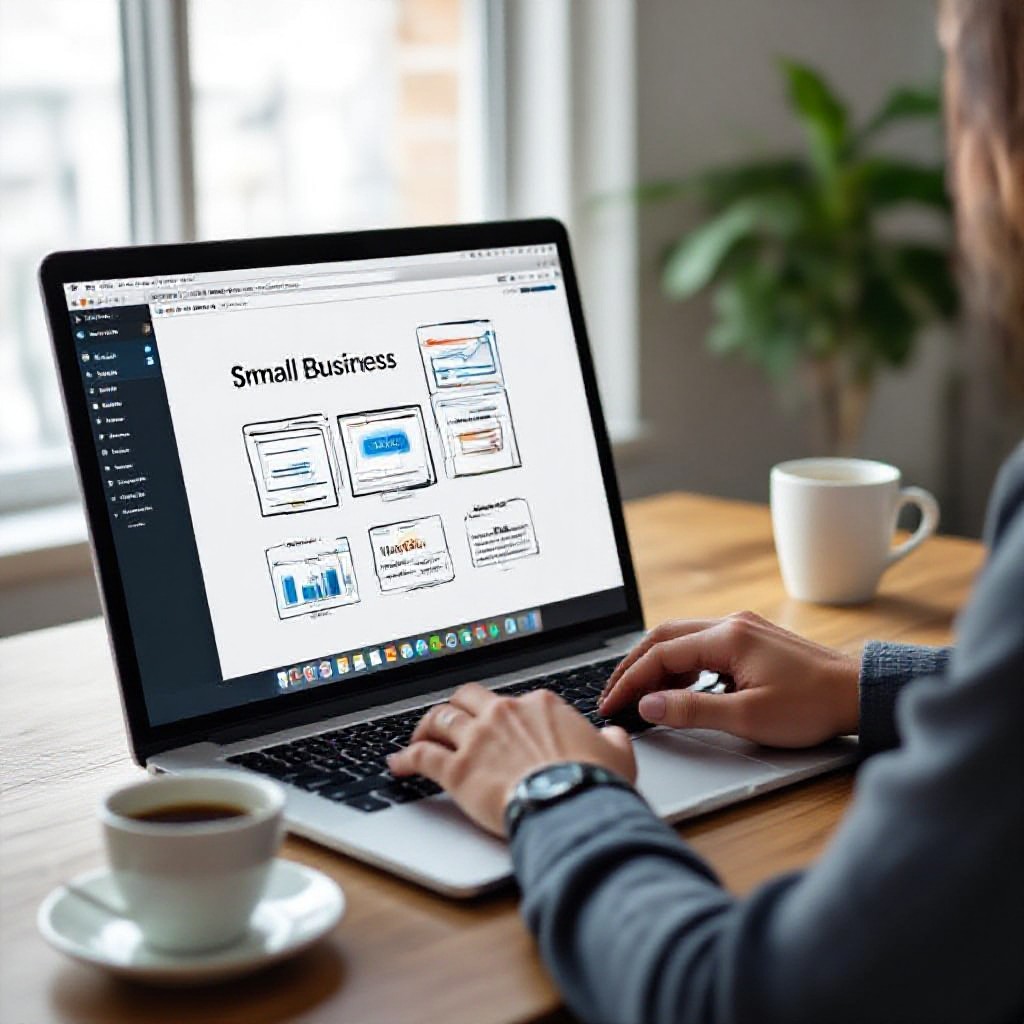
cost of building a website
Understand the real costs, the trade-offs, and simple actions that maximise value for small businesses.
Websites can cost anywhere from a few hundred dollars to tens of thousands. This guide breaks down what drives price, realistic budgets for typical small business needs, and practical tips on design, SEO and marketing to get the most value from every dollar.
What actually affects the cost of a website?
There’s no single price for a website because costs reflect decisions. Below are the major factors that push price up or down — and what they mean for your business.
Scope & features
More pages, custom forms, booking systems, e-commerce, membership areas, or integrations (CRM, payment gateways) increase build time and cost.
Design complexity
Custom visual design, animations, or bespoke components require designer and developer time. Templates reduce cost but may need tweaks to avoid a generic look.
Performance & optimisation
Speed optimisation, image processing, caching, and accessibility work add time but matter for conversions and SEO.
Hosting, security & maintenance
Ongoing costs — hosting, SSL, backups, updates — are often sold separately. Choose a plan that bundles these to reduce surprises.
SEO, content & marketing
Good content and basic SEO setup aren’t free. Writing, local optimisation, and tracking setup require time but are high-impact investments.
Timeline
Faster delivery typically costs more. Plan launches to balance speed and budget — urgent rushes often incur premium charges.
Typical price ranges (what you can expect)
Use these as planning guides. Actual costs depend on the factors above.
Basic / DIY Landing Page
Single page, template, basic contact form. You do the setup.
- Cheap template or page-builder
- Domain + basic hosting
Small Business Brochure
3–7 pages, branded template or light customisation, basic SEO setup.
- Custom copy or editing
- Contact form & map
Subscription / Managed
Monthly fee includes hosting, updates, security and often unlimited small edits.
- Predictable monthly cost
- Fast changes via support channels
Custom / Agency Builds
From $3,000 to $50,000+ depending on integrations, design and enterprise features. These are for bespoke projects with unique functionality.
DIY vs professional — real trade-offs
Choosing DIY or professional depends on time, budget, and desired outcomes. Here’s a practical comparison.
| Factor | DIY (Wix, Squarespace, page builders) | Professional / Managed |
|---|---|---|
| Upfront cost | $0–$500 | $0–$5,000 (or $30–$100/mo) |
| Time to launch | 10–60 hours | 24 hours – 4 weeks |
| Updates | You manage | Often included / fast support |
| SEO & performance | Depends on your skills | Usually included or available as an add-on |
| Risk | Higher (broken templates, missed best-practices) | Lower (proven templates, maintenance) |
When DIY is sensible
- You have time to learn and maintain
- Minimal features required
- Budget is the dominant constraint
When professional makes sense
- You value time over DIY savings
- You need fast, consistent results
- Predictable monthly cost and support
How SEO and marketing choices affect cost and results
Spending on design without traffic is wasted. Here are the most cost-effective marketing and SEO decisions for small businesses.
Local SEO first
For most trades and local services, optimising for "near me" and Google Business Profile delivers the fastest return.
- Ensure consistent NAP (name, address, phone)
- Claim & optimise Google Business Profile
- Use local keywords naturally on service pages
Content that converts
High-quality, focused content beats volume. Create pages that answer buyers' questions and make it easy to enquire.
Paid traffic vs organic
Paid search generates leads fast but costs scale. Invest in organic basics first (speed, on-page SEO, local listings) to improve paid ROI.
Tracking & measurement
Always set up analytics and a clear lead-tracking process. Knowing which page or ad produced a lead lets you invest more wisely.
- Install analytics (GA4 or equivalent) and set conversion goals
- Use UTM tags on ads and marketing links
- Review monthly and act on trends
How small businesses maximise value — actionable steps
These practical choices reduce cost, speed time-to-live, and improve outcomes.
Start with goals, not pages
Define the one or two actions you want visitors to take (call, book, request a quote). Design every page to support that action.
- Identify primary conversion (phone call, form, booking).
- Map pages to that conversion with clear CTAs.
- Measure and iterate monthly.
Use focused service pages
Rather than a single generic "Services" page, build short pages for each core service—these convert better and rank for specific keywords.
Invest in 5 good photos, not 50 poor ones
Professional-looking images increase trust. Choose high-quality images that show real work, staff, or the finished result.
Bundle hosting & maintenance
Single monthly fees that include updates and security often cost less than the sum of standalone services over a year.
Test paid ads with clear goals
Start with a small budget and measure cost-per-lead. If paid leads are profitable, scale. If not, refine landing pages first.
Use customer feedback
Ask recent buyers why they contacted you and what persuaded them. Use that language on your site—it's often the best converting copy.
Simple implementation plan (first 30 days)
- Define primary conversion and 3 service pages (days 1–3).
- Gather 5 photos and key testimonials (days 4–7).
- Build or order a template-based site (days 7–14).
- Setup Google Business Profile + analytics (days 14–18).
- Launch and run a 2-week paid test or local promotion (days 20–30).
Launch checklist (quick)
- Unique page title and meta description for each page
- Mobile-friendly layout and large tap targets
- Analytics and conversion tracking in place
- Google Business Profile claimed and accurate
- Contact method tested (call, form, booking)
- Page speed tested and images optimised
No obligation — review options and choose the path that matches your time and budget.
Frequently asked questions
How long does a small brochure website take to build?
Will a cheaper website hurt my SEO?
What ongoing costs should I budget for?
Is it better to pay upfront or subscribe?
Make the budget work for your business
Decide what matters most — speed, cost, or control — and choose the combination of design, SEO and marketing that delivers measurable leads.
This guide focuses on practical, low-friction steps you can take today to improve return on your website investment without unnecessary spend.
