
cheap website builder australia
How Australian small businesses can pick an affordable website builder that actually gets results
Looking for a cheap website builder in Australia? This guide walks you through real options, the features that matter, local SEO tips, and a step-by-step process to pick the right solution so your website drives customers — not just looks pretty.
What to look for in a cheap website builder
“Cheap” shouldn’t mean “broken.” A cheap website builder for Australian small businesses should give you the essentials that turn visitors into customers. Prioritise the items below — they’re the difference between a website that costs you money and one that earns it.
Mobile-first & responsive
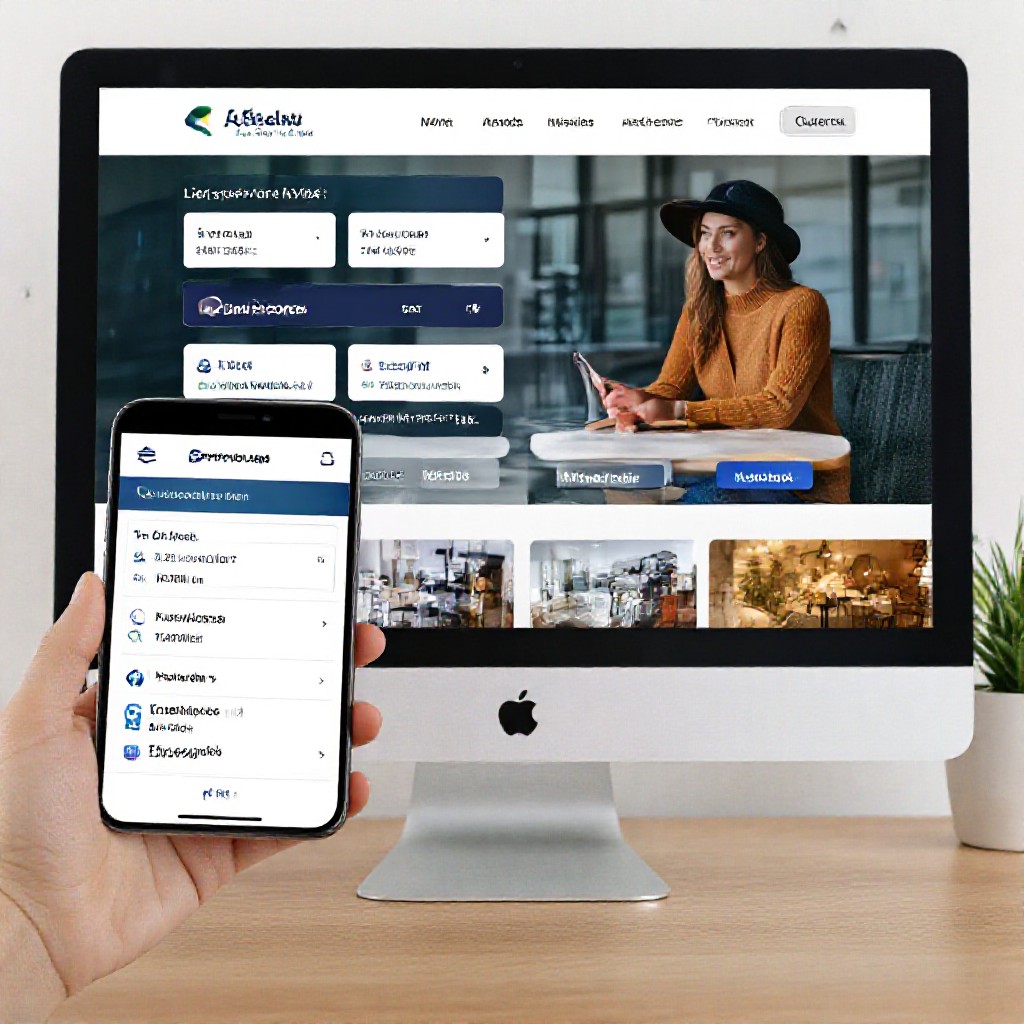
Most customers search and call from a phone. If buttons are too small, text is tiny or load time is slow on mobile you’ll lose enquiries.
Fast loading speed
Aim for under 3 seconds on mobile. Cheap builders that compress images, use CDN hosting and minify code will outperform bloated templates.
Built-in SEO basics
Meta titles, descriptions, headings (H1/H2), alt tags for images, and an XML sitemap are non-negotiable. Look for schema support for local businesses.
Easy updates
You should be able to change prices, specials or images quickly. If updates cost you time or $150/hr, the “cheap” option stops being cheap.
Domain, hosting & SSL included
Bundled domain + hosting + SSL avoids surprise fees. If a provider charges separately, add it to your cost calculation.
Support & no lock-in
Month-to-month plans and responsive support matter. If you can’t get someone on chat or phone fast, downtime or wrong content can kill leads.
- Mobile responsive templates
- Fast hosting + CDN
- Built-in local SEO (schema + Google integration)
- Domain + SSL included
- Easy way to request updates (text or chat)
Why SEO matters for cheap website builders (and how to get it right)
A cheap site that isn't found on Google won't earn customers. The right builder helps you rank locally so people searching "plumber near me" or "carpet cleaner Melbourne" find you first.
Local SEO basics
- Google Business Profile: Make sure your website links to your GBP listing and your NAP (name, address, phone) matches exactly.
- Local keywords: Use service + location pages (e.g., "Electrician Sydney CBD").
- Schema markup: LocalBusiness schema helps search engines show business hours, phone and reviews directly in search results.
On-page SEO
- Unique titles & meta descriptions: Each page should have a clear title and description targeting a primary keyword.
- Heading structure: Use one H1 per page and H2s for sections — helps Google understand content hierarchy.
- Image alt text: Describe images with keywords like "plumber fixing tap Sydney".
Speed & technical SEO
- Use lightweight templates, compressed images and caching to reduce load times.
- Ensure mobile-first indexing: test pages on mobile with Google PageSpeed Insights.
- Check robots.txt and submit an XML sitemap to Google Search Console.
Tracking & conversion
- Install Google Analytics (GA4) and set up conversion events for calls, contact forms and bookings.
- Use phone call tracking if you run paid ads so you know what drives revenue.
- Monthly analytics reporting helps you improve what works — look for platforms that include clear reports.
Compare cheap website builders — pros & cons
| Platform | Monthly cost | Best for | Limitations |
|---|---|---|---|
| Wix | $17–35 | Hobbyists, simple sites | Can be slow, limited advanced SEO unless optimised |
| Squarespace | $16–49 | Design-focused businesses | Less flexible with integrations |
| WordPress.com | $4–45 | Blogs, content-heavy sites | Plugins and customisation often require paid plans |
| Shared hosting + WP | $8–30 (hosting) + setup time | Businesses needing full control | Maintenance and security are your responsibility |
| Congero (AI-driven subscription) | $49/mo | Busy trades & service businesses | Done-for-you updates, local SEO, no lock-in |
| GoDaddy Site Builder | $10–25 | Quick brochure sites | Upsells and limited features |
When to choose a DIY builder
- You enjoy building and have 20–60 hours to spend.
- Your needs are simple and you can handle updates and backups.
- You want the lowest monthly cash cost and can trade time for money.
When DIY doesn't make sense
- You need leads quickly — waiting weeks to learn a platform costs revenue.
- You don't want to manage hosting, security or technical SEO.
- Updates cost you time — and time is the real expense.
Why choose a subscription service
- All-in-one: domain, hosting, SSL and updates included.
- Predictable cost and fast launch — often 24–72 hours.
- Professional design and local SEO done for you.
Understanding the real cost (not just the sticker price)
Compare upfront vs ongoing costs and include the hidden ones — your time, premium features, integrations and maintenance.
Upfront setup
DIY: $0–$500 (your time). Agency: $3,000+. Subscription: $0 upfront in most cases.
Monthly cost
DIY builders $15–49. Managed subscriptions $39–79. Add hosting + premium plugins if self-hosting.
Hidden costs
Time, premium features, paid plugins, maintenance and ad spend. Always ask "what's included".
Example: Year 1 comparison
DIY: $300–600 in subscriptions + 40–80 hours of your time (value of time often > $2,000).
Managed subscription (e.g., Congero): $49/month = $588/year. Includes hosting, domain (or transfer), SSL, local SEO and unlimited updates — and saves you time.
How to choose the best cheap website builder for your business
-
1. Define the goal
Is the site for lead generation, bookings, online sales or information? Prioritise features that match the goal (e.g., click-to-call for tradies).
-
2. Calculate total cost of ownership
Include monthly fees, premium add-ons, and — importantly — the value of your time for setup and maintenance.
-
3. Check local SEO support
Make sure the builder supports Google Business Profile links, local schema, meta tags per page and fast mobile pages.
-
4. Test the editing experience
Try editing text, adding an image and changing a price. If it’s clunky or you need developer help, it’s not truly “cheap”.
-
5. Ask about support & updates
Does the plan include unlimited updates? How fast is support? For most small businesses, a supplier who updates content for you is often the best ROI.
-
6. Look for month-to-month terms
Avoid long lock-in contracts. Good providers stand by their service and let you leave if it’s not working.
-
7. Read reviews and ask for examples
Ask to see live sites from the provider in your industry and read recent customer reviews — especially from Australian businesses.
Getting started — 5 practical steps
Step 1 — Decide your core action
Make it obvious: call, book, request a quote. The homepage should drive that action.
Step 2 — Gather content
Write a short business description, list services, take 5-10 good photos and collect two testimonials.
Step 3 — Choose provider & plan
Compare the features checklist above. If unsure, test a demo or take a short trial.
Step 4 — Launch & test
Test on mobile, submit the contact form yourself, and check PageSpeed and Google indexing.
Step 5 — Get visible locally
Claim and optimise your Google Business Profile, add service-area pages, and ask customers for reviews to boost local ranking.
Need a truly fast, affordable option?
Congero builds professional, mobile-first websites for Australian trades and service businesses for a flat monthly fee (includes domain, hosting, SSL, local SEO and unlimited updates). Start with a free demo and get a site live in 60 seconds via WhatsApp — ideal if you want results fast without the technical hassle. Try a demo.
Frequently asked questions
What is the cheapest way to get a business website in Australia?
Will a cheap website rank on Google?
Do I own my domain with cheap builders?
How much should I budget for a website that gets results?
Ready to pick a cheap website builder that actually helps your business grow?
If you want predictable pricing, fast launch, and local SEO done for you — try a managed subscription. For Australian trades and service businesses, that often delivers the best ROI.
Tip: Try a demo and test the editing flow — the best way to know if a cheap builder will be cheap in practice.
Still unsure? Start with a free demo — get a real site in under 60 seconds and decide after seeing your content live. Try the demo.
