business website setup
Everything small businesses need to plan, launch and optimise a professional website — fast, affordable and built for local search.
What does a complete business website setup include?
A full setup gets your business online with a professional, mobile-friendly site, domain, hosting, security, local SEO and the tools you need to convert visitors into customers — without the usual time and cost.
A proper business website setup covers planning, content, design, technical configuration and optimisation. For many small businesses this can include service pages, contact forms (or click-to-call), image galleries, customer reviews, map & location, and analytics to measure leads.
Core components
- Domain name & DNS setup
- Mobile-first design & hosting with SSL
- Local SEO (meta, schema, GBP integration)
- Analytics & conversion tracking
- Unlimited content updates (text-in changes)
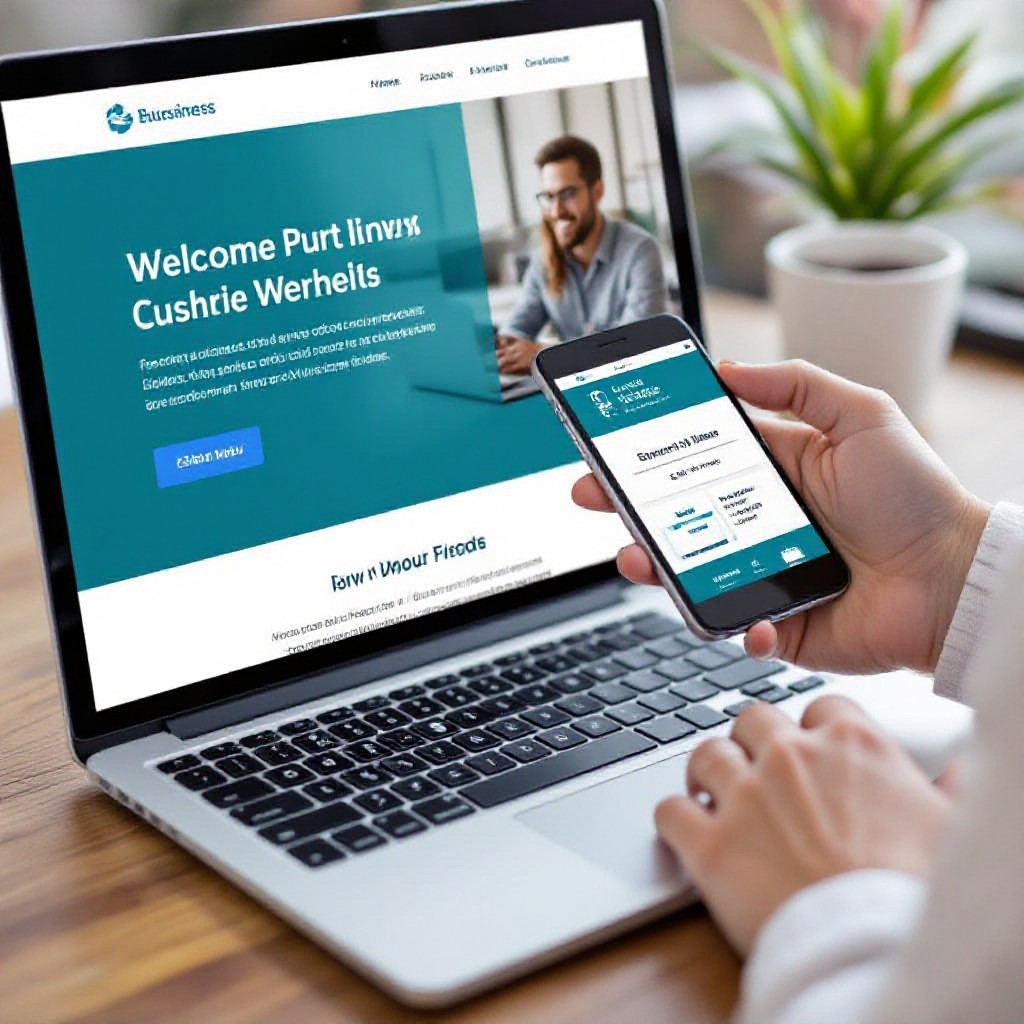
Why invest time in a proper website setup?
A good setup increases visibility in "near me" searches, improves trust with customers, and makes it easier to get and track enquiries — all critical for small service businesses.
Show Up Locally
Local SEO and consistent NAP (name, address, phone) help you appear in local map packs and capture nearby customers.
Convert More Leads
Clear service pages, call-to-action buttons and click-to-call functionality turn website visitors into calls and bookings.
Measure Results
Analytics and monthly reports show which pages drive leads so you can prioritise high‑ROI services.
Business Website Setup Checklist
Make sure these essentials are ready before launch to speed up the setup and improve results.
-
1
Business details: Company name, phone, email, address, opening hours and service areas.
-
2
Primary services: Short descriptions of 3–6 core services, pricing ranges and unique selling points.
-
3
Visuals: Logo (SVG/PNG) and 5–10 high-quality photos of work, team or projects.
-
4
Domain: Decide to register a new domain or transfer an existing one (Congero includes domain registration in the plan).
-
5
Goal tracking: Identify your primary conversion (phone call, booking, quote request) so analytics can track it.
Free demo • No credit card required • Cancel anytime
6 Steps to Set Up Your Business Website
This practical workflow gets you from idea to a live, SEO-optimised site with minimal effort.
1. Start the Demo
Text "GO" to our WhatsApp bot or click the demo link to begin. No credit card required.
2. Provide Business Info
Answer 3–5 quick questions (business name, services, location, preferred colours).
3. AI Designs Your Site
AI generates a professional, mobile-first layout with images, copy and meta tags tailored to your trade.
4. Review & Request Changes
Text-in changes — swap photos, tweak copy, update prices — and see updates published quickly.
5. Connect Your Domain
Register a free domain with the plan or connect your existing domain. SSL and hosting are included.
6. Monitor & Improve
Receive monthly analytics, track conversions and let the AI optimise meta and schema over time.
SEO Essentials for Business Websites
A website is only useful if customers can find it. These are the key SEO elements to get right at setup.
Meta Titles & Descriptions
Unique, keyword-rich titles and descriptions for each page. Include service + location for better local ranking.
Schema & Local Data
Structured data (LocalBusiness schema) helps search engines display rich results like business hours, reviews and contact details.
Image & Speed Optimisation
Compress images, add descriptive alt text, and keep page size small to improve load times — particularly on mobile.
Internal Linking
Link between related services and posts to help users navigate and distribute page authority.
Reviews & Trust Signals
Display customer reviews and certifications to increase conversion and local search credibility.
Analytics & Goals
Set up conversion tracking for calls, form submissions and bookings so you can measure ROI from day one.
Congero handles SEO for you
Our AI generates meta, schema and local SEO signals automatically so your business has the best chance to appear in local searches.
GET AN SEO-READY SITECommon Setup Problems & Quick Fixes
Quick solutions to common issues you might encounter when launching a new business website.
Site not appearing in local search
Ensure your Google Business Profile is claimed and the NAP data on your site matches the GBP exactly.
Images look generic or wrong
Replace stock photos with your own images via WhatsApp and the AI will update them site-wide.
Slow page speed on mobile
Large images, external scripts or tracking tags can slow pages. Compress images and limit third‑party scripts.
Frequently Asked Questions
Answers to the most common questions about business website setup with Congero.
