build a site
A complete, step-by-step guide to building a professional, SEO-ready website from scratch—no coding required.
What Does “Build a Site” Mean?
To build a site means creating a fully functional, responsive website that represents your brand, showcases your services, and ranks well in search engines. It involves planning structure, designing layouts, adding content, optimizing for SEO, and launching your site live.
Key Benefits
- Complete creative control
- SEO-friendly structure
- Professional branding
- Mobile-responsive design
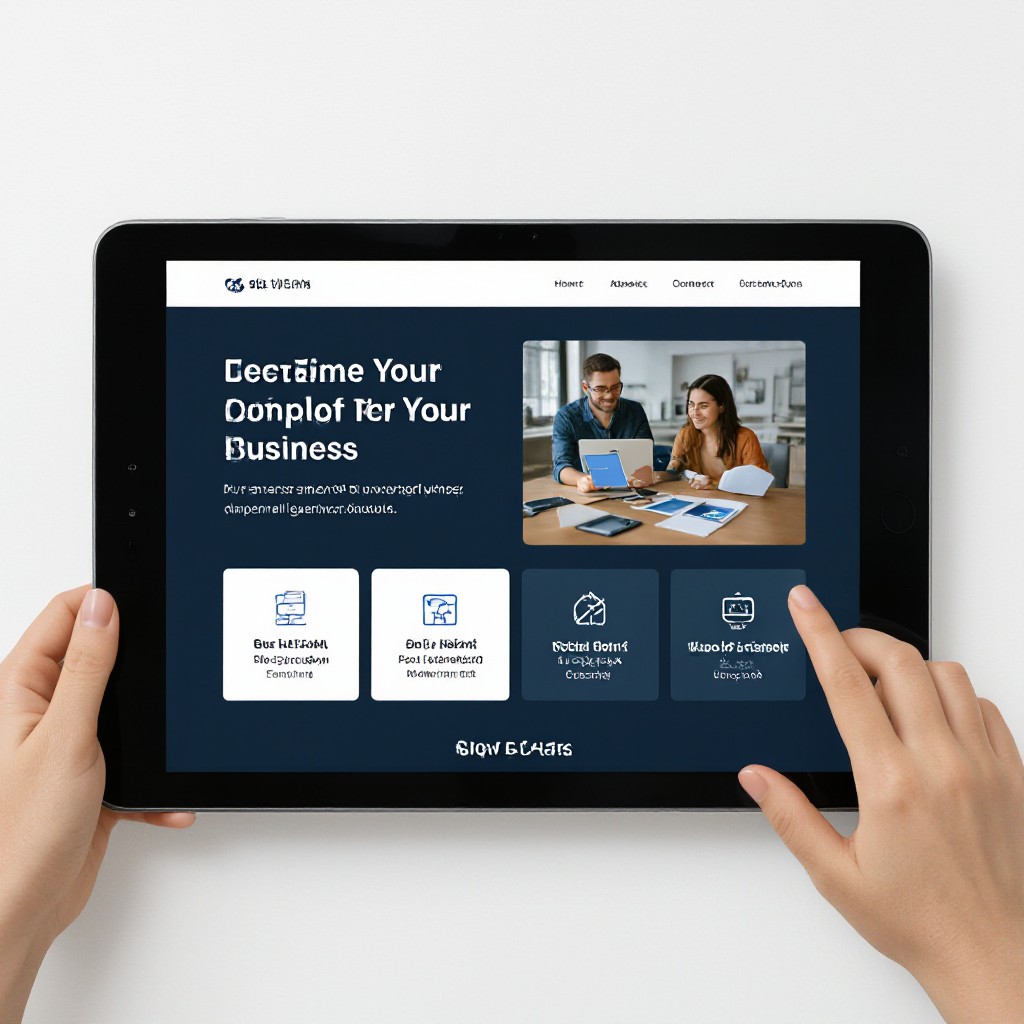
Why Build Your Own Website?
Building your own site gives you control, saves money, and ensures your website aligns perfectly with your brand and business goals.
Complete Customization
Design layouts, colours, and content exactly how you want—no constraints.
Cost Savings
Avoid high agency fees—invest your budget in growth instead of hourly design costs.
Fast Time to Market
Publish your new site in days, not weeks—get online quickly and start attracting visitors.
Mobile-Responsive
Ensure your site looks great on every device, from smartphones to desktops.
SEO-Friendly Structure
Build with proper headings, meta tags, and schema for better search rankings.
Easy Updates
Quickly make changes to content, images, or offers as your business evolves.
Essential Elements of a Professional Website
Every successful website shares these critical components—ensure yours has them all.
Clear Navigation
Logical menus and calls to action guide users to key information and conversion points.
Engaging Content
High-quality copy, images, and videos that resonate with your audience and build trust.
Strong Calls to Action
Prompt visitors to take next steps—request a quote, book a service, or send a message.
Local SEO Signals
Consistent contact details, embedded map, and local schema markup for “near me” searches.
Secure Hosting & SSL
Protect visitor data, improve trust, and boost SEO with HTTPS encryption.
Analytics & Tracking
Measure visitors, conversions, and engagement to continually optimize your site.
Build Your Site in 6 Easy Steps
Follow this clear, actionable process to launch your website quickly and confidently.
Plan Your Structure
Outline pages, content blocks, and navigation flow.
Design Layout
Create wireframes or choose a template to set visual hierarchy.
Add Content
Write copy, upload images, and embed videos that engage visitors.
Optimize SEO
Set meta titles, descriptions, headings, and ALT text for images.
Test & Review
Check responsiveness, load speed, and user flows on all devices.
Launch & Monitor
Go live, connect domain, track analytics, and make ongoing improvements.
Pro Tips for Building Your Website
Follow these expert recommendations to ensure your website performs at its best.
-
Prioritize Mobile Experience
Over half of web traffic is mobile—design with touch-friendly navigation and fast load times.
-
Optimize Page Speed
Compress images, minify code, and leverage caching to improve user experience and SEO.
-
Use Consistent Branding
Maintain uniform colours, fonts, and imagery to build recognition and trust.
-
Follow SEO Fundamentals
Research keywords, write descriptive titles, and implement schema markup for rich results.
Frequently Asked Questions
Answers to common questions about building your own website.
Costs vary by platform and design complexity. With AI-powered builders, you can launch for under $50/month including hosting and updates.
No. Modern website builders and AI tools handle code for you—just choose layouts and add content via simple editors or text messages.
With AI-driven builders, your preview appears in under a minute. Final domain setup and DNS propagation can take a few minutes to a few hours.
Absolutely. Simply edit pages or send new content—your site updates instantly at no extra cost.
