best web design near me
How to find and pick the best local web designer in 2025 — compare prices, vet portfolios, ensure mobile and SEO-ready sites, and get measurable results.

Why “Best Web Design Near Me” Still Matters in 2025
Local web design combines technical skill with an understanding of your market — proximity means faster meetings, real-world references, and designers who know regional SEO signals and customer expectations.
Local SEO & “Near Me” Searches
Designers with local expertise optimise for terms customers actually search — including “near me” and suburb-specific queries — increasing your chances of appearing in maps and local packs.
Faster Communication & Updates
Working with someone nearby makes meetings and follow-ups easier — and in 2025 you’ll want rapid updates to keep up with search trends and promotions.
Trust & Local Proof
Local case studies, in-person references and nearby clients make it easier to verify quality and results before you commit.
How to find and evaluate local web designers
Follow these practical steps so you shortlist the right partner and get a website that converts.
1. Search Intelligently
Use search phrases including your suburb + service (e.g. “web design Sydney CBD” or “best web design near me [suburb]”). Check Google Maps results, local directories, and recent reviews — not just homepage claims.
2. Vet Portfolios for Outcomes
Look for sites that load quickly on mobile, have clear contact prompts, and show measurable outcomes (increased leads, improved rankings). A beautiful site that doesn’t convert isn’t a win.
3. Ask for Local Case Studies
Request examples of businesses in your area or industry. Local designers should be able to show how they improved search visibility or leads for comparable clients.
4. Check Technical & SEO Essentials
Confirm they deliver mobile-first design, fast hosting, SSL, schema markup, and on-page SEO (meta tags, headings, image optimization). These are non-negotiable for local performance.
5. Compare Pricing & Value
Get written quotes and compare recurring costs (hosting, maintenance, updates). Low upfront price can hide ongoing fees — prioritise predictable monthly plans with unlimited small changes.
6. Communication & Turnaround
Ask how they handle updates: via email, project portals, or text. Faster turnaround and simple update processes (e.g., text-to-update) reduce friction when you need changes.
7. Confirm Ownership & Exports
Make sure you own site content and can export static files if you ever switch providers. Avoid vendors that lock you into proprietary platforms without export options.
8. Trial or Demo
Where possible, request a demo or short trial. Many modern services let you preview a fully-functioning site quickly — a fast demo reveals quality and SEO readiness immediately.
Local Web Design Checklist — What the Best Providers Deliver
Use this checklist when comparing proposals so nothing important gets missed.
-
Mobile-first responsive designPages designed for thumb navigation and fast load times.
-
Local schema and Google Business integrationStructured data to help maps and local packs.
-
Fast hosting, CDN & SSLPerformance and security are essential for rankings and trust.
-
Clear calls-to-action & contact buttonsClick-to-call, contact forms, and booking links that work on mobile.
-
Image optimisation & descriptive ALT textImproves load speed and accessibility for local search.
-
Monthly analytics & actionable insightsKnow where leads come from and what pages convert.
-
Predictable pricing and update policyUnlimited small edits included in a clear monthly fee is ideal.
-
Ownership & export optionsConfirm you get your content if you decide to move platforms.
-
Fast demo or previewA quick demo shows capabilities and how your site will appear in search.
Questions to Ask Before You Hire
A short list of high-impact questions to test a designer’s capability and transparency.
- Can you show recent local case studies and client contactable references?
- How do you measure success (leads, rankings, conversions) and what reports do you provide?
- What is the expected timeline for a standard site and for ongoing small updates?
- Who owns the content and can I export the site later?
- How do you approach local SEO and schema markup for “near me” searches?
- What are hosting, maintenance and update costs? Any hidden fees?
- Do you include fast mobile optimisation and image compression?
- What happens if I need custom integrations (bookings, payments, CRM)?
How a Local Designer Doubled Leads in 90 Days
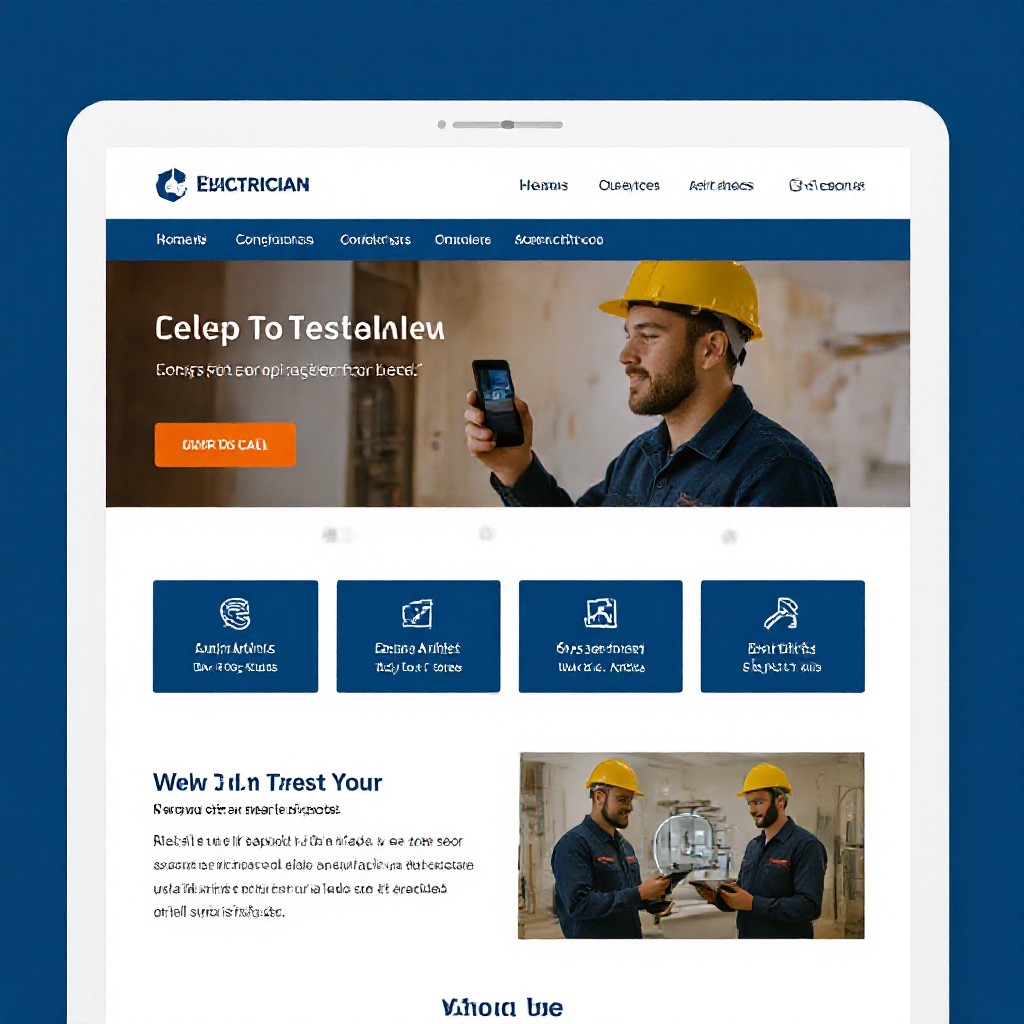
A suburban electrician improved visibility and calls by focusing on local pages, fast hosting and simple click-to-call buttons.
- Challenge: Low search visibility in key suburbs and a slow mobile site.
- Solution: Localised service pages, Google Business optimisation, mobile-first redesign and speed improvements.
- Results: 2x organic calls and top-3 local pack placement for four priority keywords in 90 days.
Frequently Asked Questions
Quick answers to common questions about finding the best local web design.
