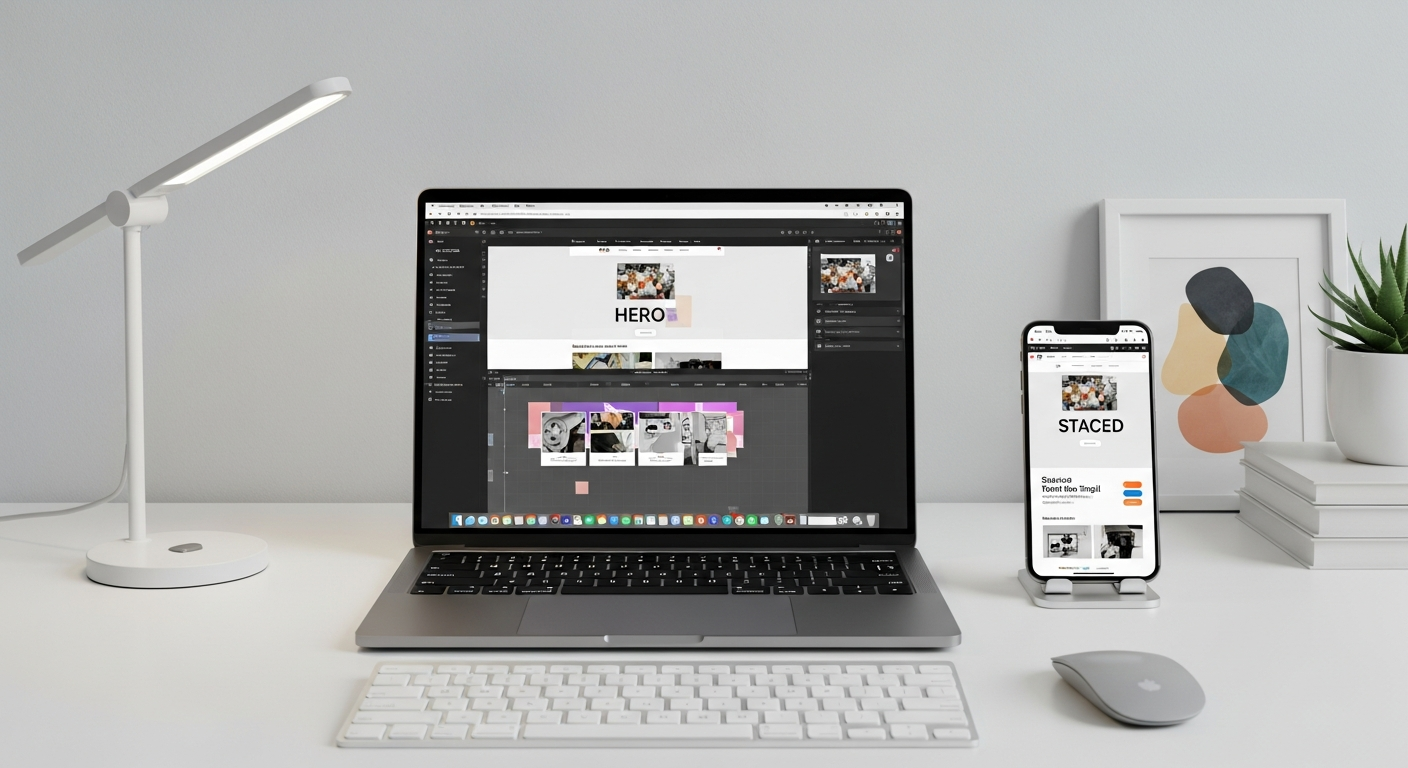
best free website creation
A simple, step-by-step guide to build a free website, get found on Google, and grow your audience in 2025.
This guide walks you through the easiest way to create a free website today, covers the basic SEO you must do, and outlines low-cost ways to get more visitors and enquiries.
No upfront cost required
Works on phones and tablets
Simple steps for Google visibility
Quick 6-step setup: Build your free website now
Follow these simple steps. You can have a basic site live in under an hour using free services.
Pick a platform that offers a free plan (Wix, WordPress.com, Google Sites). For easiest start, choose one you find simple to use.
Start with a single-page or a small multi-page template (Home, Services, About, Contact). Templates save time and look professional.
Minimum pages: Home, About/Who we are, Services/What we do, Contact. Each page should answer one main question the visitor has.
Put your phone number and email on every page, ideally in the header and footer. Add a simple contact form if the platform allows.
Use a couple of good photos of your team, tools, or store. Real photos build trust more than generic stock images.
Publish your site and open it on a phone. Make sure text is readable and buttons are easy to tap.
SEO basics: Make your free site findable
You don't need to be an expert to get meaningful search traffic. Do these simple SEO steps.
1. Pick one clear keyword per page
Example: If you’re a local plumber in Brisbane, a Home page keyword could be "Brisbane plumber". Use that phrase naturally in the title, H1, first paragraph, and meta description.
2. Title tags & meta descriptions
Each page needs a unique title (under 60 characters) and a meta description (about 120–160 characters). These show up in search results and influence clicks.
3. Use headings (H1, H2)
Make one H1 per page that matches the page topic. Use H2s to break content into readable sections for visitors and search engines.
4. Speed matters
Compress images, avoid heavy widgets, and choose fast hosting. Aim for under 3 seconds load on mobile. Free builders often handle hosting, but check speed before promoting the site.
5. Local SEO basics
Create or claim your Google Business Profile, add consistent business name, address, and phone (NAP) on your site footer, and list your business in local directories.
Fast checklist: Title tag ✅, meta description ✅, H1 ✅, 300+ words on main page ✅, mobile friendly ✅, Google Business Profile ✅.
Content and images that convert
Good content tells visitors what you do, who you help, and what to do next. Keep wording simple and action-focused.
Write for people first
Use short paragraphs, bullet lists, and clear headings. Lead with the benefit: "We fix blocked drains quickly".
Use 3-5 good photos
Show your team, van, tools, or before/after shots. If you don't have photos, use honest-looking stock photos targeted to your industry.
Simple page structure (example)
- H1: Who you are (Primary keyword)
- Short intro: 2–3 sentences (what you do + location)
- Services: brief bullets with links to each service section
- Social proof: 2–3 testimonials or logos
- Contact CTA: phone and contact link prominent
Free tools to build, test and grow
Builders
- Wix (free) — drag & drop, easy templates
- WordPress.com (free) — flexible, many themes
- Google Sites (free) — fastest for simple pages
SEO & testing
- Google Search Console — monitor search presence
- Google Analytics / GA4 — measure traffic and behaviour
- PageSpeed Insights — speed checks and improvement tips
Images
- Unsplash / Pexels — free photos
- tinyjpg.com — compress images
- Canva (free) — simple image edits & banners
Local & reviews
- Google Business Profile — essential for local searches
- Facebook Pages — another free listing and review source
Grow your online presence (free and low-cost)
Once your site is live, focus on three things: being visible, building trust, and driving action.
Local listings
Claim Google Business Profile, add photos, hours, and reply to reviews. Consistent NAP (name, address, phone) across listings helps local rankings.
Collect reviews
Ask happy customers for a short Google review. Reviews increase trust and click-through rates in search results.
Social sharing
Share your page links on Facebook, Instagram or LinkedIn depending on where your customers are. Repost before/after photos and short tips.
Email & offers
Collect a few emails and send simple offers or updates. Tools like MailerLite have free tiers for small lists.
Local ads (small budget)
If you can spare $5–10/day, try a local Facebook or Google Local Services ad for clear ROI tracking.
Measure & improve
Use Google Analytics / GA4 to see which pages bring traffic and which drive enquiries. Improve the pages that are visited most.
Pre-launch checklist
- Title and meta description set for each page
- H1 on each page and readable headings
- Contact info visible (header/footer)
- Site looks good on mobile
- Google Business Profile claimed
- Google Analytics / Search Console connected
Common mistakes and how to avoid them
Frequently asked questions
Can I really make a free website that looks professional?
How long until I see search traffic?
Should I use a free domain (example.myplatform.com)?
Ready to try a free site?
Start with a free builder to learn what you need. If you want someone to handle it for you—fast and without surprise fees—see how Congero builds sites quickly and affordably.
Congero helps small businesses move from a free starter site to a fully managed, SEO-ready site quickly—if you prefer a done-for-you option that includes unlimited updates, local SEO, domain, hosting and analytics for a simple monthly fee.
