best free web design
Use the best zero-cost tools to design faster, fix speed issues, and improve SEO — step-by-step.
This guide walks you through the top free design, image, performance and SEO tools in 2025 — plus clear, actionable checklists you can use right away to lift organic traffic and conversion rates.
Cost to start
Free tools recommended
Minute audit you can run now
Mobile-first testing approach
Why Free Web Design Tools Still Work in 2025
Paid tools add convenience and advanced features, but many foundational design and SEO improvements are achievable with free tools. Use free options to:
-
Rapid prototypingFigma and Canva let you mock up responsive pages in minutes.
-
Performance auditingPageSpeed Insights and Lighthouse highlight fixes that move the needle for SEO.
-
SEO basicsSearch Console, Google Analytics and free plugins handle core SEO and tracking.
Best Free Design Tools (layout, fonts, prototyping)
Figma (free plan)
Design responsive mockups and collaborate. Use Auto Layout, constraints and the 'Inspect' view to handoff CSS/measurements to developers or your builder.
- Responsive frames for phone/tablet/desktop
- Free starter templates & community kits
- Export SVGs and optimized PNGs
Canva (free)
Fast landing page visuals, social headers, and simple site mockups — great for non-designers.
- Templates sized for hero images and social previews
- Export web-optimised JPG/PNG
Google Fonts & Font Playground
Free web fonts with fast hosting. Pair a display face with a readable body font for better UX and SEO.
- Choose variable fonts to reduce file sizes
- Prefer system stacks when performance is crucial
Browser DevTools & Responsively.app
Test breakpoints, simulate 3G, inspect layout issues and fix touch targets. Responsively.app offers simultaneous device views for faster iteration.
Free Image Tools & Optimization
Unsplash / Pexels
High-quality, royalty-free photos for hero and service sections. Prefer images that show real people and tools for trust signals.
Squoosh.app
Compress images client-side. Convert to WebP or AVIF for large savings. Balance quality and file size (target < 200KB for hero images where possible).
SVG & Inline Icons
Use SVG for logos and icons. Inline critical SVG to eliminate extra requests and improve Largest Contentful Paint (LCP).
Image optimisation checklist
- Resize to display size (no oversized hero images)
- Compress with Squoosh (WebP/AVIF where supported)
- Use descriptive alt text with keywords (but natural)
- Lazy-load below-the-fold images (loading="lazy")
Free SEO & Performance Tools You Should Use
Google Search Console
See which queries your site ranks for, inspect pages, submit sitemaps, and monitor indexing issues. Essential and free.
- Fix indexing & mobile usability errors
- Watch Core Web Vitals reports
PageSpeed Insights & Lighthouse
Run lab and field tests to identify render-blocking resources, large images, and inefficient JavaScript.
- Follow the Opportunity recommendations
- Check LCP, FID/INP, CLS
Screaming Frog (free, up to 500 URLs)
Crawl your site to find broken links, duplicate titles, missing meta descriptions and more.
Google Analytics (GA4) + Google Tag Manager
Track traffic, conversions, and behaviour flows. Use GTM to add tags without editing code.
Cloudflare (free CDN & security)
Add a free CDN, automatic image optimizations and caching to reduce load times and improve uptime.
AnswerThePublic / Google Trends / Keyword Surfer
Free keyword ideation and content ideas to target real search intent, not guesses.
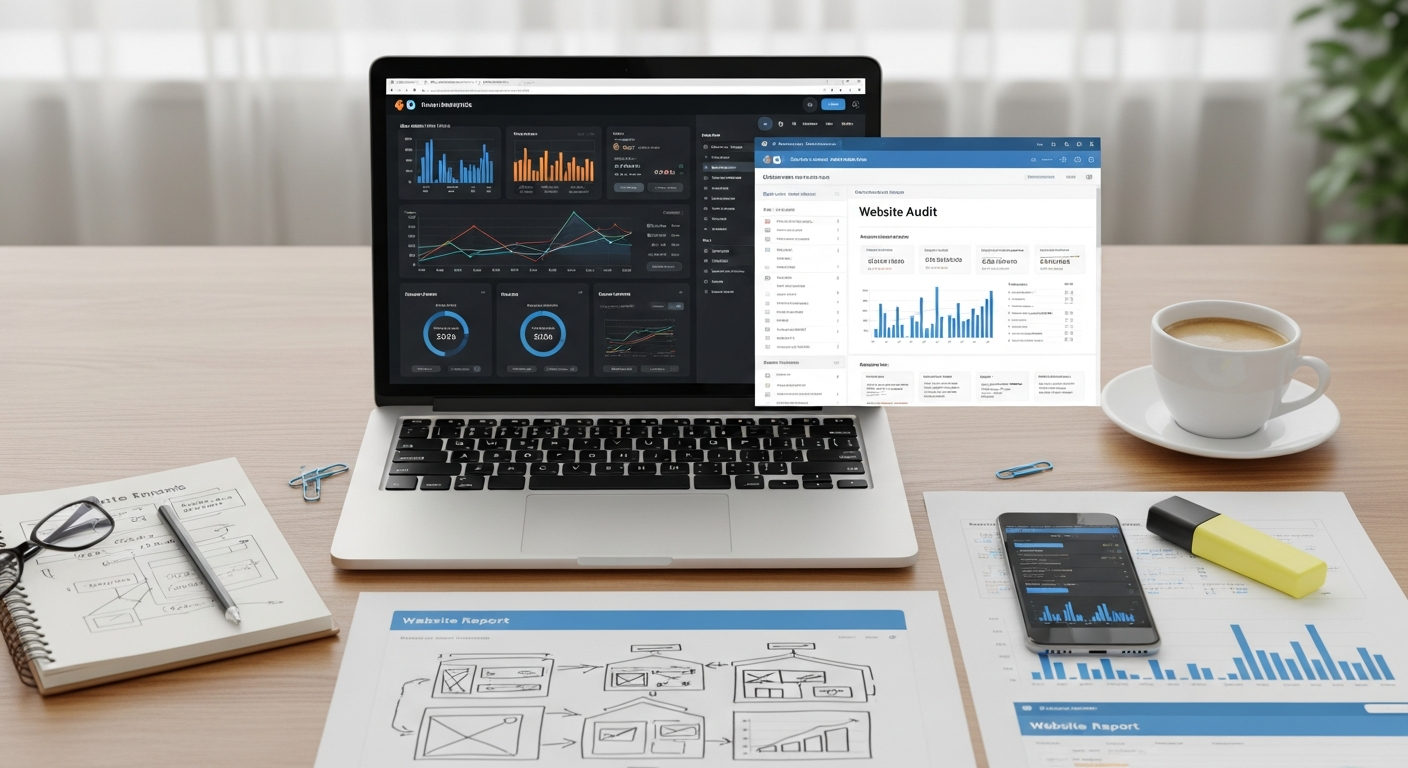
30‑Minute Website Audit — Run This Now
Quick steps that expose the biggest SEO and conversion problems. Do these in order.
-
Open PageSpeed Insights and test your homepage and a key service page.
Note LCP, INP (or FID), CLS and the top "Opportunities". Prioritise fixes that reduce LCP and eliminate large layout shifts.
-
Run Lighthouse (in Chrome DevTools) to get actionable lab data — accessibility and SEO audits are quick wins.
Download the report and capture the top 3 accessibility and SEO issues to fix first.
-
Check Search Console coverage for indexing errors and mobile usability problems.
Resolve any "submitted but not indexed" pages and fix mobile usability issues like small font size or tap targets.
-
Inspect your title tags & meta descriptions using Screaming Frog (free) or view page source.
Make sure every page has a unique title (50–60 chars) and meta description (110–155 chars) with a primary keyword.
-
Test critical flows on mobile — open the site on a real phone: contact form, click-to-call, and direction links.
If forms fail or buttons are tiny, conversion drops quickly. Fix these first.
-
Compress your hero image with Squoosh and serve WebP where possible.
Aim to halve image sizes without noticeable quality loss.
-
Add or check structured data using Google's Rich Results Test for localBusiness, FAQ or Service schema.
Structured data can add rich snippets and improve click-through rates.
Actionable 10‑Step Plan to Improve SEO & Conversions (Free)
- Install Search Console & GA4 — verify ownership and set up basic goals/events.
- Fix critical PageSpeed issues — compress images, enable caching, defer non-critical JS.
- Unique titles & meta descriptions for top 10 pages — use primary keywords naturally.
- Mobile-first layout — ensure tap targets are ≥44px and content fits without horizontal scroll.
- Add basic structured data — LocalBusiness and Service schema where appropriate.
- Improve internal linking — point relevant pages to service pages and use descriptive anchor text.
- Compress and lazy-load images — use WebP and loading="lazy".
- Fast hosting / CDN — enable Cloudflare free plan for caching and DNS speed.
- Set up weekly monitoring — automated Lighthouse reports or a simple spreadsheet of metrics.
- Collect social proof — add 3 short testimonials and schema markup for reviews.
Weekly & Monthly Maintenance Checklist (Free)
Weekly
- Check Search Console for new errors
- Verify contact forms & booking flows
- Publish one social post linking to a service page
Monthly
- Run PageSpeed Insights and compare scores
- Review top queries in Search Console
- Update testimonials or gallery images
- Back up site and export GA data
Free Resources & Cheat Sheet
Design
- Figma — prototyping
- Canva — quick visuals
- Google Fonts — web-safe typography
Images & Media
- Unsplash / Pexels — photos
- Squoosh.app — compression
- SVGOMG — optimize SVGs
SEO & Performance
- Google Search Console
- PageSpeed Insights / Lighthouse
- Screaming Frog (free 500 URLs)
- Cloudflare Free CDN
Keyword & Content Tools
- Google Trends
- AnswerThePublic (limited free queries)
- Keyword Surfer (Chrome extension)
- Grammarly (free) for clarity
- Hemingway Editor for concise copy
- Schema Markup Generator tools (free)
Ready to get results — fast?
If you'd rather have someone implement these improvements for you, Congero builds SEO-optimized, mobile-first websites quickly and includes unlimited updates — all for a single monthly fee. Or use the free tools above and follow the checklists.
Tip: Start with the 30‑minute audit — most sites get a measurable lift just by compressing images and enabling caching.
