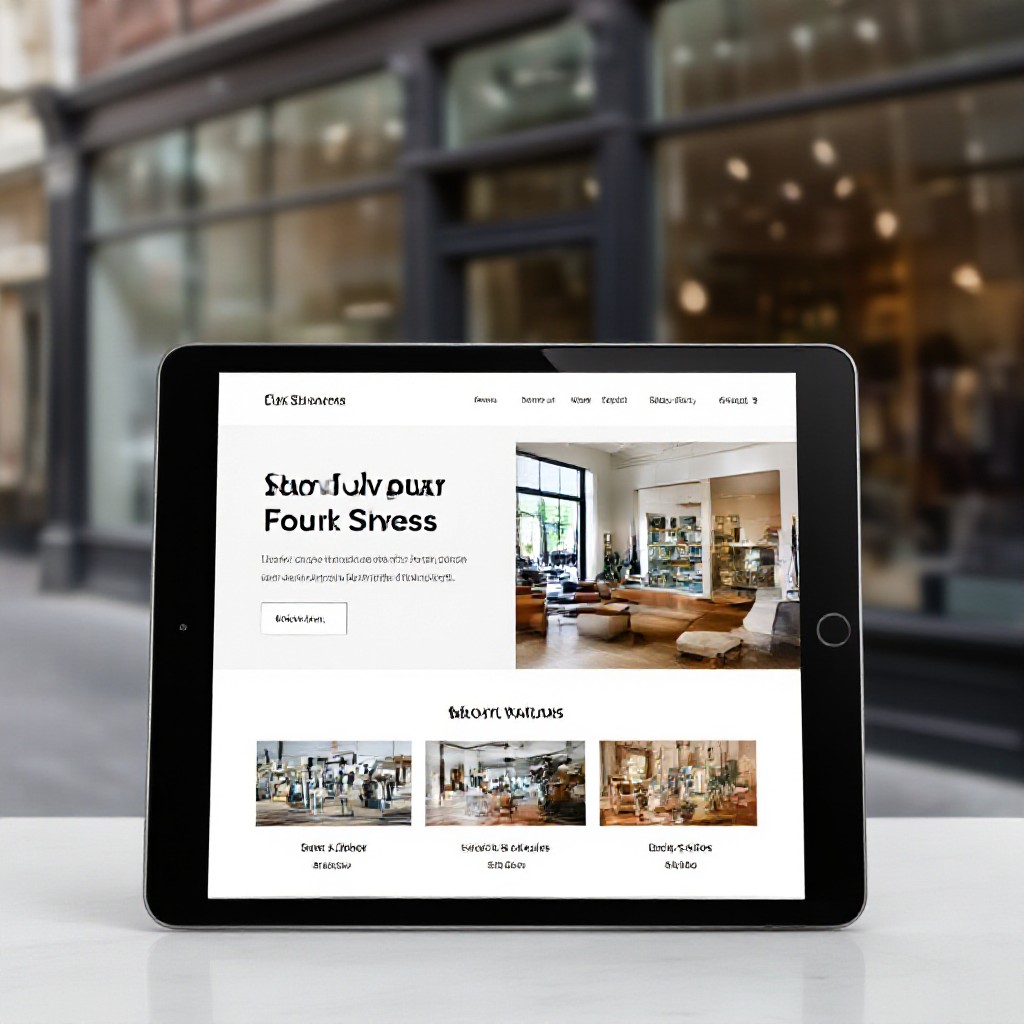
affordable website design for local businesses
Step-by-step, budget-friendly strategies to build sites that attract local customers and convert them into enquiries.
This guide shows local businesses how to get a professional website without breaking the bank—covering templates, content, SEO, local marketing and the simple analytics to prove ROI.
Why a local-focused website matters
Local customers search differently than national audiences. They look for nearby solutions, trust indicators (reviews, photos), and clear contact details. A site optimised for local intent increases calls, bookings and foot-traffic — all without expensive ad spend when combined with basic SEO and citations.
7 practical steps to an affordable, effective local website
1. Define one clear goal
Pick a single primary goal: phone calls, bookings, quote requests, or product sales. Everything on the site should be designed to drive that action.
2. Choose an affordable build route
Options: DIY templates, subscription services, or a one-time custom build. For most local businesses, a professional subscription gives best ROI: low upfront cost, fast launch, and updates included.
3. Prepare conversion-focused content
Write short, benefit-led headlines, a concise service list, and 2–3 social proof items (reviews, photos, case studies). Add clear calls-to-action on every page.
4. Mobile-first design & speedy pages
Choose a responsive template, minimise large images, use lazy-loading and prefer system fonts. Aim for under 3s mobile load time.
5. Basic on-page SEO (do this yourself)
Write unique page titles, meta descriptions, H1/H2 headings, and use descriptive image alt text. Submit a sitemap to search engines.
6. Build citations & review channels
List your business on relevant directories and encourage customers to leave reviews. Consistent NAP (name, address, phone) across listings improves local visibility.
7. Measure, tweak, repeat
Install analytics and track calls, form submissions, and top pages. Every 30 days, tweak headlines, images or CTAs based on what converts.
Quick launch checklist
SEO checklist for local websites (practical)
Apply these items to every page you want to rank — especially your homepage and service pages.
Title tag
Meta description
Headings (H1 / H2)
Images & alt text
Internal links
Sitemap & robots
Reviews & schema
Content that converts — templates & examples
Use these short templates to quickly create conversion-focused copy.
Headline
"Fast, reliable [service] — next-day bookings. Call now."
Service blurb (50–70 words)
"We provide professional [service] with upfront pricing and a satisfaction guarantee. Certified, insured, and ready to help. Book online or call today."
CTA (button)
"Get a quick quote" • "Book a visit" • "Call for availability"
Photo & trust checklist
- 3–5 high-quality photos of your team or work
- 2–3 customer testimonials with first name
- Certifications, guarantees or opening hours clearly visible
Local marketing tactics (low cost, high impact)
Pair your website with these low-cost tactics that amplify visibility and pull real customers.
Business listings
Add consistent name, phone and website to key directories. Use the same format everywhere to avoid confusion.
Request reviews
Send a short SMS or email asking satisfied customers to leave a review. Provide a direct link to make it easy.
Local offers
Create a simple special (e.g., "10% off first service") and feature it on the homepage and in local listings to increase click-throughs.
Free channels to test first
- Organic search (SEO)
- Business listings & review sites
- Simple social posts linking to a special
Measure what matters: analytics & KPIs
Track a few simple metrics to know if your website is delivering real customers.
Primary KPIs
- Phone calls from website
- Contact form submissions
- Bookings or scheduled jobs
Supporting data
- Top referral sources
- Top pages & average time on page
- Conversion rates (visits → enquiry)
Affordable pricing models and how to calculate ROI
DIY (templates)
Subscription (recommended)
Custom build
Simple ROI example
If a $49/month site generates 2 extra leads per month and one converts to a $600 job, your monthly return is $600 vs $49 — a fast positive ROI.
Frequently asked questions
How much does an effective local website cost each month?
Do I need to be tech-savvy to maintain a site?
How long until I see results from SEO?
What should be on my homepage to convert visitors?
Ready to build an affordable website that brings real customers?
Follow this guide or choose a managed subscription for a fast, low-cost way to get a professional, mobile-first website with SEO and unlimited updates included.
Use this guide to plan, launch and measure. Focus on one primary goal and improve it monthly.
