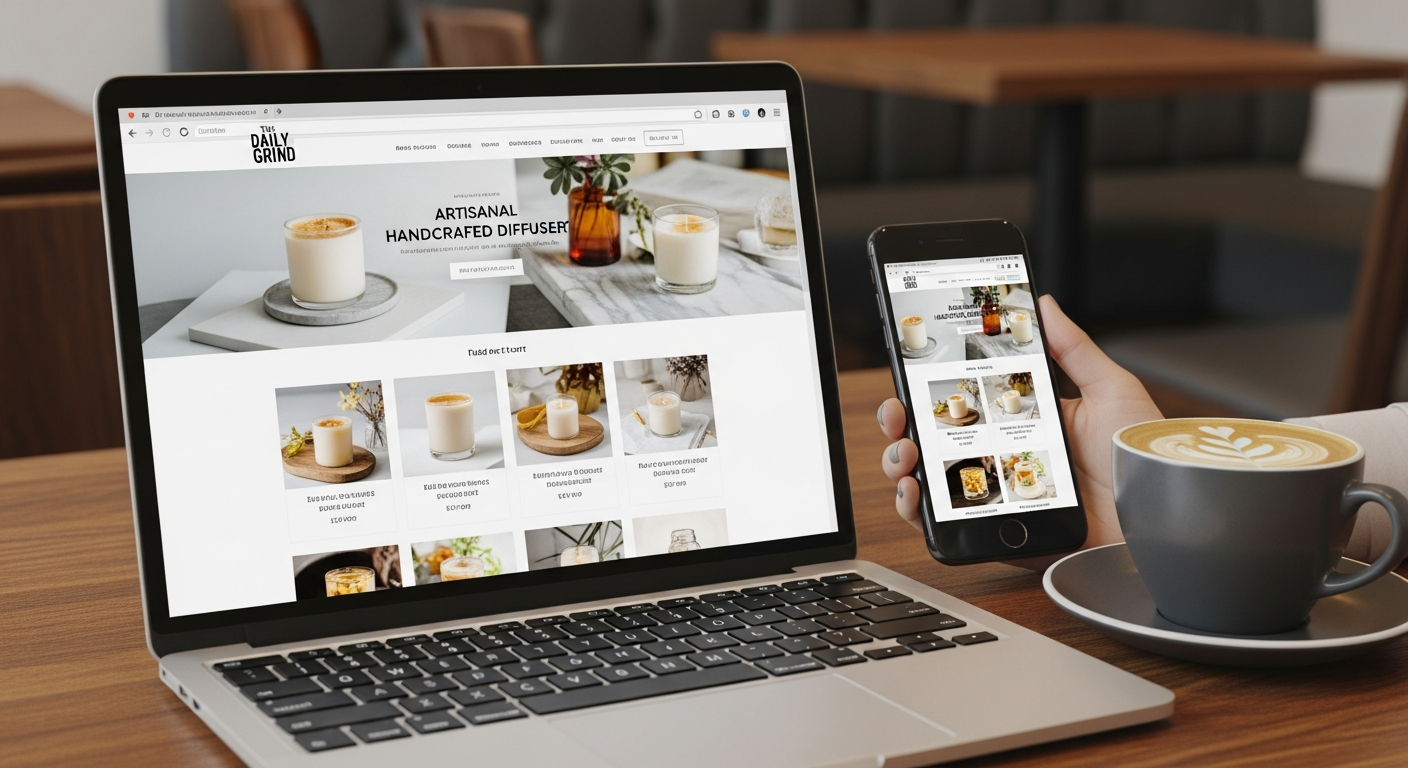
affordable web site design
Step-by-step, low-cost strategies to build a website that gets found, converts visitors and grows your business.
This guide is written for small businesses and trades who need a high-performing website without the agency price tag. You’ll get actionable steps for design, SEO, local marketing and conversion optimisation—plus a simple rollout plan you can use today.
1. Planning: Goals, Pages & Offers
Before you design, decide what your website must do. Keep the first version small and measurable.
Set 1–2 Core Goals
Examples: generate service enquiries, collect bookings, or display portfolio to win contracts.
- Primary goal (e.g., phone calls or form enquiries)
- Secondary goal (e.g., email capture)
- Metric to track (calls, form submissions, bookings)
Minimum Viable Page Set
Launch with the pages that serve your goals—no more.
- Home — clear value & CTA
- Services — individual service pages (1 per key service)
- About — credibility and credentials
- Contact — phone, email, and map
- Optional: Reviews or gallery if it drives hires
Offer & Pricing: Make it Easy to Decide
Create a clear offer or starting price so visitors can qualify themselves quickly.
- Simple pricing ballpark (e.g., "From $99+service call")
- Lead time (e.g., "Same-week bookings available")
- Guarantees or credentials (insurances, licences)
2. Design Basics That Convert
Design isn't about fancy effects—it's about clarity and trust. Use a mobile-first layout, clear CTAs, and trust signals.
Mobile-first Layout
Start with the phone view. Ensure buttons are large, text is readable, and contact info is front-and-center.
Fast Loading & Minimal Extras
Limit heavy scripts and large images. Aim for under 3 seconds on mobile.
Trust Builders
Show real testimonials, licences, and clear contact details. Use professional photos of you or your team.
Clear Calls to Action
Make it obvious what the next step is: "Call now", "Book an inspection", or "Get a free quote".
3. SEO Essentials for 2025
SEO is how customers find you. Focus on local intent, on-page fundamentals, and fast UX signals.
On-Page SEO Checklist
- Title tag: Include service + suburb (e.g., Plumber Sydney — Emergency Repairs)
- Meta description: 120–155 chars that explain benefits and CTA
- H1 & headings: Use one H1 per page and clear H2/H3 to structure content
- URL structure: short and readable: /services/drain-cleaning
- Schema: Add LocalBusiness schema and service schema where possible
Performance & UX
Google measures speed and user experience. Key targets:
- Largest Contentful Paint (LCP): < 2.5s
- First Input Delay (FID) / INP: < 100ms
- Cumulative Layout Shift (CLS): < 0.1
Link & Review Signals
Encourage customers to leave reviews on Google Business Profile and link to your site from trusted local directories.
- Ask satisfied customers for a Google review after completion
- List your business on local directories (Yellow Pages, TrueLocal) with consistent NAP
- Collect testimonial snippets to display on service pages
4. Local SEO & Maps Optimisation
Most small businesses get customers from a local area—become the obvious choice in your suburb.
Google Business Profile
- Claim and verify your profile
- Use correct business category and accurate opening hours
- Add photos, services, and regular posts
- Reply to reviews promptly
Service Area Pages
Rather than one generic page, create short pages for high-value suburbs you serve—avoid duplicate content.
- Include local landmarks or suburbs in headings
- Keep content unique and useful (testimonials from that area)
5. Content Strategy & Keywords
Focus on keywords that show buying intent and align content with the user's needs at each stage of the decision journey.
How to Choose Keywords
- Primary: service + location (e.g., "electrician brisbane")
- Secondary: service + intent (e.g., "emergency electrician near me")
- Long-tail: specific queries you can answer in a blog or FAQ
Content Types That Drive Leads
- Service pages with clear pricing or "starting from" prices
- Short FAQs answering common objections
- Before/after galleries or case studies
- Local guides or blog posts that target long-tail queries
Repurpose & Promote
Turn one case study into a blog post, social post, email and a short video—get the most value from each piece of content.
6. Conversion Optimisation: Turn Visitors into Customers
Traffic matters, but conversions pay the bills. Make the path from landing to contact as short and clear as possible.
Make Contact Instant
- Phone number in the header and clickable on mobile
- Primary CTA above the fold
- One-click map button to open directions
Reduce Friction
- Minimal form fields (name, phone, short note)
- Pre-filled services in dropdowns to speed up submission
- Use microcopy to reduce hesitation ("No obligation quote")
Test & Improve
Use simple A/B tests: change button text, swap images, or test different CTAs and measure which version generates more calls or forms.
7. Low-cost Marketing Tactics That Amplify Results
These tactics require little budget but move the needle when combined with a solid site.
Email Follow-ups
Collect a simple email list and send before/after photos, seasonal offers and reminders to past customers.
Local Facebook Ads
Target a 5–20 km radius with a single-service ad and link to a focused service page. Start small and scale what works.
Referral Partnerships
Partner with non-competing local businesses to swap referrals (e.g., landscapers & concreters).
Simple Content Promotion Plan
- Publish a short local blog or case study (300–600 words)
- Share it on Facebook and in local community groups
- Send to customers in an email newsletter
- Boost the post with $20–50 to targeted local audiences
8. Launch Checklist
Run this checklist before you announce your site.
- Mobile check: primary CTA tappable within 5s
- PageSpeed: run Lighthouse and fix major issues
- SEO: title tags, meta descriptions and schema added
- Contact: submit a form and make a test call
- Analytics: Google Analytics/GA4 and conversion tracking installed
- Google Business Profile updated with new URL and photos
- Add a short launch post and schedule social shares
9. Pricing, Hosting & Ownership
Affordable options fall into two main groups: DIY platforms (low monthly fee + your time) and professional subscription services (monthly all-in, support included).
DIY Platforms
Low dollar cost but high time investment. Hidden fees for premium features are common.
- Pros: cheap monthly fee, direct control
- Cons: time-consuming, support limited, extras cost more
Professional Subscription
All-in pricing typically includes hosting, domain, SSL, updates and SEO. Often the best ROI for busy owners.
- Pros: fast launch, unlimited updates, predictable cost
- Cons: platform dependency (you keep your domain and content)
Frequently Asked Questions
How much does an effective small business website cost per month?
Will a cheap site hurt my SEO?
How quickly can I launch a working site?
What are the easiest improvements that increase leads?
Ready to build an affordable website that actually works?
Follow the plan above and focus on local SEO, fast performance and clear CTAs. If you want a demo or hands-free option, explore a professional subscription that includes launch, hosting and unlimited updates.
No technical skills required. Keep ownership of your domain and content.
