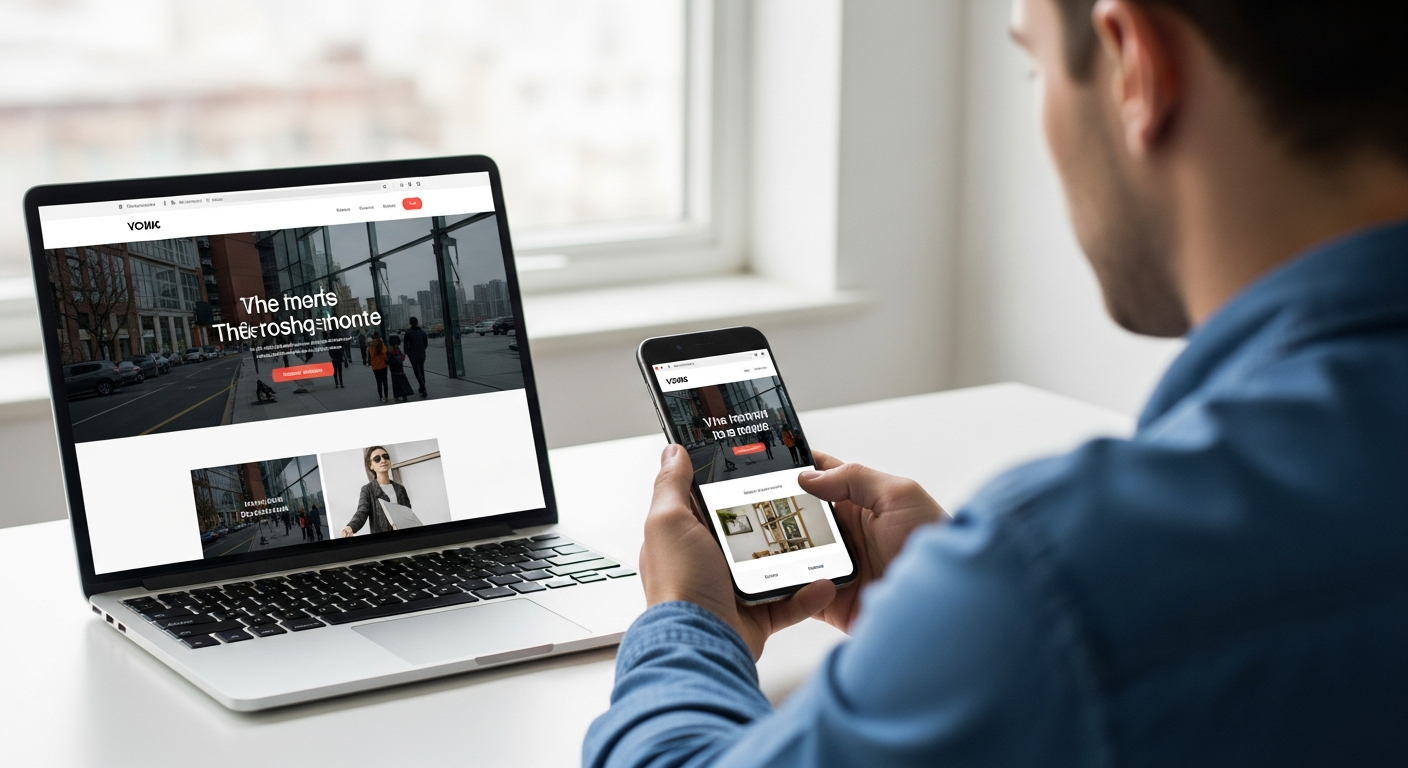
affordable web design services list
A practical, step-by-step guide for small businesses to choose an affordable website that actually drives enquiries.
This guide breaks down realistic options — DIY platforms, subscription services, freelancers and agencies — explains the must-have features, the SEO upside, and a simple checklist you can use today to pick the right provider.
Affordable web design options — pros & cons
Below are realistic paths most small businesses choose. Each has specific trade-offs in cost, speed, control and SEO potential.
DIY Platforms (Wix, Squarespace)
- Low monthly cost
- Templates and drag-and-drop builder
- Time-consuming to learn well
- SEO can be limited unless you optimise carefully
Subscription / Done-for-you (Pro)
- Professional design at predictable price ($30–49/mo)
- Hosting, SSL and updates bundled
- Often includes local SEO basics
- Less direct control over platform internals
Traditional Agency / Custom Build
- Totally custom experience & functionality
- Full ownership options
- High upfront costs ($3k+)
- Longer delivery (weeks)
Quick decision guide
If you value time over a few dollars: choose subscription/professional. If you value absolute ownership and unique features: choose custom agency. If you want zero cost and time to spare: DIY.
Must-have features for any affordable website
No matter which option you pick, these features are non-negotiable in 2025. Missing them will cost you enquiries and search visibility.
Mobile responsiveness
Your site must work perfectly on phones — most local searches and calls come from mobile devices.
Fast loading
Aim for under 3 seconds on mobile. Slow pages lose visitors and drop in Google rankings.
Basic SEO setup
Title tags, meta descriptions, structured headings, image alt text and a sitemap are minimums.
Contact & lead capture
Clear phone, click-to-call, contact form (or booking) and visible call-to-action on every page.
SSL & security
HTTPS is required for trust and SEO. Hosting should include backups and updates.
Analytics
Google Analytics (or equivalent) and simple monthly reports let you see what’s working.
How the right website improves your SEO and enquiries
A well-built site does more than look good — it ranks, converts visitors into calls and bookings, and grows your business. Here’s how:
Local visibility
Local SEO (service pages + location pages + Google Business Profile) gets you seen in “near me” searches. Subscription services often include local schema and on-page signals out of the box.
User experience & rankings
Google measures user experience — mobile speed, bounce rate, and content relevance. Fast, mobile-first pages rank higher and convert better.
Content & keywords
Service pages targeting buyer-intent keywords (e.g., "emergency plumber near me") are the biggest driver of leads for trades. Ensure each service has a dedicated page and optimized headings.
Technical SEO basics
Sitemaps, robots.txt, schema markup, mobile-friendly markup and canonical tags prevent indexing issues and improve discoverability.
Realistic pricing — what to expect in 2025
DIY
Subscription / Pro
Custom Agency
Monthly cost breakdown (typical)
Subscription models bundle most of these into a single predictable fee; DIY and custom sites often require separate payments for each item.
Step-by-step checklist: choose the right service
Use this practical checklist to compare providers quickly.
- Define your goal: Is the site to generate calls, show portfolio, take bookings or sell online? Your priority affects the right choice.
- Check delivery time: If you need live site in 24–72 hours, favour subscription/done-for-you services.
- Ask about updates: How are content/price changes handled? Unlimited text-in updates are ideal for small trades.
- Confirm SEO basics: Each page should have unique title tags, meta descriptions, schema for local businesses, and sitemap submission.
- Request demo & references: See live examples for your industry and ask for results (traffic or lead growth figures).
- Look at hosting & security: Ensure SSL, regular backups and uptime monitoring are included.
- Check cancellation terms: Avoid long lock-ins. Month-to-month gives flexibility.
- Compare total cost of ownership: Include your time (DIY), monthly fees, and potential update charges.
Decision shortcut
If you value your time and want predictable results: choose a professional subscription. If you need absolute custom features and have budget: choose custom agency. If budget is the only constraint and you have time: DIY.
Frequently asked questions
What is the fastest way to get a professional website?
Will an affordable website rank on Google?
Do subscription sites lock you in?
How much time will it take me to manage a DIY site?
Ready to pick the right affordable web design option?
Use the checklist above, compare demos, and prioritise features that directly impact enquiries: mobile UX, fast pages, visible contact options, and local SEO.
Tip: Ask any provider for live examples in your industry and basic analytics showing enquiry growth — real results speak louder than promises.
