
10 page website
How to plan, write and build an effective 10‑page site that ranks, converts and scales
A well-structured 10-page website is the sweet spot for many small businesses — enough pages to target core services and keywords, while remaining easy to manage. This guide gives you a practical plan: page list, content templates, SEO and UX rules, technical checklist and a launch plan.
Strategic pages
Primary keywords targeted
Recommended words on Service pages
Core CTA visible within 60 seconds on mobile
Why a 10‑page website is the right size for many small businesses
Ten pages give you room to highlight your business's core services, build trust, target local search terms, host proof (projects/testimonials) and capture leads—without overwhelming visitors or your content pipeline.
Focused SEO
Each page can target a small cluster of keywords with clear intent—better for rankings than a single bloated page trying to rank for everything.
Clear UX
Visitors find what they need quickly. Less cognitive load = higher conversions.
Manageable content
Ten pages are easy to keep updated—ideal if you want unlimited updates included with a subscription service.
Recommended 10‑page structure (with purpose)
Below is a tried-and-tested page list. Swap pages to suit your business (e.g., replace a service page with an online booking page).
- Home — Clear value proposition, main CTA, quick service links, top reviews.
- About — Story, credentials, team, trust signals.
- Services (overview) — Short descriptions linking to individual service pages.
- Service A — Deep page for your primary revenue service (600–1,000 words).
- Service B — Second service page (600–1,000 words).
- Service C — Third service page (600–1,000 words).
- Portfolio / Projects — Case studies with results, images and outcomes.
- Pricing / Packages — Clear pricing or package starting points and inclusions.
- Blog / Resources — Helps with SEO and authority; start with 3–5 posts.
- Contact — Form (or clear contact options), click‑to‑call, map, opening hours, schema.
Page templates & content structure (copy-ready outlines)
Use these templates as a starting point—swap words to match your voice and local keywords.
Home (template)
- URL: /
- Title tag: [Primary Service] in [Location] — [Business Name]
- Hero: 1–2 sentence value prop + main CTA (phone or enquiry)
- Sections: Services quick links, trust (reviews/logos), 1 featured case study, clear CTA, contact snippet
- Word target: 350–600 words (focus on conversions)
Service page (template) — use for each Service A/B/C
- URL: /service-name/
- Title tag: [Primary Keyword] in [Location] — [Service Name] | [Business]
- H1: Primary keyword phrase (exact)
- Intro: 50–120 words addressing intent and immediate CTA
- Sections: Benefits, process / how we work (bulleted), pricing guide or starting price, FAQs (3–6), case study/image gallery
- Word target: 600–1,000 words
Portfolio / Case study
- Format: Problem → Solution → Results
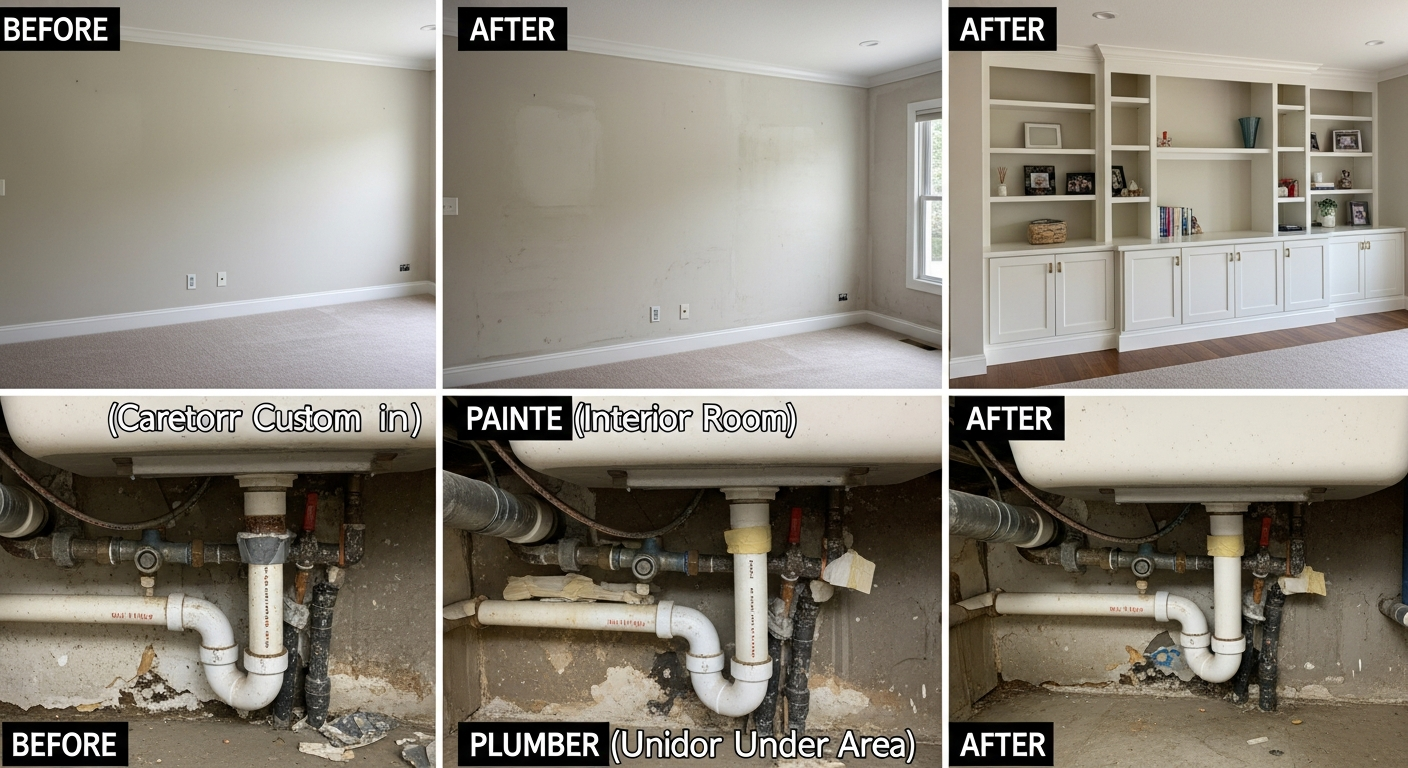
- Include: Before & after images, concrete metrics (time saved, % increase, revenue) and testimonial
- Schema: Use CaseStudy or mark up with CreativeWork and Review
Best practices across pages
- Unique title tag and meta description per page (title 50–60 chars, meta 120–160 chars).
- One H1 per page, clear H2/H3 hierarchy for scannability.
- Internal linking: link services → related blog posts → portfolio to pass relevance and authority.
- Include a visible CTA near the top and again after key sections.
SEO checklist — on-page, local and technical
Keyword & intent mapping
- Map 1 primary keyword per page (commercial intent for service pages: "service + location").
- Create a secondary keyword list for each page (long-tail, question-based queries).
- Use blog posts to target informational queries that lead into service pages.
On-page essentials
- Title tag: include primary keyword near the start.
- Meta description: convey benefit + CTA (120–160 chars).
- H1 must include the primary keyword; use H2/H3 for logical sections.
- Image alt text: describe image and include keyword where natural.
- Use structured data: LocalBusiness, Service, ContactPage, BreadcrumbList, Article for blog posts.
Local SEO
- Consistent NAP (name, address, phone) on Contact page and footer.
- Set up and optimise Google Business Profile; link to site and include services.
- Use location pages only if you have multiple physical locations (avoid duplicate content).
Technical SEO
- HTTPS is mandatory.
- Fast hosting, CDN, and caching—aim for mobile LCP < 2.5s.
- Mobile-first design, responsive images (srcset / webp), lazy loading.
- robots.txt + XML sitemap (auto-generated). Submit sitemap to Search Console.
- Canonical tags to prevent duplicate content issues.
Images, videos and accessibility
Image best practices
- Use real photos of your team and work where possible—trust beats stock for service businesses.
- Serve responsive images (srcset) and WebP; compress to keep images ≤ 150KB where possible.
- Always include descriptive alt text that aids both SEO and accessibility.
Video and interactive media
- Use short 30–90s videos explaining the service or showing a job in progress.
- Lazy-load video iframes; host videos on a lightweight CDN or use an embed player with lazy-loading.
- Transcripts for accessibility and extra content for search engines.
Launch checklist — test before you go live
-
Content & SEO — Titles, meta descriptions, H1s, alt text and schema validated.
-
Mobile testing — Check on multiple device sizes, iOS and Android.
-
Performance — LCP < 2.5s, CLS minimal, run PageSpeed Insights & fix major issues.
-
Forms & tracking — Submit test contact forms, set up GA4, events for CTAs, and GSC verification.
-
Security & index — SSL active, robots.txt reviewed, sitemap submitted to Google Search Console.
Ongoing maintenance & growth plan
Weekly
- Check form submissions and phone leads.
- Security scans and uptime monitoring.
Monthly
- Review analytics, top pages and search queries.
- Publish 1 blog/resource that targets a high‑intent keyword.
Quarterly
- Refresh service pages: add new projects, testimonials and update prices.
- Test and update CTAs and landing sections for conversion improvements.
Frequently asked questions
How long does it take to build a 10‑page site?
What's the ideal word count per page?
Do I need a blog for SEO?
How do I measure success after launch?
How to get started building your 10‑page website
Follow this simple 4-step process to move from plan to live site fast.
1. Plan & map
Pick your 10 pages, assign primary keywords and decide your main CTA. Use the templates above.
2. Gather assets
Collect business description, high quality photos, logos, testimonials and pricing details.
3. Build & optimise
Create pages, add schema, set up analytics and test performance on mobile.
4. Launch & measure
Submit sitemap, monitor Search Console and review leads generated in month 1.
Want this done for you?
Congero builds mobile-optimised, SEO-ready websites fast. Text your brief, get a live site in under 60 seconds and enjoy unlimited updates for a flat monthly fee.
Start your build — $0 upfrontBuild a focused 10‑page website that grows your business
A well-built 10-page site gives you targeted SEO, clear UX and a manageable content plan. If you'd rather launch fast and let experts handle optimisation, Congero can build, host and maintain your site for a single predictable monthly price.
Includes domain, hosting, SSL and local SEO. Cancel anytime.
