compare website builders
A practical, neutral guide to choosing between Wix, Squarespace, WordPress, Shopify, Webflow and modern subscription services in 2025
This guide compares features, cost, ease-of-use, SEO and support so you can pick the best platform for your needs. If you want a quick option that bundles hosting, updates and local SEO, read the subscription service section to see how that model differs.
What's in this comparison
Wix — drag & drop simplicity
Wix focuses on ease of use: a visual editor, many templates and an app market make it approachable for non-technical users.
Best for
Small businesses, portfolios, and users who want a WYSIWYG editor and many built-in widgets.
Key strengths
- Very intuitive editor with immediate visual results
- Large template library and built-in apps
- Affordable entry plans for basic brochure sites
Common limitations
- Template switching can be difficult once you build
- Some advanced SEO and performance options are limited
- Ads and feature restrictions on lower-tier plans
Cost & time
Squarespace — design-first, opinionated templates
Squarespace offers polished templates and solid built-in features for visual creatives and small brands.
Best for
Photographers, studios, designers, and small businesses wanting a curated design without heavy customization.
Key strengths
- Beautiful, responsive templates out of the box
- Integrated blogging, commerce and member features
- Tidy end-to-end platform (hosting + editor)
Common limitations
- Less customizable for complex layouts
- Learning curve for some advanced template tweaks
- Can be pricier for commerce-focused sites
Cost & time
WordPress — flexible & extensible (hosted or self‑hosted)
WordPress powers a large portion of the web. The ecosystem is vast: themes, plugins and hosting choices vary widely.
Best for
Blogs, content-heavy sites, and businesses that need flexibility or advanced functionality via plugins.
Key strengths
- Highly extensible via themes and plugins
- Full control when self-hosted (custom code allowed)
- Large community and many integrations
Common limitations
- Can require ongoing maintenance and security attention
- Plugin compatibility issues sometimes cause problems
- Performance depends on hosting and optimization
Cost & time
Shopify — e‑commerce leader
Shopify is focused on online stores: inventory, payments, fulfilment and sales tools are its core strengths.
Best for
Online retailers, merchants who need integrated payments and scalable commerce features.
Key strengths
- Purpose-built commerce features and integrations
- Reliable hosting and performance for stores
- Large app marketplace for sales tools
Common limitations
- Transaction fees on lower plans if not using Shopify Payments
- Costs can climb with apps and premium themes
- Less focused on non‑commerce content use-cases
Cost & time
Webflow — design control with hosting
Webflow targets designers who want pixel control and the ability to export clean code or use fast hosting.
Best for
Designers, agencies and teams who need custom layouts without hand-coding every component.
Key strengths
- High design fidelity and animation options
- Exportable code and performant hosting
- CMS features for content-driven projects
Common limitations
- Steeper learning curve than WYSIWYG builders
- Costs can increase for CMS-driven sites
- Not ideal for rapid content management by non-designers
Cost & time
Professional subscription services — all-in-one, managed option
This model bundles design, hosting, domain, maintenance, updates and marketing basics into a single recurring fee. It's different from self-managed builders because it combines human support with streamlined workflows and often AI assistance.
Typical pros
- Fast turnaround (hours to 48 hours)
- Unlimited or included updates without hourly charges
- Hosting, SSL and basic SEO handled for you
- Predictable monthly budgeting
Typical cons
- Less control over deep customisations in some cases
- Subscription cost vs one‑time purchase tradeoff
- Provider dependency for updates/support
For many small businesses and trades, the trade-off—less DIY control in exchange for predictable support and no surprise bills—makes subscription services a compelling alternative to DIY builders or custom agencies.
How this compares to builders: Builders give you the tools. Subscription services give you the people + tools bundled together.
See How It WorksSide-by-side comparison (high level)
| Platform | Ease of use | Design flexibility | SEO tools | Maintenance | Typical monthly cost |
|---|---|---|---|---|---|
| Wix | Excellent (drag & drop) | Good (templated) | Basic to moderate | User-managed | $16–35 |
| Squarespace | Very good (opinionated) | Good (designer-first) | Basic to moderate | User-managed | $16–49 |
| WordPress (managed) | Moderate | Excellent (with themes/plugins) | Advanced (with setup) | Host or user-managed | $10–60+ |
| Shopify | Good (commerce-focused) | Good | Moderate (commerce SEO) | Platform-managed | $29–299+ |
| Webflow | Moderate–Advanced | Excellent (pixel control) | Good (with config) | Platform-managed | $12–40+ |
| Subscription services (managed) | Excellent (done for you) | Good–Excellent (designer-led) | Included basics + local SEO | Fully managed | $30–79 (bundled) |
Note: Prices vary by region and plan. "Ease of use" is rated from the end-user perspective — how quickly a small business owner can have a working site. "Maintenance" indicates who typically performs ongoing updates and security tasks.
How to pick the right option for your business
1. Start with the outcome
Do you need a brochure site, an online store, or a content hub? Choose the platform that aligns with that primary outcome.
2. Consider who will update the site
If you or your team will update content regularly, choose a platform with a simple editor. If you prefer not to manage updates, consider a managed subscription service.
3. Assess hidden costs
Look beyond the sticker price: apps, premium templates, developer time, and ongoing maintenance add up.
4. Plan for SEO & speed
All platforms can rank well if configured correctly. The difference is how much expertise and time you need to invest.
When builders make sense
- Low initial cost for simple sites
- Control over edits if you want to DIY
- Large template libraries and integrations
When self-hosted/custom is right
- Full ownership and deep customisation needs
- Very specific integrations or complex systems
- Long-term projects with developer resources
When managed subscription services fit best
- You want predictable costs and no surprise bills
- You prefer fast launch and ongoing support for updates
- Local businesses benefiting from managed local SEO
An example: managed subscription approach (what it includes)
Some providers combine AI-assisted design with a human-managed service. Typical inclusions are:
- Fast initial build and launch
- Domain, hosting, SSL and backups
- Unlimited small updates handled for you
- Basic local SEO configuration and analytics
This model is attractive for small trades and local services who prioritise predictable costs and hands-off maintenance. Congero is one example of this model in Australia—combining quick AI-driven builds with managed updates, hosting and local SEO—so businesses can focus on customers rather than technical work.
Frequently asked questions
Which platform is best for a small local service business?
Will a cheaper platform hurt my SEO?
How much should I budget for hidden costs?
Want to test a managed approach?
If you prefer a hands-off option that bundles hosting, updates, local SEO and analytics into a single monthly fee, consider trying a managed subscription service. It can save time and reduce ongoing maintenance headaches.
See How It Works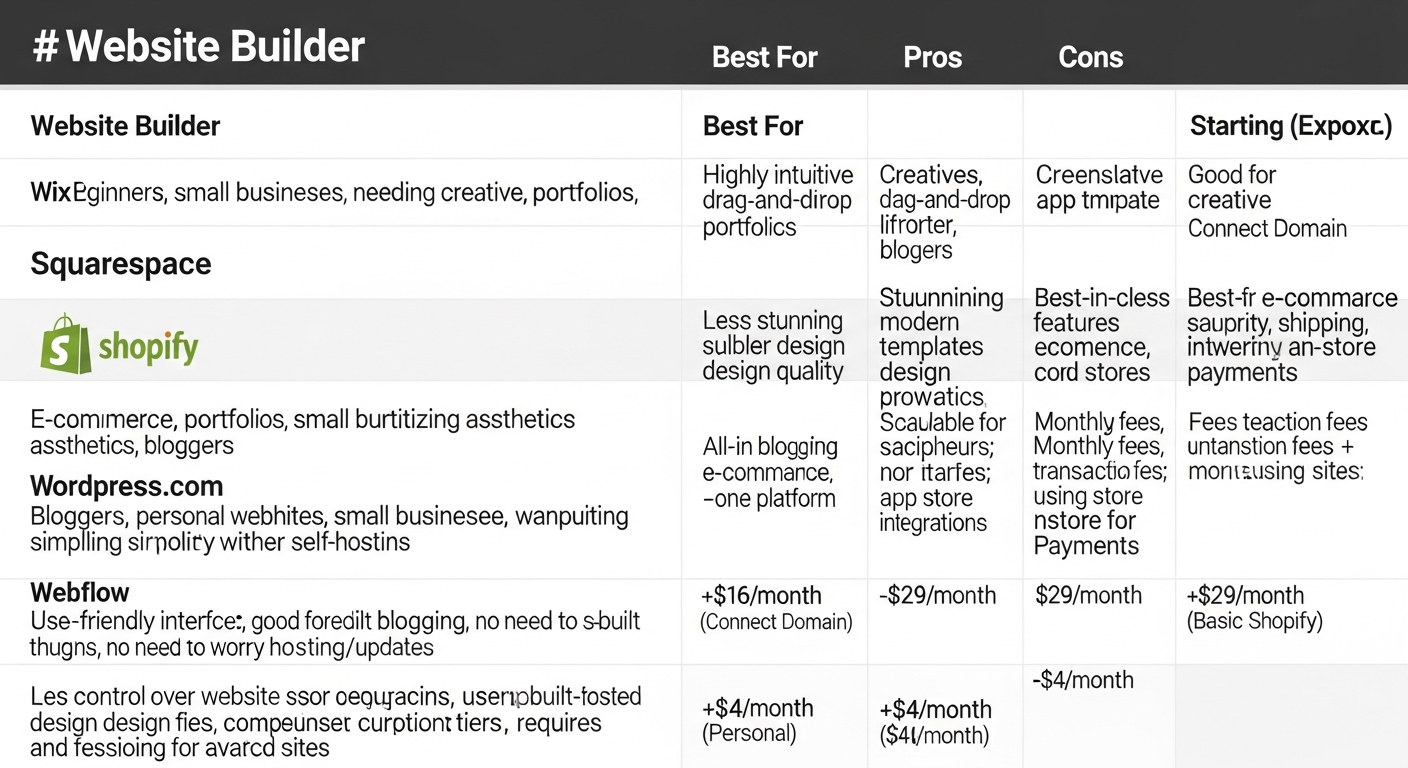
Visual summary: weigh features, cost and maintenance when choosing a platform.
