
best free website builders 2025 wix wordpress google sites carrd
How Wix, WordPress (com), Google Sites and Carrd compare in 2025 — pros, cons, SEO, costs and real-world suitability.
Free plans are great for testing ideas, but each platform makes trade-offs. This guide walks through the practical differences to help you choose the right tool for your needs.
Which free builder is best, in one line
Wix — easiest to design quickly; WordPress (com) — most flexible for content; Google Sites — simplest for internal/basic pages; Carrd — fastest one-page landing pages.
Wix — visual builder, fastest to design
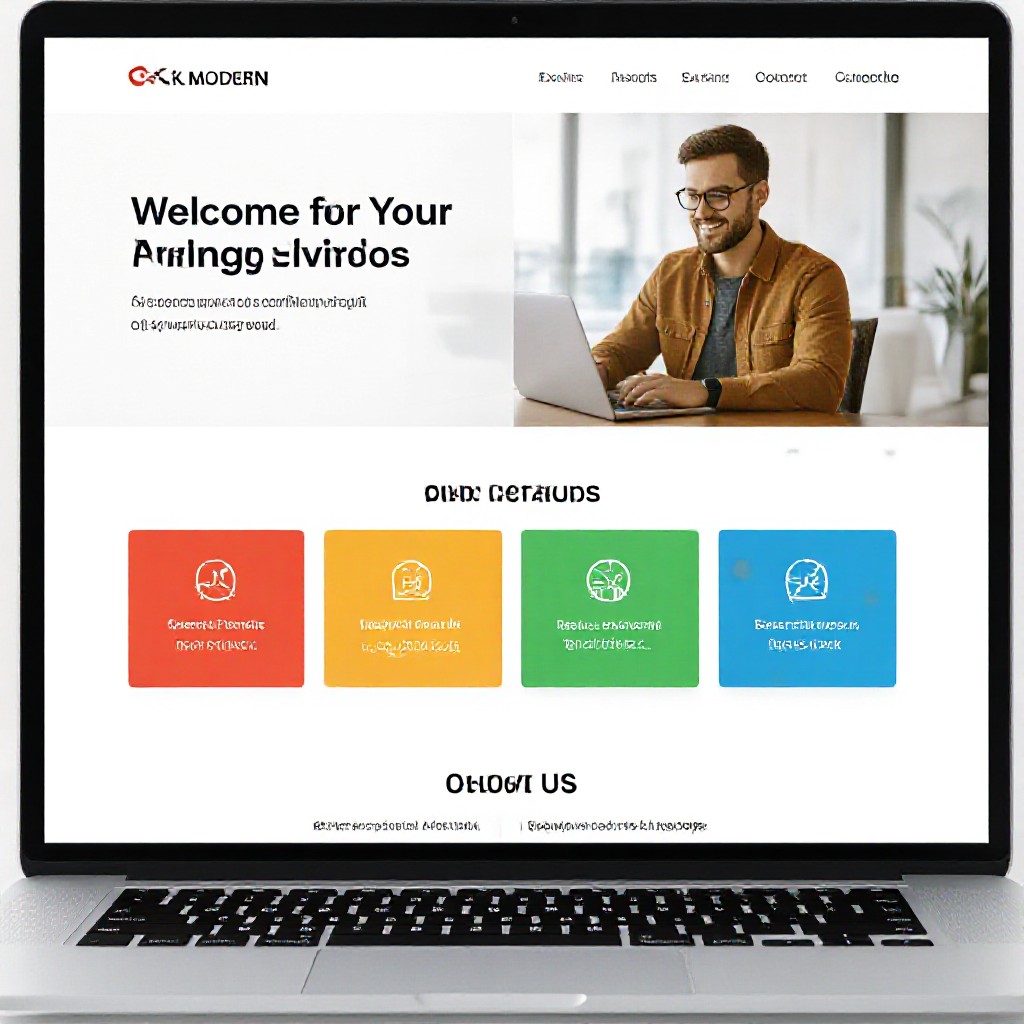
Wix remains popular for its visual drag-and-drop editor and large template library. Its free tier is generous for experimentation but has platform adverts and a Wix subdomain.
Strengths
- Powerful visual editor — arrange elements freely
- Huge template marketplace and design blocks
- App Market for add-ons (forms, bookings, chat)
- Good guided SEO tools for beginners (Wix SEO Wizard)
Limitations
- Free plan shows Wix ads and uses a subdomain
- Switching templates later can be painful
- Page speed can be variable on heavy templates
- Advanced SEO control is limited compared with self-hosted options
WordPress.com — content-first and scalable
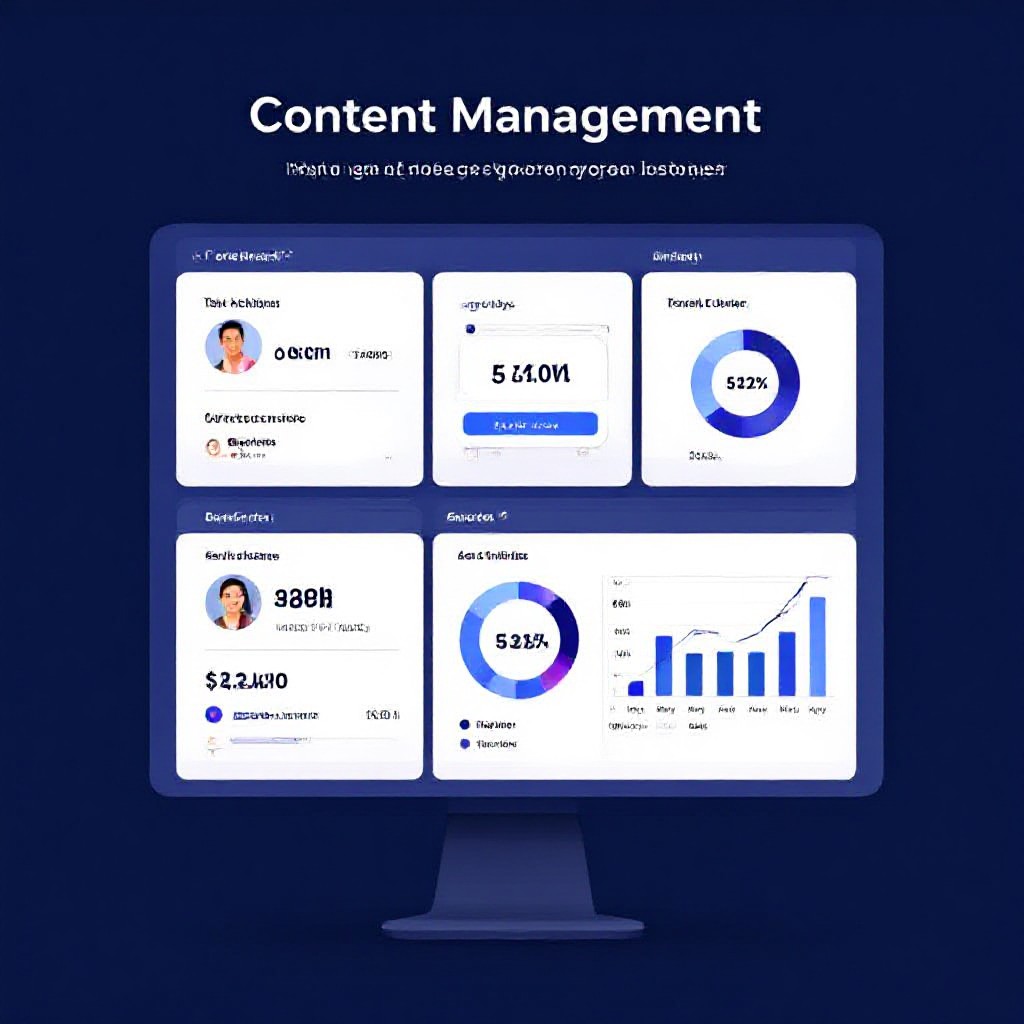
WordPress.com (the hosted service) offers flexible content tools and a mature ecosystem. The free tier provides blogging and basic pages on a WordPress.com subdomain.
Strengths
- Great for content-heavy sites and blogs
- Large plugin/theme ecosystem (on paid tiers)
- Strong publishing and routing features (categories, tags)
- Known SEO capabilities and good editorial tools
Limitations
- Free plan limited — no custom plugins or advanced themes
- Steeper learning curve than visual builders
- Full flexibility often requires paid plans or self-hosting
- Maintenance responsibility increases if self-hosted
Google Sites — minimal, reliable, and free
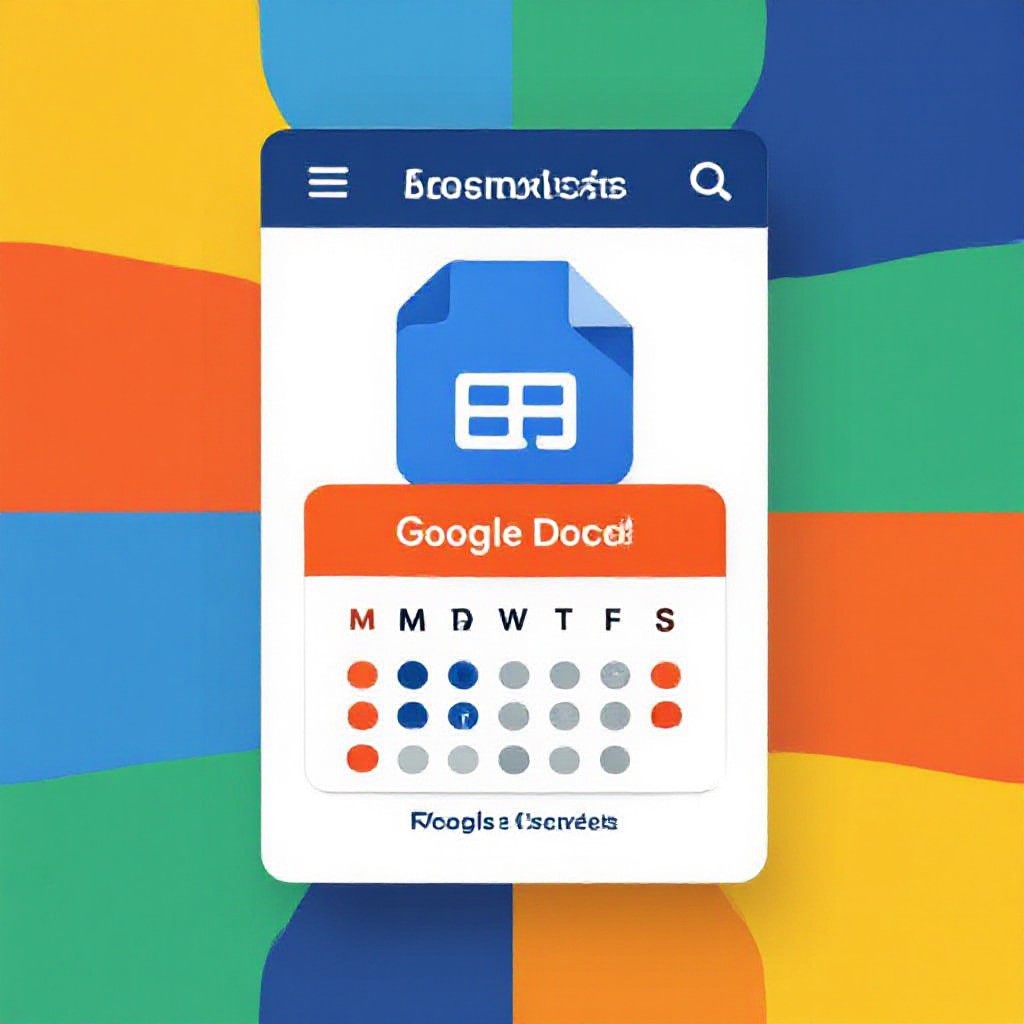
Google Sites is intentionally simple: a WYSIWYG editor with Google integration (Drive, Calendar, Forms). It’s free and fast for internal pages, documentation, or a basic presence.
Strengths
- Free and ad-free for personal use (on Google account)
- Tight Google Workspace integrations
- Very low maintenance, reliable uptime
- Simple to share and edit collaboratively
Limitations
- Very limited design and layout flexibility
- Basic SEO features only — limited meta control
- No ecommerce, few extensions
- Not ideal for brands that need custom design
Carrd — single-page landing pages, lightweight
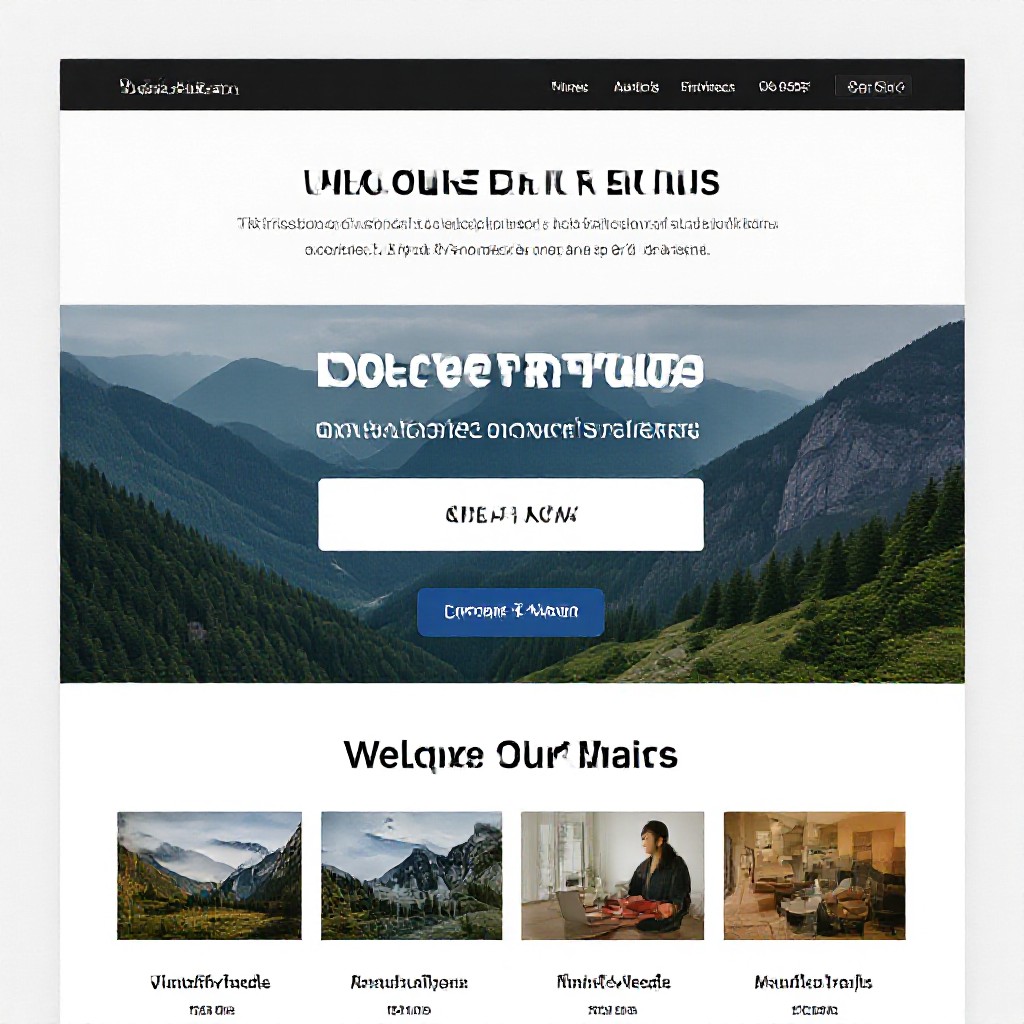
Carrd focuses on single-page websites and landing pages. Its free plan supports one-page sites and is excellent when you need a fast, clean landing presence.
Strengths
- Extremely fast and lightweight pages
- Fast to set up — great for one-off promos
- Affordable pro upgrades for forms and domains
- Very low maintenance
Limitations
- Single-page focus — not suitable for larger sites
- Limited native SEO tools (meta data per page only)
- Fewer integrations than larger platforms
- Not designed for complex navigation or content structures
Side-by-side: Wix vs WordPress.com vs Google Sites vs Carrd
| Feature | Wix | WordPress.com | Google Sites | Carrd |
|---|---|---|---|---|
| Free plan availability | Yes (subdomain, ads) | Yes (subdomain) | Yes (Google account) | Yes (single site) |
| Ease of use | Very easy (WYSIWYG) | Moderate (editor + blocks) | Very easy (drag/drop-like simplicity) | Very easy (one-page builder) |
| Design flexibility | High (drag & drop) | High on paid tiers or self-hosted | Low (template-driven) | Moderate (one-page focused) |
| SEO control | Good (guided tools) | Very good (best for content SEO) | Basic | Basic to moderate |
| Speed & performance | Varies by template | Depends on setup/hosting | Lightweight and fast | Very fast (minimal pages) |
| Custom domain on free plan | No | No | No | No |
| Ecommerce readiness | Paid plans | Paid plans / plugins | None | Very limited |
| Support | Knowledge base + ticket | Community + paid support | Help docs | Help docs + email |
| Best for | Design-forward small businesses | Content-first businesses & bloggers | Internal pages & simple sites | Single-page promos & micro-sites |
SEO and support — what the platforms actually give you
In 2025, Google’s ranking signals still reward speed, content relevance and structured data. The level of built-in SEO tools and available support matters more than ever.
Wix
Good out-of-the-box SEO wizards for titles, sitemaps and meta tags. Limited advanced schema control unless on paid plans. Support is solid but higher-tier assistance is behind paywalls.
WordPress.com
Excellent for content SEO when you can use plugins or switch to self-hosted WordPress. Requires more setup for schema and speed optimisation. Support varies by plan level.
Google Sites & Carrd
Google Sites offers basic indexing and is fast, but lacks granular SEO controls. Carrd is minimal — good for fast pages but requires external tools for advanced SEO and analytics.
Managed subscription services — the practical alternative
If you want strong SEO without the technical overhead, a managed subscription (like Congero’s model) bundles on-page SEO, schema, fast hosting and analytics into one predictable monthly fee. This is useful for trades and small businesses that need reliable search visibility and ongoing support without learning SEO tools themselves.
Costs & upgrade paths: when free becomes paid
Free plans are useful for prototypes, but most businesses soon upgrade to get rid of branding, add a custom domain, enable ecommerce, or access analytics. Expect to pay between $8–$49/month depending on needs.
- Remove platform ads and use a custom domain
- Accept payments or build an online shop
- Improve speed and mobile experience
- Get priority support or custom features
- Custom domain: $10–20/year (often included on paid plans)
- Ad removal & basic features: $8–20/month
- Ecommerce: $20–40+/month
- Managed SEO / technical support: $30–100+/month
Which builder should you pick?
Choose Wix if...
- You need a polished site quickly with minimal setup
- You value visual design and templates
- You don’t want to manage hosting or technical details
Choose WordPress.com if...
- You prioritise content, blogging, or long-form articles
- You may scale to complex features later
- You’re comfortable climbing a small learning curve or upgrading for plugins
Choose Google Sites if...
- You need a simple internal site, a documentation hub or a quick project page
- You already use Google Workspace
- You prioritise speed and low maintenance over branding
Choose Carrd if...
- You want a single-page landing page or link-in-bio site
- You need the fastest possible setup and minimal cost
- You don’t need multi-page navigation or ecommerce
Migration, ownership and long-term considerations
Platform lock-in and data portability are real issues. Free plans often keep you on subdomains and make exports incomplete. Before committing, confirm how easy it is to export your content and whether you can retain your domain and analytics history if you move later.
- Domain ownership: Always register the domain in your name, not through a platform-owned account.
- Content export: WordPress tends to have the best export tools; Wix and Carrd require manual steps for complex sites.
- Analytics continuity: Use Google Analytics or server-side tracking where possible so data follows you.
Frequently asked questions
Is the free plan good enough for a new business?
Which platform ranks best on Google?
Can I switch from a free platform later?
What if I want help managing SEO and updates?
Which path is right for you?
If you want to experiment, free plans are a great start. If you want predictable SEO, fast support and a site that converts visitors into enquiries without the technical overhead, consider a managed subscription that handles design, SEO and ongoing updates for you.
No pressure — try platforms for free, then pick the path that saves you time and gets results.
