best free website builders 2025 list
Honest, up-to-date comparisons of free website builders — who they suit, what they hide, and when a managed site is the smarter choice.
Free plans are great for experimenting, portfolios, and single-page sites — but they come with trade-offs. This guide compares the top free builders in 2025 (Wix, WordPress.com, Google Sites, Webflow, Carrd, Strikingly, and more), shows the limits you need to know, and helps you pick the right path for your business.
Why use a free website builder in 2025?
Free website builders let you launch quickly with zero cash outlay. They’re ideal for:
- Testing a business idea or personal project
- Creating a simple portfolio, CV, or event page
- Learning how builders work before committing to paid features
What you give up for "free"
Expect platform branding on your site, a platform-controlled subdomain (yourname.platform.com), limited storage/bandwidth, restricted SEO controls, and little to no priority support. E-commerce and custom domain support are almost always behind paywalls.
Quick comparison — free plans at a glance
| Builder | Free subdomain | Custom domain? | Ads/branding | Storage | Best use |
|---|---|---|---|---|---|
| Wix (Free) | wixsite.com/yourname | No (paid) | Platform ads | 500MB–1GB | Drag & drop portfolio |
| WordPress.com (Free) | yourname.wordpress.com | No (paid) | WP.com branding | 3GB | Blogs & content sites |
| Google Sites (Free) | sites.google.com/view/yourname | No (map custom DNS) | No ads | Limited (GDrive quota) | Internal docs, simple pages |
| Webflow (Starter) | webflow.io/site-name | No (paid) | Webflow badge | Limited pages | Design-first landing pages |
| Carrd (Free) | carrd.co/site | No (paid) | No ads | Single page | Simple one-page sites |
| Strikingly (Free) | yourname.strikingly.com | No (paid) | Branding | 1 site, limited | Quick single-page business site |
| Congero (Managed) | Custom domain included | Yes | No ads | Included hosting | Trades & local businesses |
Note: free plans change frequently. This table highlights typical 2025 restrictions — always check current plan details before deciding.
Wix (Free)
Best for creative portfolios and drag‑and‑drop builders. Very user-friendly.
Pros
- Massive template library & visual editor
- Beginner-friendly with built-in app market
Cons
- Free plan shows Wix ads and subdomain
- SEO controls are limited compared with self-hosted options
When to pick Wix: you want a fast visual build and don’t need a custom domain or deep SEO yet.
WordPress.com (Free)
Best for blogging and content-heavy sites on a free budget.
Pros
- Strong content tools and built-in community features
- Easy to scale to paid WordPress.com plans
Cons
- Free tier places ads and restricts plugins/themes
- Limited design flexibility vs self-hosted WordPress
When to pick WordPress.com: you’re focused on blogging and content management without immediate desire for full customisation.
Google Sites (Free)
Best for internal pages, quick information hubs, and teams already on Google Workspace.
Pros
- No ads and simple collaboration
- Integrates with Drive, Calendar, Docs
Cons
- Very limited templates and design flexibility
- Not intended for SEO-first business sites
When to pick Google Sites: you need a no-friction internal site or a simple info page tied to Google tools.
Webflow (Starter)
Best for designers who want pixel control without code-export costs.
Pros
- Advanced design control and clean exported code
- Good CMS features on paid tiers
Cons
- Steeper learning curve, free plan limits pages
- Free plan shows Webflow badge and has restricted features
When to pick Webflow: you need design precision and are comfortable learning the tool or have a designer on your team.
Carrd (Free)
Best for ultra-simple one-page sites and link pages.
Pros
- Extremely fast to build and low learning curve
- No forced ads on free plan
Cons
- Single-page only on free plan
- Limited built-in SEO and analytics
When to pick Carrd: you need a fast single-page landing or a personal link-in-bio page.
Strikingly (Free)
Best for quick single-page business sites with simple e-commerce options on paid plans.
Pros
- Very fast setup and easy editor
- Built-in simple store on paid plans
Cons
- Branding on free plan and single site limit
- Not ideal for complex sites
When to pick Strikingly: you want the fastest route to a presentable small-business landing page and can upgrade later for store features.
When to move off a free plan
Free plans are useful short-term. Upgrade when any of these apply:
- You need a custom domain for credibility
- Platform ads reduce conversions
- SEO controls and analytics are necessary
- You need reliable support and uptime for customers
Managed vs Paid DIY
Upgrading can mean paying for a higher plan on the same builder or moving to a managed subscription. Managed services remove the technical burden (hosting, updates, SEO, support) and often produce measurable results faster — for some businesses that’s worth the predictable monthly fee.
Example: many trades and service businesses pay a flat monthly fee to get a fast, SEO-optimised site plus unlimited updates — saving time and generating more enquiries than a free DIY site.
Best free builder — pick by need
Best for quick landing page
Carrd — fastest to publish, minimal learning curve.
Best for blogging
WordPress.com — content tools and easy scaling to paid plans.
Best for design control
Webflow — designer-level control (higher learning curve).
Best for collaboration
Google Sites — integrates with Google Workspace for teams.
Best for business starter
Wix or Strikingly — simple editors and business templates; upgrade for domain & e‑commerce.
When to choose managed
If you want predictable results, local SEO, unlimited updates, and someone else to handle technical work — consider a managed subscription that includes hosting and domain.
Frequently asked questions
Are free builder sites SEO-friendly?
Can I move my site off a free builder later?
Do free plans support e-commerce?
What’s the fastest way to get a business site that converts?
Quick takeaway
Free website builders are excellent for experimenting, testing ideas, and building simple one-page sites. But if you're running a local business that needs reliable leads, predictable search visibility, and someone to handle updates, the small monthly cost of a managed subscription often pays for itself in saved time and better results.
Choose a free builder if
- You're testing an idea or building a portfolio
- You need zero upfront cost
- You don't mind platform branding or limited SEO
Choose managed (when)
- You need a custom domain and no ads
- You want local SEO and analytics that drive enquiries
- You prefer unlimited updates without billing per change
At Congero we build mobile-first websites, handle local SEO and analytics, and offer unlimited updates for a fixed monthly price — ideal for trades and service businesses who prefer results over DIY admin. If you’d like to compare a quick free builder prototype with an instant managed site, try our demo below.
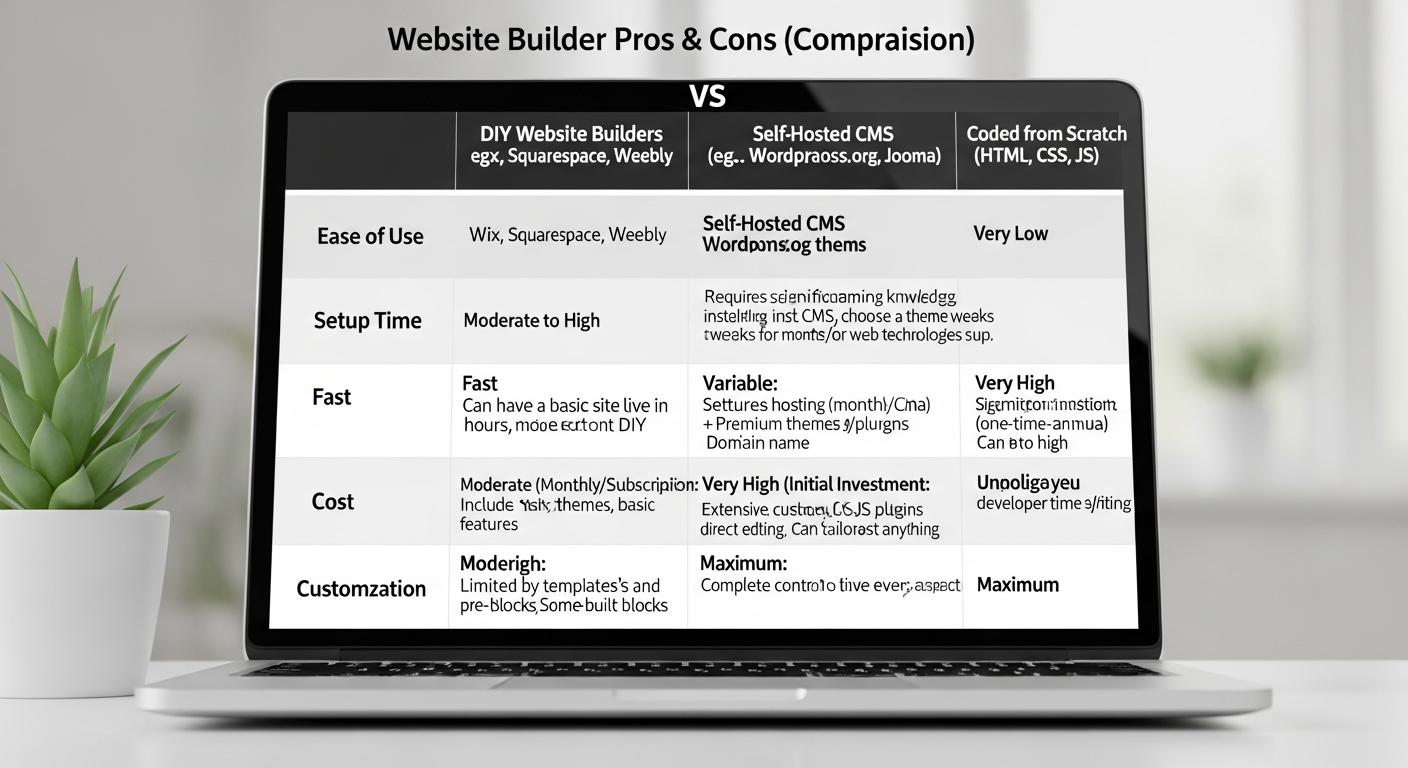
Visual summary: free builders trade flexibility and support for zero cost. Choose accordingly.
Still undecided?
If you're comparing a free builder vs a managed site and want an experienced opinion tailored to your business, our team can run a quick audit and show what a managed site would look like for your trade or service.
Get a free audit & demo