best free website builder comparison
A concise, practical guide to the best no-cost builders in 2025 — what they include, what they hide, and when a simple paid service is the smarter choice for busy trades and service businesses.
Short on time? Scroll to the quick comparison table below, or read our recommendation for business owners who need reliable results without the DIY headaches.
Short verdict — free builders are great for learning and small projects
Free plans let you prototype and publish a basic site fast, but expect limits: platform ads, subdomains (yourname.provider.com), restricted SEO features, and limited plugin/integration access. For businesses that rely on leads, these limits often reduce real-world results.
For trades and service businesses: free builders can work temporarily, but most owners get faster, more reliable enquiries and better local search presence from managed, all-inclusive services that handle SEO, hosting, and updates — such as Congero’s subscription model.
Quick comparison: top free website builders (2025)
| Platform | Free plan highlights | Main limitations | Best if you want |
|---|---|---|---|
| Wix (Free) | Drag-and-drop templates, app market, simple editor | Wix ads, provider subdomain, limited SEO/custom code | Fast visual design for hobby sites or portfolio tests |
| WordPress.com (Free) | Familiar CMS, blogging-first, many themes | WordPress.com ads, restricted plugins, limited customization | Simple blogs and content projects without heavy plugins |
| Weebly (Free) | Intuitive editor, basic ecommerce trial, reliable hosting | Weebly branding, subdomain, ecommerce limits on free plan | Small brochure sites or basic online stores experiment |
| Google Sites (Free) | Extremely simple, fast, integrates with Google Workspace | Very limited design, no advanced SEO controls, no plugins | Internal pages, quick information hubs, or team docs |
| Webflow (Free / Starter) | High design flexibility, production-ready HTML/CSS, CMS on paid plans | Steep learning curve; free sites have subdomain & limited pages | Designers who want pixel control and plan to upgrade later |
| Carrd (Free) | Very cheap/small landing pages, fast to set up | Single-page focus, limited integrations on free plan | One-page promos, link-in-bio pages, simple lead capture tests |
Common free-plan tradeoffs
- Platform branding / ads on every page
- Subdomain instead of your own domain (hurts trust & SEO)
- Limited SEO tools, analytics, and integrations
- Restricted access to templates, plugins and performance features
When a free plan makes sense
- You’re testing an idea and don’t need leads immediately
- You want a low-effort portfolio or internal page
- Budget = $0 and you accept the visibility limits
When to avoid free plans
- You depend on Google and local search for customers
- You need a professional appearance and custom domain
- You want measurable lead growth and reliable uptime
Pros and cons at a glance
Pros of free builders
- Zero monetary cost — great for prototypes
- Fast to publish and experiment
- No hosting setup or domain technicalities
- Many offer generous template libraries
Cons of free builders
- Ads and subdomains reduce trust and conversions
- Limited SEO and analytics — hard to grow organically
- Core features (forms, bookings, e‑commerce) often behind paywalls
- Time cost: DIY maintenance and updates fall on you
Feature comparison: free plan realities
| Feature | Wix Free | WordPress.com Free | Webflow Starter | Google Sites |
|---|---|---|---|---|
| Custom domain | No | No | No | No |
| Platform ads | Yes | Yes | No* | No |
| SEO controls | Basic | Basic | Advanced on paid | Very limited |
| Analytics integration | Restricted | Restricted | Paid only | Limited |
| Forms & lead capture | Limited | Limited | Custom on paid | Basic |
| Unlimited pages | Yes | Yes | Limited pages free | Yes |
| eCommerce | Paid | Paid | Paid | Not supported |
*Webflow starter removes some ads but keeps subdomain and limits until you upgrade.
Which path should you choose?
Free builder — choose this if
- You need to validate an idea quickly at zero cost
- You don’t need customer leads right away
- Design experimentation and learning are priorities
Paid, managed service (like Congero) — choose this if
- You want predictable lead generation and local SEO handled for you
- You don’t have 40+ hours to DIY or the time to manage technical tasks
- You value a custom domain, no ads, fast launch, and unlimited updates
Real-world result (typical)
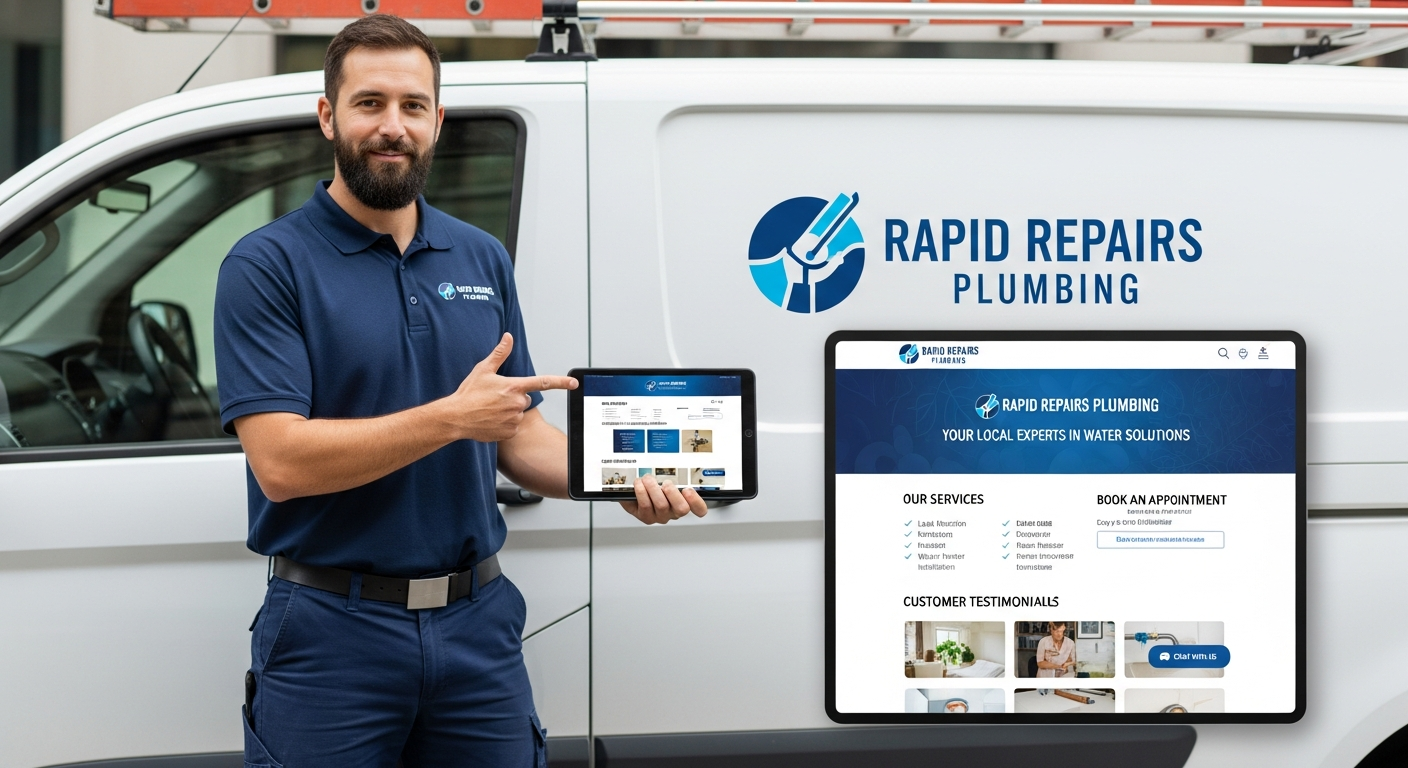
A local plumber built a free site on Wix but kept getting calls confused by the subdomain and platform ads. After switching to a managed subscription (domain + local SEO + unlimited updates), enquiries doubled within 8 weeks. The difference was domain trust, better local search setup, and fast update turnaround.
Key lesson: For businesses selling services locally, the perceived professionalism of a custom domain + no ads matters — it directly affects conversion rate from search traffic.
Frequently asked questions
Is a free builder bad for SEO?
Can I move from a free plan to a paid host later?
What’s the real cost of a “free” site?
Our concise recommendation
Use a free builder to prototype and learn. If your website needs to generate steady leads, be search-visible, and look professional to local customers, upgrade to a managed, all-inclusive solution that removes friction (domain, hosting, SEO, and updates) — particularly if you value your time.
Congero builds professional, mobile-first websites quickly via WhatsApp, includes local SEO, hosting and unlimited updates for a simple monthly fee — designed for trades and service businesses that want results, not admin.
Still unsure? Start with a free prototype on a builder you like. If it doesn’t convert within a month, consider a managed subscription — many businesses see measurable improvements when they swap time-consuming DIY for predictable, professional setups.
