best free html website builder github
Quick, practical comparison of the most-used free static HTML builders on GitHub — tradeoffs, setup complexity, and customization potential.
If you're comfortable with Git, build tools, and deployment pipelines, open-source static site generators (SSGs) are powerful and free. Below we compare the common options and show a low‑maintenance alternative if you want a professional site without the engineering overhead.
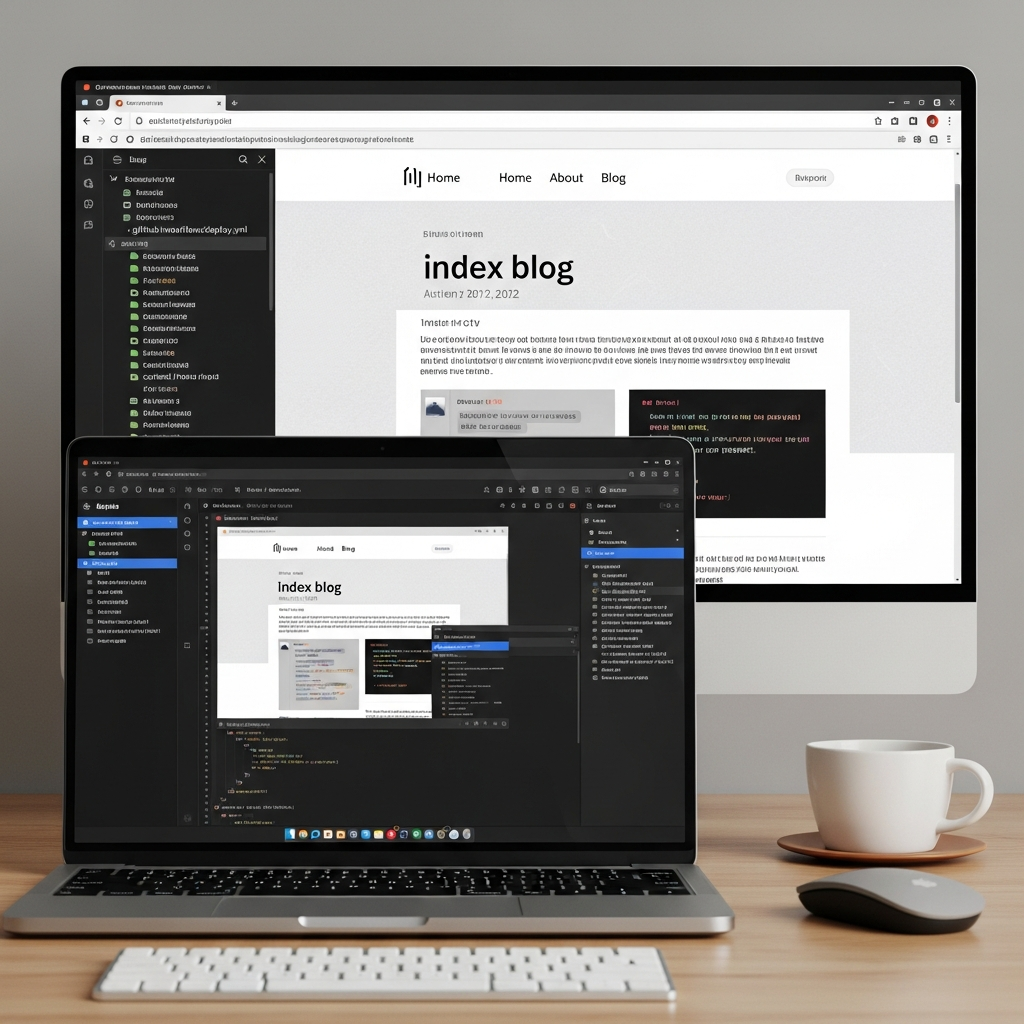
At a glance: which GitHub builders to consider
| Project | Ease of Use | Features | Customization |
|---|---|---|---|
| Jekyll (GitHub Pages) | Low–Medium — native GitHub Pages support | Blog-friendly, templates, plugins (limited on Pages) | High with Ruby/HTML skills |
| Hugo | Medium — fast builds, single binary | Taxonomies, i18n, shortcodes, fast performance | High — templates & themes, Go templating |
| Eleventy (11ty) | Medium — flexible, JS-based | Very flexible template choices, lightweight | Very high — choose templates, engines |
| Gatsby | Medium–Hard — React + GraphQL learning curve | Rich plugin ecosystem, dynamic features | Very high — React component based |
| HTML Template Kits (HTML5 UP, StartBootstrap) | Easy — drop-in static HTML/CSS | Design-focused, no build step required | Medium — modify HTML/CSS directly |
| “Plain” HTML + GitHub Pages | Easy — upload files, serve from gh-pages | Minimal — static pages only | Medium — full control of markup/CSS |
Common pros of GitHub-hosted free builders
- Zero license cost and strong open-source communities.
- Full control of markup, SEO tags and performance tuning.
- Fast static hosting via GitHub Pages or any CDN.
- Huge ecosystem of themes and starter kits on GitHub.
Common cons and hidden costs
- Setup complexity: requires Git, CLI, build tooling, CI/CD knowledge for updates.
- Maintenance overhead: dependency updates, build failures, and security fixes.
- Content updates often require commits or a CMS glue layer (Netlify CMS, Forestry), which adds friction.
- Local SEO and analytics need manual configuration (schema, sitemaps, tracking).
Quick notes: who each option suits
Jekyll + GitHub Pages
Hugo
Eleventy (11ty)
Gatsby
Static HTML Templates
Plain HTML + GitHub Pages
When to avoid free GitHub builders
- You don't want to manage builds, deploy scripts, or merge/push workflows.
- You need frequent content edits but lack Git or CLI comfort — updates become a bottleneck.
- You want built-in local SEO, analytics and support without manual configuration.
A simple alternative (no build tools, no Git required)
If you prefer not to manage repositories, CI, or templates, consider a managed service designed for small businesses. For example, Congero builds professional, mobile-first websites without you touching a build tool — launch from the phone in under a minute, with domain, hosting, SSL and local SEO included for a predictable monthly fee.
- Launch a professional site in 60 seconds via text/WhatsApp.
- Unlimited updates — just text changes and we apply them.
- All-in-one: domain, hosting, SSL, analytics and local SEO handled for you.

FAQ — quick answers
Are GitHub builders really free?
Which is easiest for non-developers?
I want a site fast and worry-free — what should I choose?
Deciding help: open-source vs managed
Open-source GitHub builders are powerful and free for those who can manage the stack. If you'd rather avoid builds, Git, and ongoing maintenance, a managed, all-in-one solution gives a professional site without the engineering overhead.
