best carrd template professional directory 2026
Honest, practical comparison of the leading Carrd template approaches for building professional directories — and when to choose a custom site with full SEO.
Carrd remains a fast, affordable way to publish single-page directories and lists. Below you'll find template types, real pros & cons, technical limits to watch for, and clear guidance on when a managed Congero website + SEO is the smarter long-term choice.
Top Carrd template approaches for professional directories (2026)
Carrd doesn't have an official “directory product” the way a CMS does, but creative templates and embeds let you build useful directories quickly. Below we compare the leading approaches you'll see in Carrd template marketplaces and template packs in 2026.
Minimal List (single-column)
- Fast to set up; minimal styling needed
- Excellent mobile UX
- Lowest cost — Carrd Pro only
- No built-in search or filters
- Hard to scale beyond a few dozen entries
Grid / Card Gallery
- Visually strong — great for portfolios and service providers
- Easy to scan on desktops
- Long single page can grow heavy and slow
- No native dynamic pagination — manual or embed required
Embedded Airtable / Notion
- Adds real search, sorting and dynamic updates without coding
- Good for medium-sized directories (hundreds of entries)
- Embed iframes can feel inconsistent with native design
- Extra costs: Airtable/third-party plan for more records or API usage
Map + Listings
- Excellent for local directories where location matters
- Users expect map view for trades & services
- Maps often require paid API keys once traffic grows
- Embed latency and mobile layout can be tricky
Membership / Paid Listings
- Quick monetisation with low friction
- Works well for niche professional directories
- Limited automation for onboarding and invoices
- Security and compliance management outside Carrd
Quick comparison — template types at a glance
| Template Type | Best for | Scale | Technical overhead | Approx monthly cost |
|---|---|---|---|---|
| Minimal List | Small directories (10–50 entries) | Low | Low — native Carrd | $0–$10 (Carrd Pro) |
| Grid / Card Gallery | Portfolios, curated networks | Low–Medium | Low — manual updates | $0–$15 |
| Embedded Airtable / Notion | Directories requiring search & frequent updates | Medium (hundreds of records) | Medium — manage external DB & embeds | $10–$50+ (third-party tools) |
| Map + Listings | Localised, geo-based directories | Low–Medium | Medium — API keys & embed tuning | $15–$100 (map APIs at scale) |
| Membership / Paid Listings | Directories intended to monetise quickly | Low–Medium | High — secure payment flows & onboarding | $0–$50+ (Stripe / automations) |
Technical limitations to consider
Carrd is built for elegant, simple pages. That strength is also its limit. For professional directories that expect growth, enquiries and ranking in local search, these are the constraints you must plan for:
- No server-side search or custom APIs — search works via client-side embeds or third-party services; performance and SEO differ significantly from server-rendered results.
- One-page architecture — Carrd is primarily single-page; deep content, paginated listings, and indexable individual listing pages are cumbersome.
- SEO & structured data limitations — Carrd pages can have titles and meta descriptions, but producing per-listing schema.org markup at scale requires server-rendered pages or manual markup.
- Embed reliability — Airtable / Notion / Sheets iframes are convenient but add latency and can be blocked by ad blockers or privacy settings.
- Payments & user accounts — you can embed Stripe checkout, but true account flows, invoices, and recurring membership management usually need external services and more maintenance.
When Carrd is the right choice
- Proof-of-concept / MVP: Validate demand quickly — Carrd can have a clickable directory live in hours.
- Micro directories: Niche lists with a limited number of vetted entries (under ~200) where manual updates are acceptable.
- Event or temporary directories: Short-term projects (conferences, pop-ups) where long-term SEO isn't required.
- Budget experiments: Test monetisation models (paid listings) before investing in automation.
If you expect fast organic growth, repeatable lead generation and local search dominance, plan for a site architecture that supports per-listing pages, fast server-side rendering and proper schema markup.
Quick decision guide
When a custom site + SEO is the better long-term choice
Carrd can get you started, but here are common scenarios where a managed custom site (with specialist SEO) outperforms Carrd templates:
Per-listing SEO & discovery
Server-rendered listing pages with unique title/meta tags and structured schema are essential for ranking in local search. Carrd makes this difficult at scale.
Performance at scale
Custom hosting and CDN setup provide predictable speed under growing traffic — a key ranking factor. Carrd + multiple embeds can become brittle as visits increase.
Automation & integrations
Automated onboarding, CRM connections, recurring billing and reporting are straightforward with a custom backend — possible with Carrd but more work and third-party complexity.
Ownership & future flexibility
Custom sites give full control of markup, data, and SEO. If you plan to sell, scale or integrate deeply with partners, owning the stack matters.
Real-world example — why custom SEO mattered
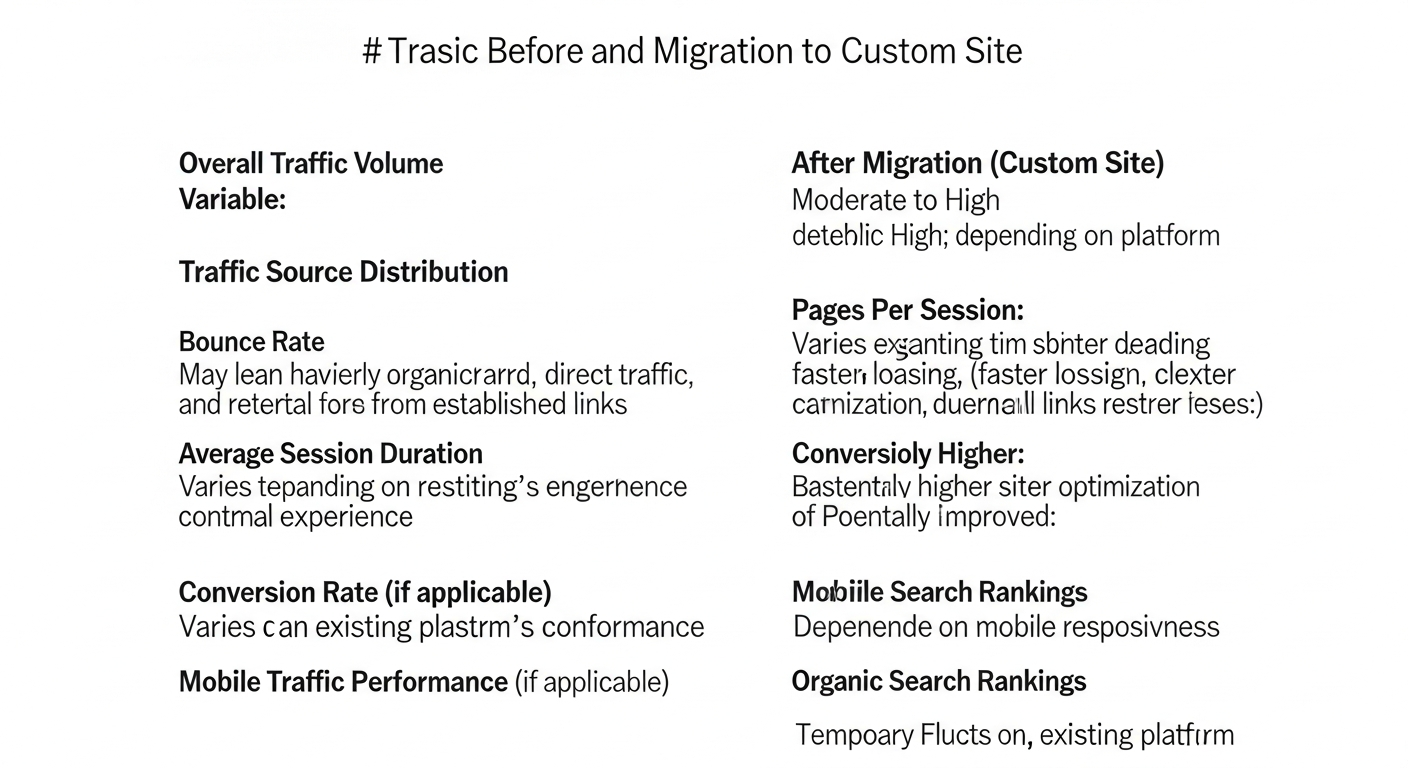
A local trade directory launched on Carrd with an embedded Airtable saw initial traction but struggled to rank for "electrician near me" queries. After migrating to a Congero-built site with per-listing pages, structured local schema and local citation clean-up, organic enquiries doubled in 10 weeks and map pack visibility improved.
- Before: Single-page Carrd with embed — limited crawlability.
- After: Multi-page site with schema, local landing pages and monthly optimisation.
- Result: 2x enquiries, consistent top-3 local pack rankings for 6 target suburbs.
Frequently asked questions
Can Carrd handle hundreds of entries?
Is it possible to add search and filters in Carrd?
How much does a Congero directory migration cost?
Can I keep a Carrd site long-term?
Make the right choice for your directory
If you need a quick, low-cost directory for a limited audience, a Carrd template is a smart start. If you want long-term growth, local search performance and automation, a purpose-built site with expert SEO will save time and increase enquiries.
Need a quick consult? We can review your Carrd prototype and recommend the optimal next steps — keep what works, replace what doesn't.
