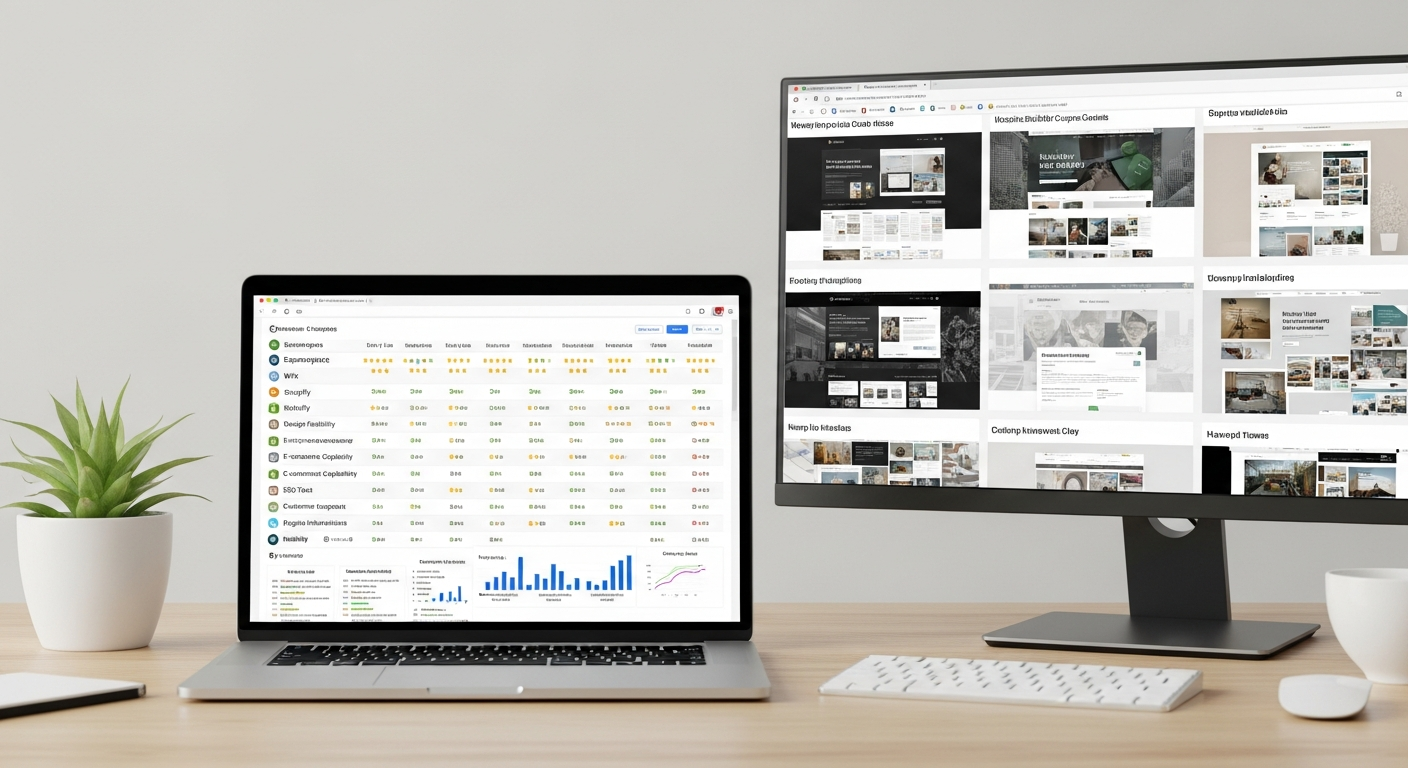
best and most affordable website builder
Honest, practical comparisons of the top builders in 2025 — focused on price, ease of use and real-world value.
Choosing a website builder is about trade-offs. This guide compares popular platforms plus modern subscription services so you can pick the best option for your budget and time.
How we evaluate each website builder
We focus on three practical factors small businesses care about:
Affordability
Monthly fees, upfront costs, and likely add-ons (domains, SSL, e-commerce). We consider true cost of ownership including time.
Ease of use
How fast a business owner can launch a professional site—without becoming a developer or designer.
Ongoing value
Maintenance, updates, SEO basics, hosting, analytics and whether updates are included or cost extra.
Popular Website Builders — pros, cons and who they suit
Wix
A beginner-friendly drag-and-drop builder with lots of templates and built-in features. Great for owners who want to DIY quickly.
- Easy visual editor — low learning curve
- Many templates and app integrations
- Quick to launch a simple site
- Template lock-in (hard to migrate)
- Many features locked behind paid plans
- Can become expensive with apps and ecommerce add-ons
Squarespace
Design-focused with polished templates—good for portfolios, creatives and small businesses that value aesthetics.
- Beautiful, consistent templates
- All-in-one hosting and tools
- Good for image-rich sites
- Less flexible for complex customisation
- Can be pricier for commerce
- Learning curve for advanced tweaks
WordPress.com (and self-hosted WordPress)
Extremely flexible and scalable. Best if you expect to grow or need specialised features—but requires more technical work for self-hosted setups.
- Massive plugin ecosystem
- Full control with self-hosted option
- Excellent for blogs and advanced sites
- Steeper learning curve
- Maintenance and security are your responsibility (if self-hosted)
- Costs add up for premium themes, plugins, and dev time
Shopify
A commerce-first platform built for online stores. Excellent for selling, but not the most affordable for low-volume sellers once transaction fees and apps are included.
- Best-in-class ecommerce tools
- Large app marketplace
- Scales well for stores
- Monthly + transaction costs
- Additional apps often required
- Not ideal for brochure-only sites
Webflow
Powerful visual design tool that outputs clean code. Ideal for designers and agencies—less friendly for non-technical owners who want simple, quick updates.
- Design control and performance
- Exportable clean code
- Good for unique layouts
- Steeper learning curve
- Editor experience less approachable for non-designers
- Costs for CMS and hosting add up
GoDaddy Website Builder
A simple all-in-one builder for basic brochure sites. Good for speed but limited when you need customisation or growth tools.
- Fast setup for basic sites
- Simple plans
- Domain and hosting bundled
- Very limited customization
- Not ideal for SEO-heavy sites
- Upselling common
Professional subscription services (done for you)
A growing approach: pay a fixed monthly fee and get a fully designed, hosted and maintained website with unlimited updates. Ideal if you value quick results and minimal time investment.
- Professional custom design with minimal input
- Hosting, domain and SSL included
- Unlimited updates handled for you
- Built-in basic SEO and analytics
- You're on a subscription rather than one-off ownership of tech
- Some advanced custom development may still require additional fees
- Varies by provider—read what’s included
Pricing vs Real Value: what to watch for
A low monthly sticker price can hide missing features or costly add-ons. Here are the true cost drivers:
- Essential inclusions: domain, SSL, hosting, backups, and basic SEO. If these are extra, costs add quickly.
- Time cost: DIY platforms save cash but require hours of your time (design, writing, testing).
- Update policy: If changes cost per hour, you’ll avoid updates and your site becomes stale.
- Ecommerce: Stores need payment, shipping, and inventory tools—this is where monthly fees climb.
A quick rule of thumb
If a plan is under $20/mo but excludes domain, hosting or SEO, the advertised price is a starting point—not the final cost. For most small businesses, a predictable $30–49/mo all-inclusive subscription provides the best value when you account for time and maintenance.
| Platform | Typical Cost | Setup Time | Ease of Use | Best for | Limitations |
|---|---|---|---|---|---|
| Wix | $17–35/mo | Hours | Very easy | Small brochure sites, DIYers | Feature fragmentation, migration |
| Squarespace | $16–49/mo | Hours | Easy | Portfolios, creatives | Less flexible for complex sites |
| WordPress.com / Self-hosted | $4–45 / $10+ hosting | Days–Weeks | Moderate | Blogs, flexible sites | Maintenance, plugin costs |
| Shopify | $29–399/mo | Hours–Days | Easy (commerce-focused) | Ecommerce stores | Transaction & app fees |
| Webflow | $12–40+/site | Days | Moderate–advanced | Design-led sites | Editor not ideal for non-designers |
| Professional subscription (done-for-you) | $30–49/mo | Minutes–24 hours | Very easy (we do it) | Busy owners who want results | Subscription model vs owning tech |
How all-inclusive monthly subscriptions deliver value
Subscription services bundle design, hosting, domain, security and updates into one predictable monthly fee. For many small businesses that don't want to manage technology, this model delivers better ROI than piecing together platforms.
Common inclusions to confirm
- Domain registration (or transfer assistance)
- Fast hosting with SSL and backups
- Basic local SEO, page titles and schema
- Simple, fast update workflow (text, chat or support portal)
- Clear cancellation terms (no lock-in)
Frequently asked questions
Which builder is the cheapest overall?
Is DIY always cheaper than a paid service?
How quickly can I be live?
Will a cheaper site hurt my SEO?
Decide based on value, not sticker price
If you want a polished website fast, without surprise fees or time-drains, consider options that include hosting, domain, security, SEO and unlimited updates in a single predictable monthly price.
Not every small business needs the same tool. Use the comparisons here to match the platform to your budget, time and growth plans.
