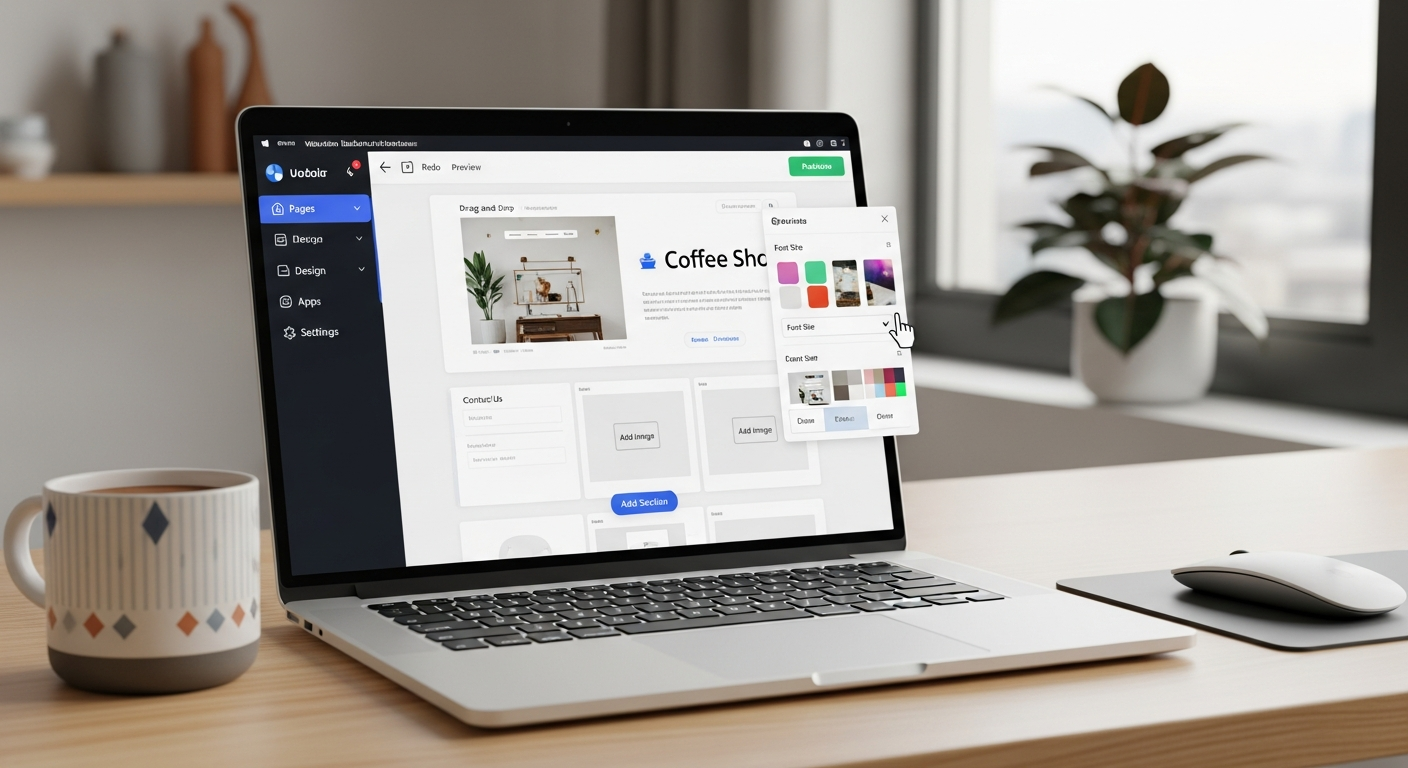
5 best website builders
An unbiased 2025 guide to Wix, Squarespace, WordPress.com, Webflow, and Shopify — what each does best, typical costs, and which to pick depending on your goals.
If you're choosing a website builder, this guide walks through strengths, limitations and real-world trade-offs so you can match a tool to your business — plus one low-effort alternative for busy trades and local services.
Builders Reviewed
Available on 3/5
Typical monthly range
Setup from 1 hour to 40+ hours
Supported by most platforms
Quick side-by-side comparison
High-level differences to help you narrow choices quickly. Prices shown are typical as of 2025 and depend on plan and add-ons.
| Builder | Typical monthly cost | Setup time | Best for | Main limitation |
|---|---|---|---|---|
| Wix | $10–40 | 1–20 hours | Beginners, template-driven sites | Templates can limit long-term flexibility |
| Squarespace | $16–49 | 2–20 hours | Design-forward businesses, portfolios | Less advanced integrations than open platforms |
| WordPress.com | $4–45 | 5–40+ hours | Blogging, content-heavy sites, flexible scaling | Learning curve; plugins and hosting nuances |
| Webflow | $0–35 (site) + hosting | 5–40+ hours | Designers and agencies who want pixel control | Steeper learning curve; not ideal for non-technical users |
| Shopify | $29–299+ | 2–30 hours | Online stores of all sizes | Transaction fees and app costs can add up |
Tip: Monthly price is only one factor. Consider setup time, integrations you need, ongoing maintenance, and whether you want someone else to handle updates and local SEO for you.
Wix — easy, fast, template-first
Wix is popular for its drag-and-drop builder and wide template library. It suits users who want to launch quickly with minimal technical setup.
Pros
- Intuitive visual editor
- Large template library and built-in media
- App marketplace for extra features
- Free plan for testing
Cons
- Template lock-in—changing templates often requires rebuild
- Plugins/apps can add monthly cost
- Not as developer-friendly for advanced customisation
Squarespace — design-first, polished templates
Squarespace is known for cohesive, high-quality templates and an editor that prioritises aesthetic consistency. Ideal for portfolios, creatives and boutique businesses.
Pros
- Beautiful, professional templates out of the box
- Good built-in blogging and image handling
- All-in-one hosting and domain options
Cons
- Less extensible than open platforms for advanced integrations
- Fewer third-party plugins than WordPress
- Costs can rise if you need commerce or advanced features
WordPress.com — flexible, content-first
WordPress powers a large portion of the web. WordPress.com simplifies hosting and updates; self-hosted WordPress (WordPress.org) offers maximum control. The trade-off is more configuration and occasional technical maintenance.
Pros
- Extremely flexible with plugins and themes
- Best for blogs, content-managed sites, and scale
- Large developer community and resources
Cons
- Requires maintenance: updates, backups, plugins
- Hosting, security and speed depend on your provider
- Steeper learning curve for non-technical users
Webflow — design control, production-ready HTML/CSS
Webflow gives designers pixel-level control and exports production-ready code. It’s powerful where precision and custom interactions matter, but it expects either design experience or help from a specialist.
Pros
- High-fidelity design control
- Generates clean HTML/CSS and CMS collections
- Good performance when built well
Cons
- Steep learning curve for non-designers
- Some integrations require custom work
- Costs increase for multiple sites or heavy CMS use
Shopify — ecommerce-first, scale-friendly
Shopify focuses on selling online. It handles payments, inventory, shipping rules and reporting with a commerce-centric feature set that’s hard to beat for stores.
Pros
- Robust commerce features out of the box
- Large app ecosystem for shipping, marketing and POS
- Scales from small stores to enterprise
Cons
- Monthly subscription + app fees + transaction fees
- Less suited for simple brochure sites (overkill)
- Design customisation sometimes requires developer work
Which website builder should you pick?
No single platform is objectively "best" — the right choice depends on your priorities: speed, design, control, ecommerce, or low maintenance. Use the checklist below to match needs to platforms.
You want a simple site fast
Pick Wix or Squarespace if you value speed and a shallow learning curve.
You need full control and scale
Choose WordPress (self-hosted) for extensibility, or Webflow for design-driven production sites.
Your priority is selling online
Shopify is built for commerce; it handles inventory, payments and shipping workflows well.
Questions to ask before choosing
- How much time can you realistically invest in setup and maintenance?
- Do you need ecommerce, booking, or advanced integrations?
- Do you prefer to manage updates yourself or pay a monthly fee for managed service?
An alternative: a managed, subscription-driven approach
The five builders above cover most needs, but they all share one thing: someone must build, configure, secure and update the site. That responsibility can be handled by you, a freelancer, or a managed subscription service.
DIY / Platform approach
- Pros: lower sticker price for basic plans, direct control over content
- Cons: time cost, ongoing maintenance, hidden plugin/app fees
Managed subscription approach
- Pros: predictable monthly fee, updates handled for you, combined hosting & domain & SSL
- Cons: monthly cost vs one-off pay, less direct platform-level control
Where managed services add value
For busy local businesses and tradespeople, handing over updates, local SEO, hosting and analytics to a service can reduce time-to-live and increase enquiries quickly — even if the monthly cost is higher than a bare platform plan.
Frequently asked questions
Which builder is cheapest?
Which one ranks best on Google?
Can I move from one builder to another later?
What about security and backups?
Choosing a builder is about trade-offs
If you want maximum control and are comfortable with maintenance, WordPress or Webflow are strong choices. For a fast, beautiful site with minimal fuss, Wix or Squarespace work well. If ecommerce is the primary goal, Shopify is purpose-built for the job.
If you’re a busy local business owner
Many trades and service businesses find that a managed subscription service — one that builds your site quickly, handles local SEO, hosts and updates the site for a single monthly fee — gives the best balance between cost and results. That model reduces your time investment and avoids hidden plugin or developer bills.
- Fast launch — often under 24 hours
- All-inclusive: domain, hosting, SSL and updates
- Local SEO and monthly analytics included
No matter which platform you choose, prioritise speed, mobile design, and clear contact methods — those drive enquiries and revenue.
