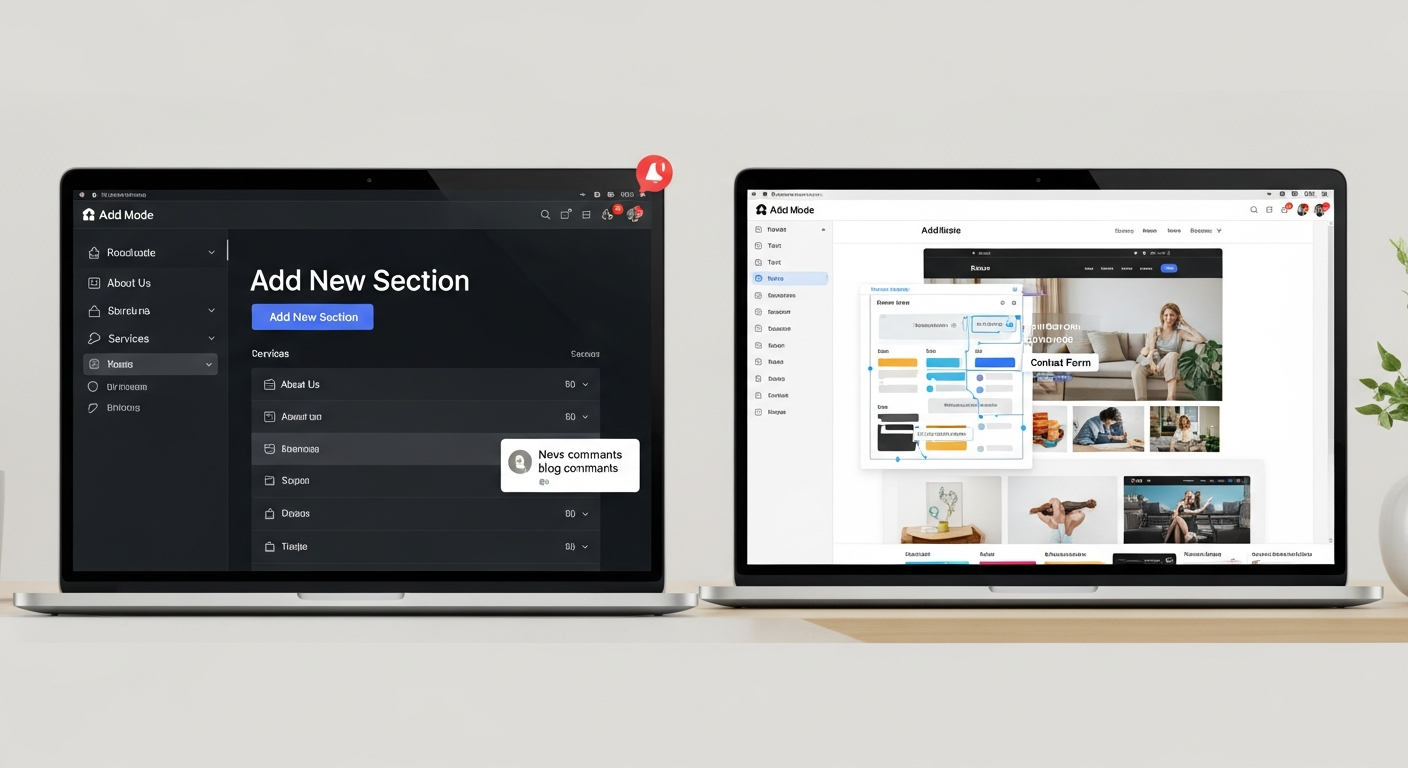
10web vs webflow
A concise, practical comparison of features, cost, ease of use and outcomes for small businesses
Choosing the right site platform affects setup time, running costs, and how quickly you start getting enquiries. Below is a neutral comparison that highlights key differences, pros and cons, and where a managed subscription service can offer simpler results for busy trades and local businesses.
At a glance
10Web and Webflow target different users: 10Web builds on WordPress with automation and managed hosting, while Webflow is a visual design-first platform with its own hosting and CMS. Both can create professional sites — the right choice depends on your priorities: control & extensibility (WordPress/10Web) vs visual design precision and pixel control (Webflow).
- 10Web: WordPress-based, managed hosting, AI-assisted site creation, familiar WP plugin ecosystem.
- Webflow: No-code visual builder, proprietary CMS, strong layout control and interactions, steeper learning curve for non-designers.
Good fit if...
Which platform suits you depends on your technical comfort, need for speed, and long-term plans.
- Choose 10Web if you want WordPress compatibility, plugin access, and managed WP hosting.
- Choose Webflow if you need pixel-perfect visual control and built-in CMS without WordPress.
- Consider a managed subscription service if you prefer instant setup, predictable cost, and unlimited content updates handled for you.
Side‑by‑side comparison
| Feature | 10Web | Webflow |
|---|---|---|
| Core platform | WordPress (managed by 10Web) | Proprietary visual builder & hosting |
| Ease of use | Lower barrier if familiar with WP; automations help non-technical users | Visual but steeper learning curve for layouts, interactions |
| Design control | Template + WP theme flexibility; uses page builders | Pixel-level control, animations, responsive settings |
| Hosting | Included (managed WP hosting) | Included (Webflow hosting, global CDN) |
| CMS / Content | WordPress CMS with plugin ecosystem | Built-in CMS tailored to Webflow structure |
| SEO tools | Standard WP SEO plugins supported; 10Web adds optimisations | Built-in SEO settings and friendly markup |
| Speed & performance | Optimisations + caching available; can vary with plugins | Fast by default; careful build keeps pages lightweight |
| Ecommerce | WooCommerce support (flexible, plugin-dependent) | Webflow Ecommerce (native but evolving) |
| Pricing model | Managed hosting subscriptions; add plugins/agency costs may apply | Site plans by hosting + CMS limits; higher tiers for team features |
| Scalability & export | WordPress portability; many hosting choices | Export static HTML/CSS (limited CMS portability) |
| Support | Managed WP support from provider; WP community resources | Webflow support + community; steeper custom work may need experts |
10Web — Pros
- Familiar WordPress ecosystem and plugin compatibility
- Managed hosting and WordPress optimisations bundled
- AI-assisted site creation and migration tools available
10Web — Cons
- WordPress maintenance can be plugin-dependent
- Performance varies if many plugins are used
- Non-technical users may still need help for advanced customisation
Webflow — Pros
- Pixel-perfect visual design and interactions
- Integrated CMS and reliable global hosting
- Clean code export for static sites
Webflow — Cons
- Steeper learning curve for non-designers
- CMS and ecommerce limits on lower plans
- Less plugin extensibility than WordPress
How to decide
If you value plugin extensibility and WordPress portability pick 10Web. If you need tight visual control and a unified design-to-hosting workflow pick Webflow. If you want to avoid setup complexity and recurring hidden costs while getting fast results, consider a managed, all-inclusive subscription where updates and SEO are handled for you.
Where a managed subscription can offer advantages
For busy trades and small businesses the decision often comes down to three practical factors: ease of use, predictable cost, and measurable results. A managed subscription service (like Congero) is designed to simplify those exact areas:
Ease of use
Sites delivered and updated via simple text or support requests — no builder learning curve. Useful when you want zero setup time and someone else to handle design and fixes.
Cost predictability
One monthly fee that includes domain, hosting, SSL, and unlimited content updates avoids plugin add-ons or pay‑per‑hour update costs common with WordPress or specialist Webflow engineers.
Results-focused
Managed services often include local SEO setup, analytics reporting, and conversion-first templates so you start seeing enquiries faster — useful if you need leads rather than a bespoke design exercise.
Which should you choose?
Pick 10Web if...
- You're invested in the WordPress ecosystem and need plugin flexibility.
- You want WordPress portability and extensibility for custom features.
- You prefer having managed WordPress hosting with WP-specific optimisations.
Pick Webflow if...
- You (or your designer) need pixel-perfect control and advanced interactions.
- You prefer an all-in-one visual builder + CMS without WordPress complexity.
- You have resources to manage the learning curve or hire Webflow experts for custom work.
Pick a managed subscription if...
You want a professional site fast, predictable monthly pricing, and unlimited updates handled for you — especially useful for trades, local services, and businesses that prefer to focus on customers rather than website maintenance.
Frequently asked questions
Is Webflow faster to build than 10Web/WordPress?
Which is cheaper long-term?
Can I move from Webflow or 10Web later?
Need a fast, low-hassle option?
If you prefer no builder learning curve, predictable all-in-one pricing, and ongoing updates handled for you, a managed subscription can be a practical alternative to both 10Web and Webflow — especially for busy trades and local business owners.
See How It Works