wix
How small businesses can use Wix to build a professional website, improve SEO, and attract more customers
Wix is a fast, low-cost way to get online with modern templates, built-in SEO tools and apps. This guide shows exactly how to use Wix effectively — design that converts, SEO that ranks, and workflows that turn visitors into enquiries.
How Wix helps small businesses get customers online
Wix combines easy site-building, modern templates and built-in tools so small businesses can launch quickly without a developer. For many trades and local services it's an ideal first step to get visible and start generating enquiries.
Fast setup
Launch a professional-looking site in hours using Wix ADI or templates — no coding required.
Mobile-ready
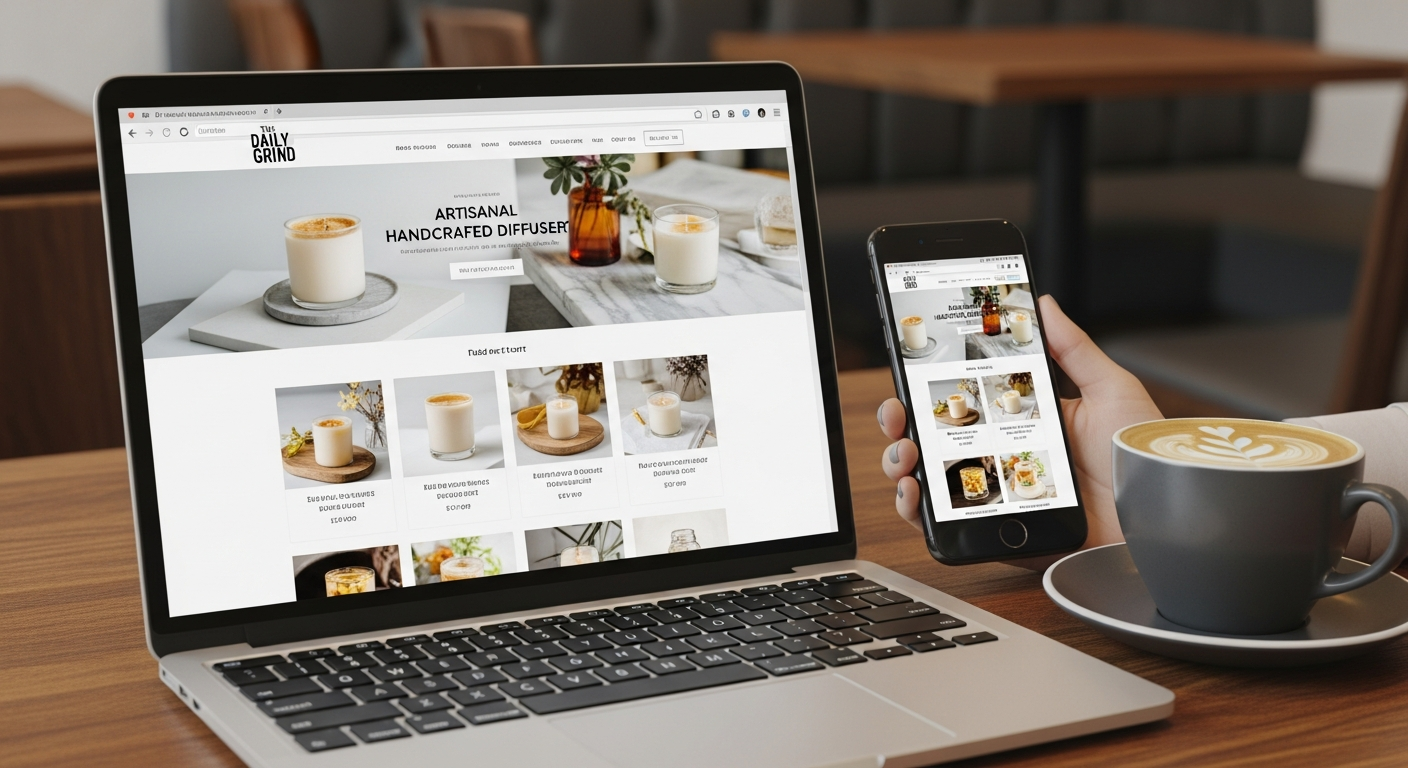
Templates are responsive and mobile-first — crucial since most customers search on phones.
Built-in tools
SEO Wiz, sitemaps, schema, analytics and apps (bookings, chat, payments) are available in one place.
Why a professional website still matters
A professionally designed Wix site builds trust, helps customers understand your services quickly and improves conversion rates. Visitors decide in seconds — clear services, visible pricing, and easy contact options turn traffic into leads.
Wix SEO tips that actually move the needle
Wix has matured significantly for SEO. Use the platform's SEO features plus these best practices to rank locally and attract customers.
On-page essentials
- Unique page titles & meta descriptions: include target keyword and location (e.g. Plumber Melbourne).
- Header structure: use one H1, H2s for sections and include keywords naturally.
- Fast content: clear service pages with 300–800 words explaining each service.
- Image alt text: descriptive alt tags help accessibility and image search.
- Schema markup: use Wix's built-in structured data for local business, services and FAQs.
Speed & performance
- Use compressed images: export web-optimised JPG/WEBP and let Wix serve optimized assets.
- Limit heavy scripts: only enable apps you need — each app can add load time.
- Choose a lightweight template: some templates include extra animations that slow mobile load.
- Check PageSpeed: aim for mobile score 60+ on Wix sites (many top local sites are 50–70). Focus on perceived load speed.
Local SEO checklist
- Claim and completely fill your Google Business Profile (name, address, phone, hours, services).
- Use consistent NAP (name, address, phone) across your site and directories.
- Create location pages if you serve multiple suburbs — unique content for each area.
- Collect reviews and respond — reviews are a major local ranking factor.
- Build local citations (industry directories, local chambers, Yellow Pages equivalents).
Design Wix pages to convert visitors into customers
Design isn't decoration — it's a tool to guide visitors to take action. Use these conversion-focused design patterns on Wix.
Above-the-fold clarity
First impression counts. Headline, one-sentence value proposition, and a single clear CTA (call-to-action) above the fold.
Simple navigation
Limit the menu to 4–6 links (Home, Services, About, Pricing, Contact). Use anchor links to FAQs and service sections.
Prominent contact options
Display phone number in the header on mobile and desktop. Add a sticky call or chat option for immediate contact.
Service-focused pages
Each core service should have its own page with clear benefits, pricing ranges, and a CTA that links to contact/bookings.
Conversion checklist
- Fast hero with clear CTA
- Trust signals (licenses, association badges) — present but concise
- Visible opening hours and approximate service area
- Easy-to-find contact options — phone, click-to-call, booking widget
Top Wix apps and integrations for small businesses
Wix's App Market extends the website with powerful features. Choose selectively to avoid bloat.
Bookings
Accept appointments and manage jobs — perfect for trades, therapists and consultants.
Live Chat
Capture leads in real-time and answer quick questions that convert visitors into calls.
Payments
Take deposits, sell gift cards or run a small ecommerce catalogue with built-in payment providers.
Email Marketing
Collect emails and send service updates, specials and booking reminders.
Analytics & Tracking
Enable Google Analytics, Tag Manager and Wix Site Analytics to measure traffic and conversions.
Maps & Directories
Embed maps and link to directories to improve local visibility and user trust.
Common Wix pitfalls — and how to avoid them
Wix is powerful but there are common mistakes that reduce effectiveness. Address these early.
Overusing apps
Every app can add weight and complexity. Only install what directly supports conversions: booking, chat, payment or analytics.
Neglecting mobile
Always preview and test on multiple phones. Hide complex desktop-only sections on mobile to improve UX.
Duplicate content
Avoid copying boilerplate supplier text. Unique service descriptions help both users and SEO.
Poor backups & ownership confusion
Make sure you own your domain and keep site exports or backups of content. While Wix hosts the site, your domain and content should remain under your control.
When to consider moving off Wix
Wix is excellent for most small businesses. Consider migration when your needs include advanced custom functionality, complex ecommerce at scale, or very high custom performance requirements.
Signs you might outgrow Wix
- Need for a complex membership or learning platform
- Large ecommerce store with hundreds of SKU-level rules
- Strict custom integrations with ERP or specialised CRM
- Extensive server-side customisations or bespoke APIs
If you do migrate
- Keep domain and export contacts and content first
- Plan URL redirects to retain SEO
- Move analytics and run both sites in parallel during transition
Frequently asked questions
Is Wix good for SEO?
How much does Wix cost for a business site?
Can I accept bookings and payments on Wix?
Do I own my content and domain?
Ready to build a Wix website that wins customers?
Start with a clear plan: service pages, local SEO, and one strong CTA. Whether you DIY with Wix or get help, the goal is the same — more calls, bookings and sales.
Pro tip: Keep content local and specific — pages tailored to suburbs or services will beat generic pages in local searches.
