website free builder
How free website builders help you get online fast — and when a professional upgrade pays off
Free website builders are a powerful way for small businesses to establish an online presence today. This guide shows how to use them effectively for local SEO and customer acquisition, what limitations to expect, and how professional web design and marketing services can amplify results.
Launch a basic site without upfront cost
Get a working site in minutes, not weeks
Most builders produce responsive pages by default
Simple SEO controls for titles, meta and headings
How free website builders help small businesses
For a busy tradie, cafe owner, freelancer or local service business, the biggest barrier is often time and cost. Free website builders remove both: you can register, pick a template, add contact details and publish a basic site in under an hour. That means customers searching for your service can find you sooner.
- Immediate visibility: A published page indexed by Google helps you appear in searches right away.
- Low risk: Try layouts and content without financial commitment.
- Built-in tools: Many builders include templates, SEO fields, contact widgets, and analytics.

Fast route to a basic website
If you need a simple brochure site, service list and contact form to capture leads, free builders are an excellent starting point — especially when budgets are tight and you need something that looks presentable quickly.
SEO tips to get the most from a free website builder
Use clear, local page titles
Include your service and suburb in page titles (e.g., "Plumber in Melbourne — Fast Emergency Plumber").
Add local business details
Display your address, phone, opening hours and embed a Google Map. Consistent listings improve local rankings.
Write helpful, keyword-focused copy
Explain services, common problems you solve, and include questions customers ask — that content ranks.
Optimize page speed
Compress images, avoid autoplay video and use the builder’s built-in performance settings.
Submit a sitemap
Connect Google Search Console and submit your sitemap so Google crawls your site faster.
Install analytics
Track visits, top pages and search queries to make improvements that drive leads.
Limitations of free builders (what to watch for)
Template constraints
Templates speed setup, but can restrict layout, SEO structure and conversion elements. Many businesses outgrow them as they scale.
Feature paywalls & branding
Essential features (custom domain, removal of platform branding, advanced SEO tools, e‑commerce) are often behind paid tiers.
Hidden time cost
Design, copywriting, image editing and continuous SEO take time. If your time is worth more spent on customers, outsourcing may be a better return.
Support limitations
Platform support can be slow or generic. When things break or require custom integrations, you may need paid help.
When to upgrade from a free builder to professional web design & marketing
Free builders are excellent for getting started. Upgrade when your site must perform as a lead-generation engine, when conversions matter, or when you need ongoing marketing and SEO to scale customer enquiries.
- You need faster lead growth: Professional SEO, paid ads and content strategies accelerate enquiries.
- Branding matters: Custom design builds trust and higher conversion rates.
- Time is scarce: Text-driven update workflows and managed hosting save hours every month.
How professional services help
Agencies combine design, local SEO, analytics and paid marketing to turn website visitors into booked jobs — and provide ongoing updates so your site keeps working for you.
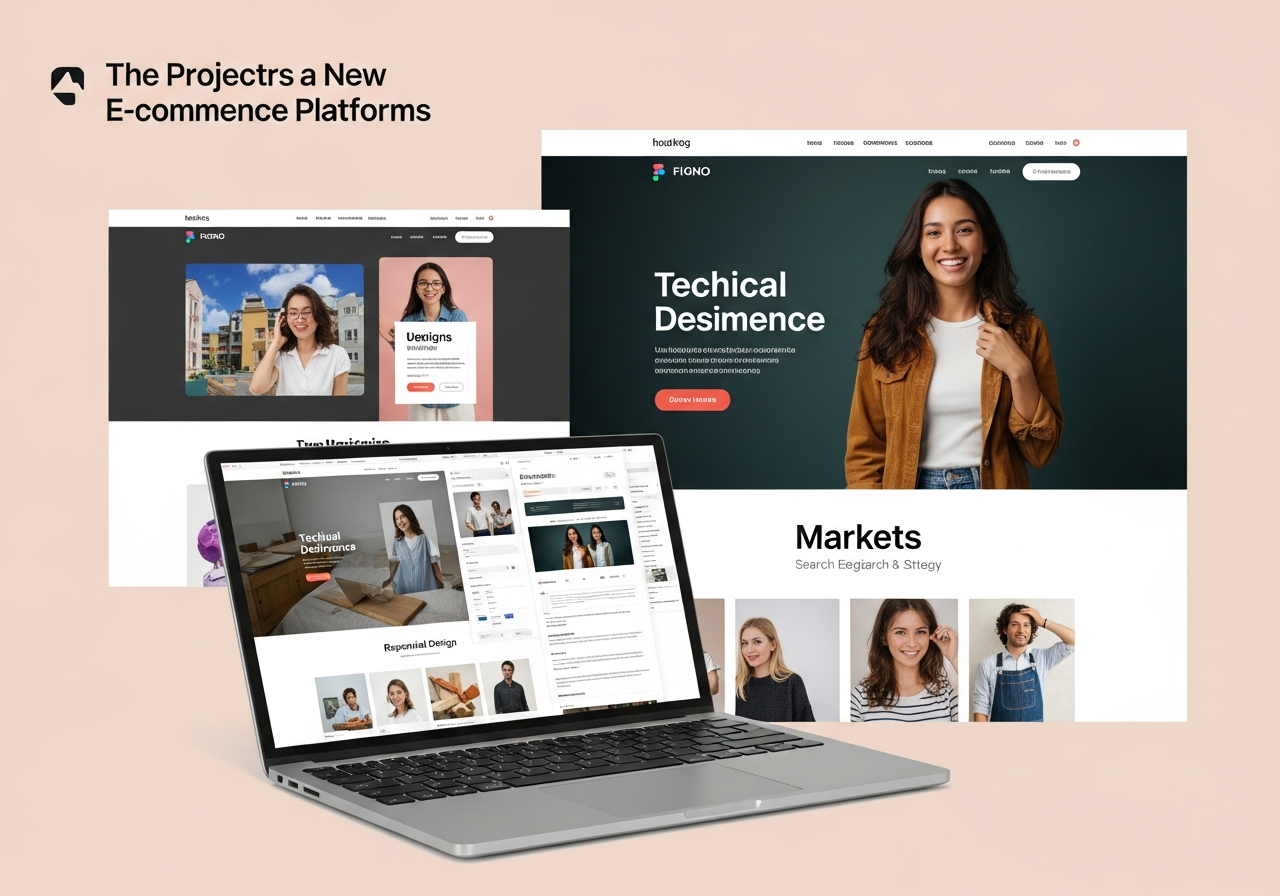
Example outcome
A professionally designed and market-optimised site can double or triple enquiry rates compared with a templated DIY page — because it’s faster, clearer and built to convert visitors into customers.
Cost & value: free builder vs professional subscription
| Factor | Free Builder (Starter) | Professional Service (Managed) |
|---|---|---|
| Upfront cost | Free – paid upgrades optional | $0 design fee to start (subscription) |
| Monthly cost | $0–$20 (basic plan) or $20–$60 with extras | $30–49/month (all-in, hosting, domain, updates) |
| Time to launch | Minutes–hours (you build it) | Minutes–24 hours (managed build) |
| SEO & analytics | Basic fields, manual setup | Local SEO, schema, monthly analytics reports |
| Updates | You update (time cost) | Unlimited updates included |
| Best for | Testing ideas, very small budgets | Busy business owners who need results |
If your priority is simply "be visible online" the free builder is excellent. If your priority is "get customers reliably" then a managed professional service often returns more in bookings than the extra monthly spend.
How professional web design & marketing complement free builders
A professional provider takes the elements you started with on a free builder and turns them into a conversion-focused website plus marketing system:
- Technical SEO & schema: Make search engines understand your services and service areas.
- Analytics & optimisation: Monthly reports identify what pages drive leads and where to improve.
- Ongoing updates: Change specials, prices, or service pages by text message or ticket — no DIY headaches.
- Managed hosting & security: SSL, backups and uptime monitoring handled for you.
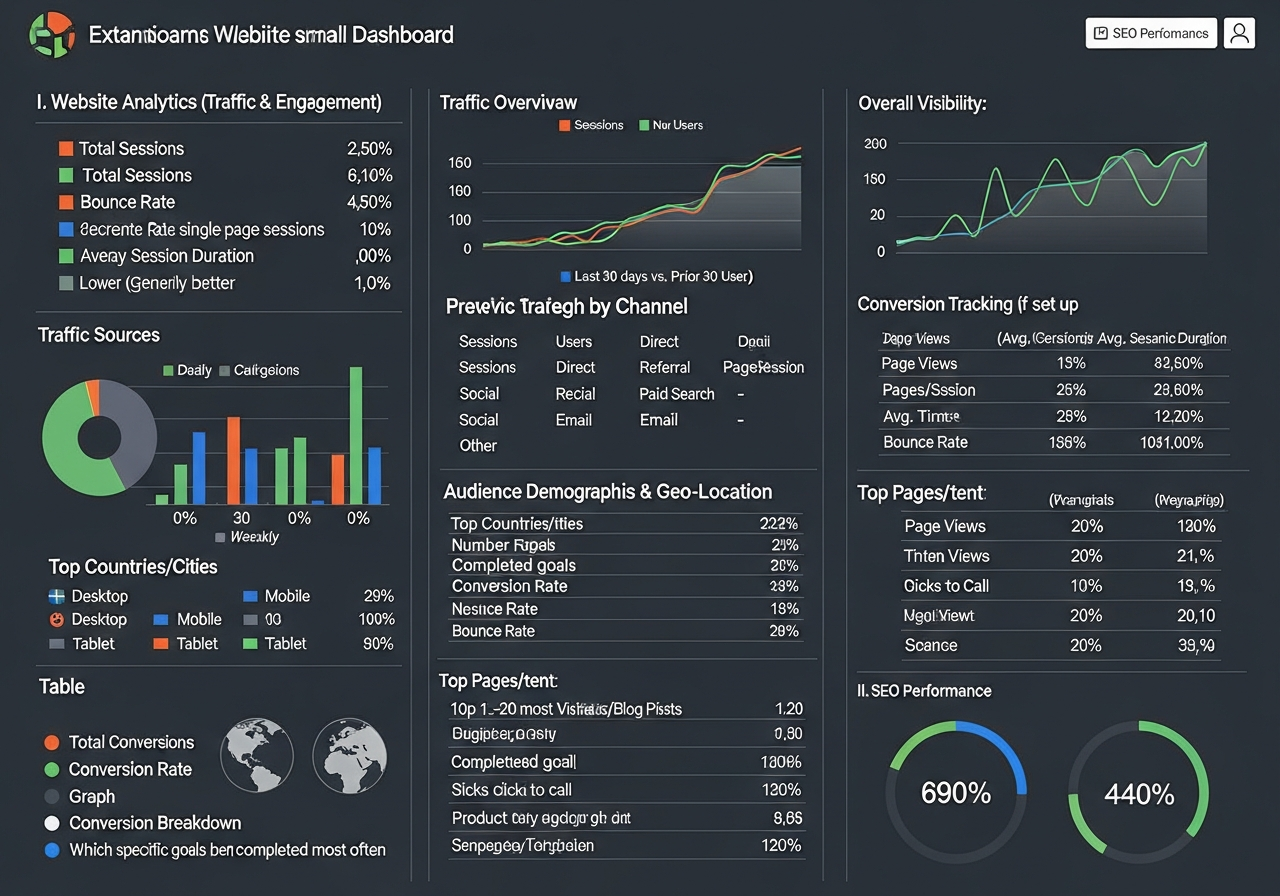
Example: Congero builds managed sites for trades and service businesses — live in under 60 seconds from a WhatsApp demo, all-inclusive hosting and domain for a flat monthly fee, plus unlimited updates and local SEO so your free builder starter can evolve into a lead-generating machine.
Getting started: a practical checklist
If you choose a free builder
- Pick a clean, mobile-first template
- Write 3–4 service pages with local keywords
- Add NAP (name, address, phone) and opening hours
- Connect Google Analytics and Search Console
- Submit sitemap and request indexing
- Test contact form and mobile experience
If you hire a professional
- Share your goals and top services
- Provide photos, logo and contact details
- Approve structure and calls-to-action
- Let the team configure local SEO and analytics
- Review monthly performance reports
- Request ongoing updates as needed
Frequently asked questions
Can a free website really rank in Google?
What stops a free builder from being enough?
How much should I budget to upgrade?
Can I keep my free-built site when moving to a professional provider?
Start with a free builder — upgrade when you’re ready
Free website builders are a low-cost, low-risk way to start. When you need higher performance, conversion optimisation and predictable growth, a professional service can amplify traffic and enquiries while saving you time.
Pro tip: Start with a free builder to validate demand, then move to a managed professional solution to scale lead generation without losing time.
