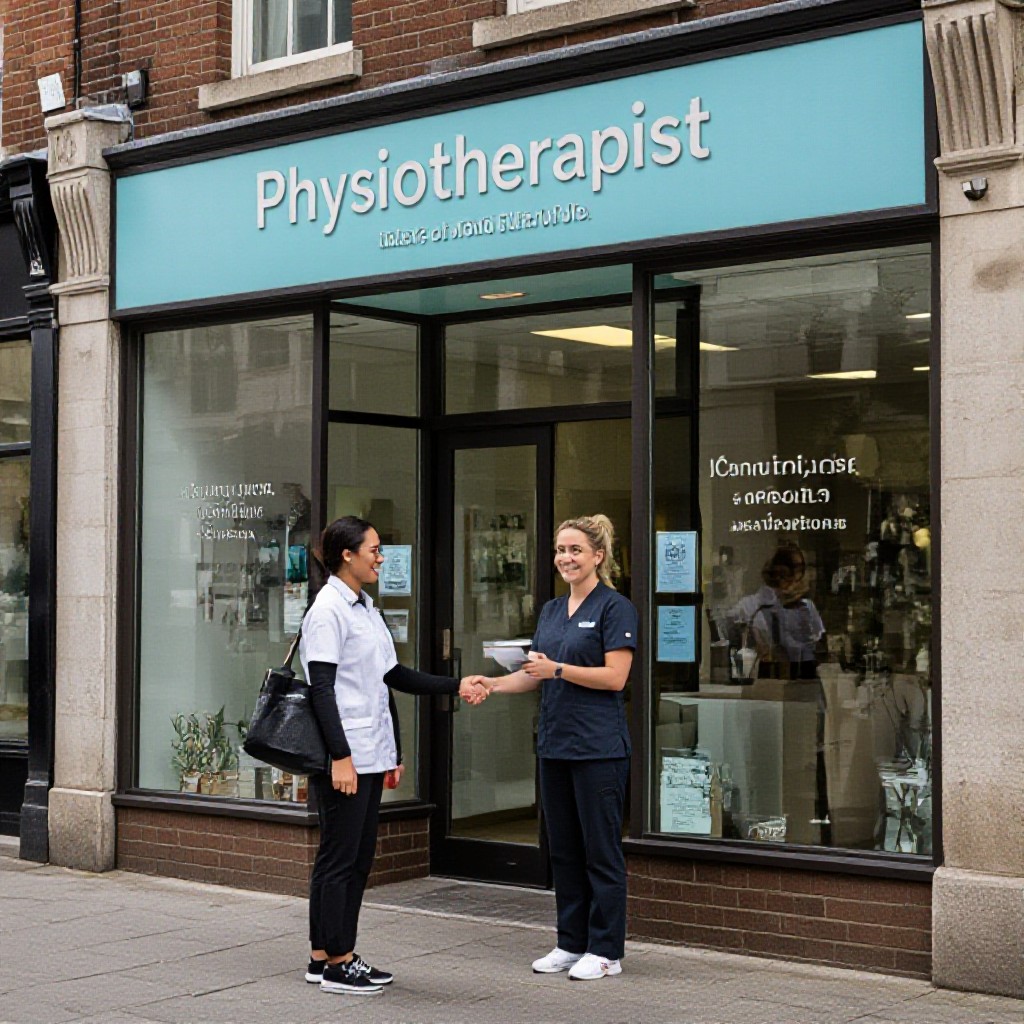
maps seo for physiotherapists
Rank in Google Maps, appear for "physio near me", and turn local searches into booked patients.
If you run a physiotherapy clinic, Maps SEO is one of the fastest ways to get visible to nearby patients actively searching for help — and to build trust with five-star reviews, accurate service listings, and useful local pages.
People search for local info on Google
Visits result in a store/clinic visit within 1 day
Users pick a business with strong reviews
Mobile searches for "physio near me"
Why Maps SEO matters for physiotherapists
Patients searching for physiotherapy usually want help now — they use Google Maps and "near me" queries to find a clinic that’s open, nearby, and trusted. Maps SEO (optimising your Google Business Profile + local signals) boosts visibility for these high-intent searches and creates immediate trust through accurate info and reviews.
Get found for "physio near me"
Google shows map results above organic listings for local intent. Optimising Maps signals means you appear in that prime real estate — more calls, directions and website clicks.
Build trust with patients
A complete profile with consistent NAP (name, address, phone), services, photos and 5-star reviews makes first-time visitors more likely to choose your clinic.
Increase bookings & walk-ins
Map listings show click-to-call, directions and appointment links — turning searchers into patients with a single tap.
Cost-effective marketing
Maps SEO targets people actively looking for treatment in your area — high intent and lower cost than broad advertising channels.
Step-by-step: Set up & optimise your Google Business Profile
Claim and verify
Claim your listing at business.google.com and complete verification by mail, phone, or instant verification if eligible. Verified profiles get priority and more features.
Complete every field
- Clinic name — use your real trading name (avoid keyword stuffing).
- Primary category: Physiotherapist (or Physical Therapist) and add relevant secondary categories like Sports Medicine.
- Full address with correct format and service area if you visit patients.
- Phone number (local) and appointment URL (deep-link to booking page).
- Opening hours, including late/holiday schedules.
Add photos & services
Upload high-quality photos of the clinic, treatment rooms, staff, and before/after rehab images. Add detailed service entries (e.g., "Back Pain Treatment", "Sports Injury Rehab") with short descriptions and prices where permitted.
Use Posts & Q&A
Publish posts about specials, new services, and patient education. Answer Q&A promptly — these snippets can appear in the maps panel and influence clicks.
Website signals that boost your Maps ranking
Maps ranking uses proximity, relevance and prominence. Your website helps with relevance and prominence when it signals local authority to Google.
Consistent NAP
Display your clinic name, address and phone number in the header or footer in the same format used on your GBP. Inconsistencies confuse Google and lower local rankings.
Embed a Google Map & Directions
Add an embedded map and clear directions from major suburbs. That improves user experience and helps with “directions” actions from Maps results.
Service pages for each condition
Create landing pages for common search terms: "back pain physio [suburb]", "post-op rehab [suburb]", etc. Use H1s, local keywords, and schema to help Maps associate your site with those services.
Performance & mobile-first
Fast, mobile-friendly sites keep users engaged. Google uses page experience signals in local search — optimise images, enable caching and prioritise above-the-fold content.
Reviews & reputation: the trust engine for clinics
Reviews strongly influence click-throughs and conversions. A steady stream of authentic patient reviews raises your Maps ranking and credibility.
How to get more 5-star reviews
- Ask promptly after a positive session — a short SMS with a direct review link works best.
- Make it easy: include a dedicated "leave a review" button in emails and on your website.
- Train reception staff to request reviews after good outcomes.
- Respond to every review professionally — thank positive reviewers and address concerns openly.
Handle negative feedback
Reply quickly, offer to resolve the issue offline, and show how you fixed the problem. This demonstrates care and can convert critics into advocates.
Local content, landing pages & citations that win Maps clicks
Suburb landing pages
Create short, localised pages for the suburbs you serve (e.g., "physio in Fitzroy"). Each page should include: local keywords, service summary, map embed, testimonials from patients in that area, and an easy booking CTA.
Local citations & directories
Ensure consistent listings on Healthdirect, Whitepages, Yellow Pages, local council directories and trusted health directories. Accurate citations help Maps trust the legitimacy of your clinic.
Content ideas that attract patients
- Short guides: "Managing Sciatica: When to see a physio"
- Case studies: rehab outcomes (with consent)
- Video demos: simple exercises to relieve pain
- Local partnerships: link to gyms, sports clubs, GPs
Structured data & schema
Add LocalBusiness schema, openingHours, geo coordinates, and service schema on service pages. Schema helps Google understand your clinic, services, and service areas for Maps & rich results.
Measure results: what to track
Maps SEO delivers traffic that converts — track these KPIs to measure ROI.
Direct actions from Maps
- Click-to-call counts
- Directions requests
- Website clicks from GBP
- Appointment link clicks
Website conversion tracking
Track form submissions and booking confirmations with Google Analytics/GA4 and UTM tags on booking links from your GBP. Measure new vs returning patients and conversion rate by channel.
Review velocity & sentiment
Monitor review volume and sentiment. A steady increase in 4-5 star reviews correlates strongly with higher Maps visibility and conversion rates.
Local link opportunities
Track referral traffic from local partners, directories and community sites — these links support prominence in Maps results.
Common Maps SEO mistakes physiotherapists make
Different formats for your phone or address across listings confuse Google. Use the exact same format everywhere.
Not asking for nor responding to reviews limits your credibility and ranking potential.
Adding extra keywords to your business name can result in penalties. Keep the name accurate.
If you serve multiple suburbs, create short, focused pages rather than one generic site page.
How physiotherapy clinics start with Maps SEO
A simple 4-step roadmap you can follow this week.
Claim & verify your GBP
Complete every field, add services and photos, and verify ownership.
Create local landing pages
Make 3–6 suburb pages that reflect the areas you serve and link them from your homepage and footer.
Start a review program
Set up an automated SMS or email to request reviews after appointments with a direct link.
Track & iterate
Monitor calls, direction requests and booking clicks from GBP and improve pages and posts monthly.
Need help? Get local SEO handled for you
Congero builds mobile-first websites and handles local Maps SEO as part of an all-inclusive service — set up GBP, create local pages, and maintain review programs for a predictable monthly fee. Launch quickly via WhatsApp and get unlimited updates without lock-in contracts.
Get Started NowFrequently asked questions
How long until I see results from Maps SEO?
Can I do Maps SEO myself or should I hire a specialist?
Do reviews really affect ranking?
What should I include on a suburb landing page?
Get more local patients with Maps SEO
Optimise your Google Business Profile, publish local pages, and start converting nearby searches into phone calls and bookings. It’s the most effective channel for physiotherapy clinics to grow local demand.
Congero helps physiotherapists launch mobile-first websites and manage Maps SEO — domain, hosting, local optimisation and unlimited updates included with a simple monthly plan. Launch fast and stay flexible.
