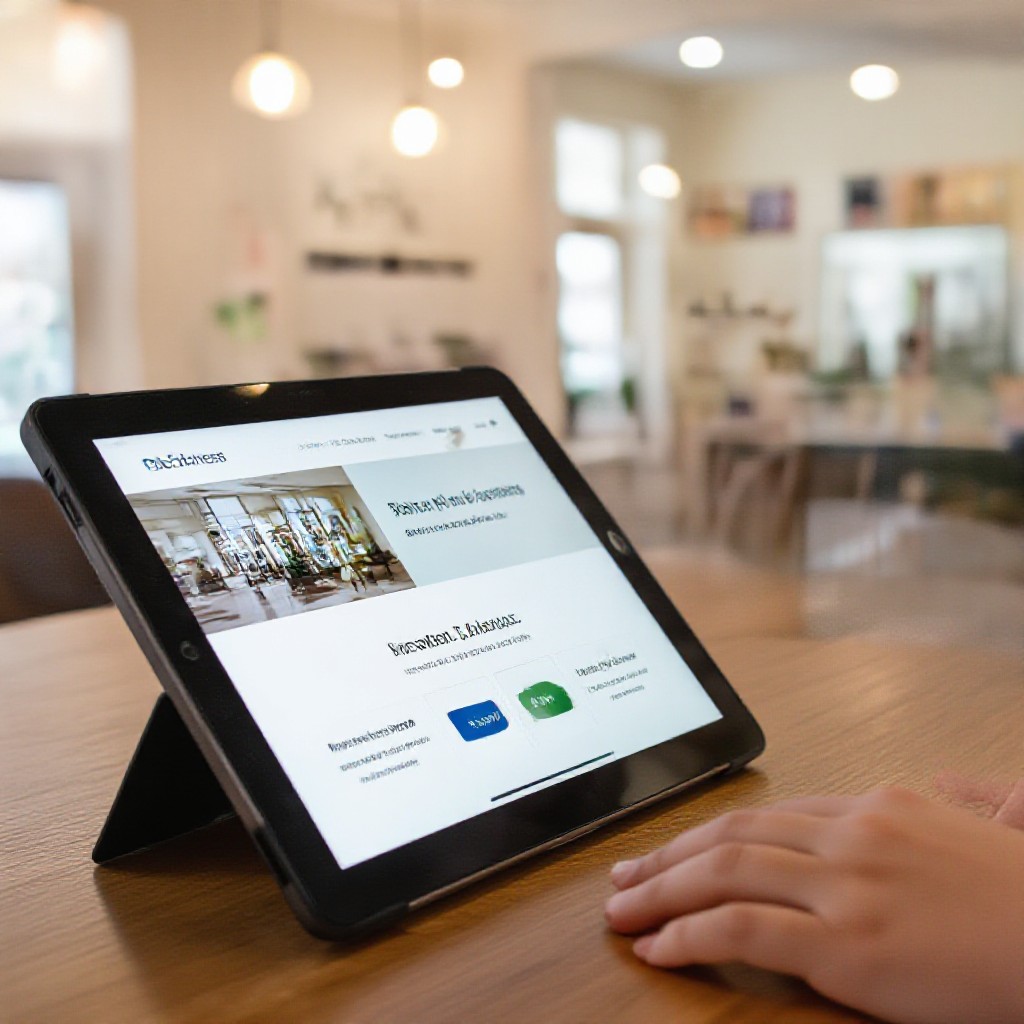
free small business websites
How even free websites can grow credibility, improve local SEO, and turn visitors into customers — plus when to upgrade to a professional site.
You don't need a big budget to get online. A well-made free website or a simple one-page site can dramatically improve discoverability, trust, and enquiries. This page shows how to make the most of a free site and when a paid, professional option becomes worth it.
Why a Website Matters for Small Businesses
Your website is your digital shopfront. Customers check a business online before calling — search, reviews, contact details and clear service pages build trust. A strong website increases visibility on Google, helps people find your services nearby, and converts casual browsers into paying customers.
Core benefits
- Credibility: Websites show you're a real business, open and contactable.
- Discoverability: Proper pages and SEO help you appear in local searches like "plumber near me".
- Control: Your website is a place you own — unlike social profiles that can change rules overnight.
- Conversion: Clear calls-to-action, service pages and testimonials turn visitors into leads.
How Free Websites Help Your Business Grow
Free website platforms (Wix, Carrd, Google Business Website, or a free tier from builders) remove the cost barrier so you can get online fast. Used correctly, they deliver measurable value.
Quick Setup
Go from 0 to live in hours or even minutes. Useful when you need to be listed in directories or respond to seasonal demand.
Zero Upfront Cost
Perfect for testing a new service, market or location without financial commitment.
Immediate Credibility
A simple site with contact details, clear services and a few photos dramatically reduces friction for customers deciding whether to call.
Best practice for free sites: use a clear business name, consistent contact details (same as Google Business Profile), service pages with short descriptions, and at least 3 photos of your work. Even a single-page site with these elements will improve calls and enquiries.
Free vs Paid: What to Expect
Free Sites — Good For
- Listing your business online fast
- Simple brochure-style presence & contact details
- Testing a new service or location
- Low-traffic seasonal promotions
Professional Sites — Good For
- Serious local SEO and Google rankings
- Custom branding, faster load times, full control
- Unlimited updates and analytics
- Higher conversion rates and ongoing growth
How to start free and scale later
- Launch a free site with consistent NAP (Name, Address, Phone).
- Claim your Google Business Profile and link the site.
- Track calls and enquiries — if volume grows, upgrade to a pro plan for SEO and conversions.
- Use a professional service that allows easy migration so you keep your content and domain.
Simple SEO Tips for Small (and Free) Sites
On-page basics
- Title tags: one clear sentence with your service + location (e.g., "Plumber Sydney — Same Day Help").
- Meta descriptions: short benefit-focused summaries to boost click-throughs.
- Headings (H1/H2): use one H1 per page and descriptive H2s for services.
Local SEO
- Claim and verify Google Business Profile and keep hours & phone consistent.
- Add your address and a Google Map to your contact page.
- Collect reviews — they drive local rankings and trust.
Content & keywords
- Write short service pages (300–600 words) answering customer questions.
- Use simple keywords customers search for ("emergency electrician near me").
- Include FAQs to answer common queries and capture featured snippets.
Performance
- Use compressed images and avoid heavy sliders.
- Prefer single-column mobile-friendly layouts.
- Test speed with PageSpeed Insights and aim for under 3s on mobile.
Turn Visitors into Customers
Clear contact points
Show your phone number prominently and allow one-click calling on mobile. Include an email and brief contact form (or link to your messaging channel).
Trust signals
Display 3–5 before & after photos, customer testimonials, and any industry accreditations — these small elements increase conversions significantly.
Service pages with CTAs
Each service should have a concise page with benefits, price ranges (if possible), and a strong call-to-action like "Get a free quote" or "Call now".
Track and iterate
Use simple analytics to see which pages convert. Improve the least-performing pages first — small changes often yield big gains.
When to Upgrade to a Professional Website
Free sites are a fantastic starting point. Upgrade when traffic or expectations grow — professional sites offer faster speeds, advanced SEO, unlimited updates, and analytics that help scale customer acquisition.
You need better SEO
Full control of meta tags, schema markup, and page structure for competitive local rankings.
You want higher conversions
Custom design, faster load times and conversion-optimised layouts increase leads.
You need ongoing changes
Subscription services that include unlimited updates save time and money compared to hourly developer rates.
Why many businesses move to subscription services
Subscription services (like Congero) combine professional design, local SEO optimization, hosting, domain, SSL and unlimited text-in updates for a predictable monthly cost. That predictable price and fast turnaround lets you focus on running the business while your website brings in customers.
Frequently Asked Questions
Are free websites really effective?
Will a free site hurt my SEO?
How do I measure if my website is working?
What if I outgrow a free site?
Ready to get online (for free or professionally)?
Start with a free site to claim your place on Google — or choose a managed subscription that handles SEO, hosting and unlimited updates so your website keeps getting better.
Pro tip: If your free website starts generating leads, upgrading to a professional plan can often pay for itself in increased enquiries and better search rankings.
