best free website builders for local business directory 2025
How to pick a free builder that helps your directory rank locally, convert visitors and scale when you need more power.
Directories are different to brochure sites — they need search, maps, structured data and fast search results. This guide compares the best free builders, explains SEO steps specific to directories and shows when a managed subscription is the smarter long-term choice.
Why a local business directory needs a proper website
A directory is more than a list of businesses — it's a search and discovery engine for a local area. Visitors expect:
- Fast, relevant search (by category, suburb, rating)
- Clear, mobile-first listings with contact actions
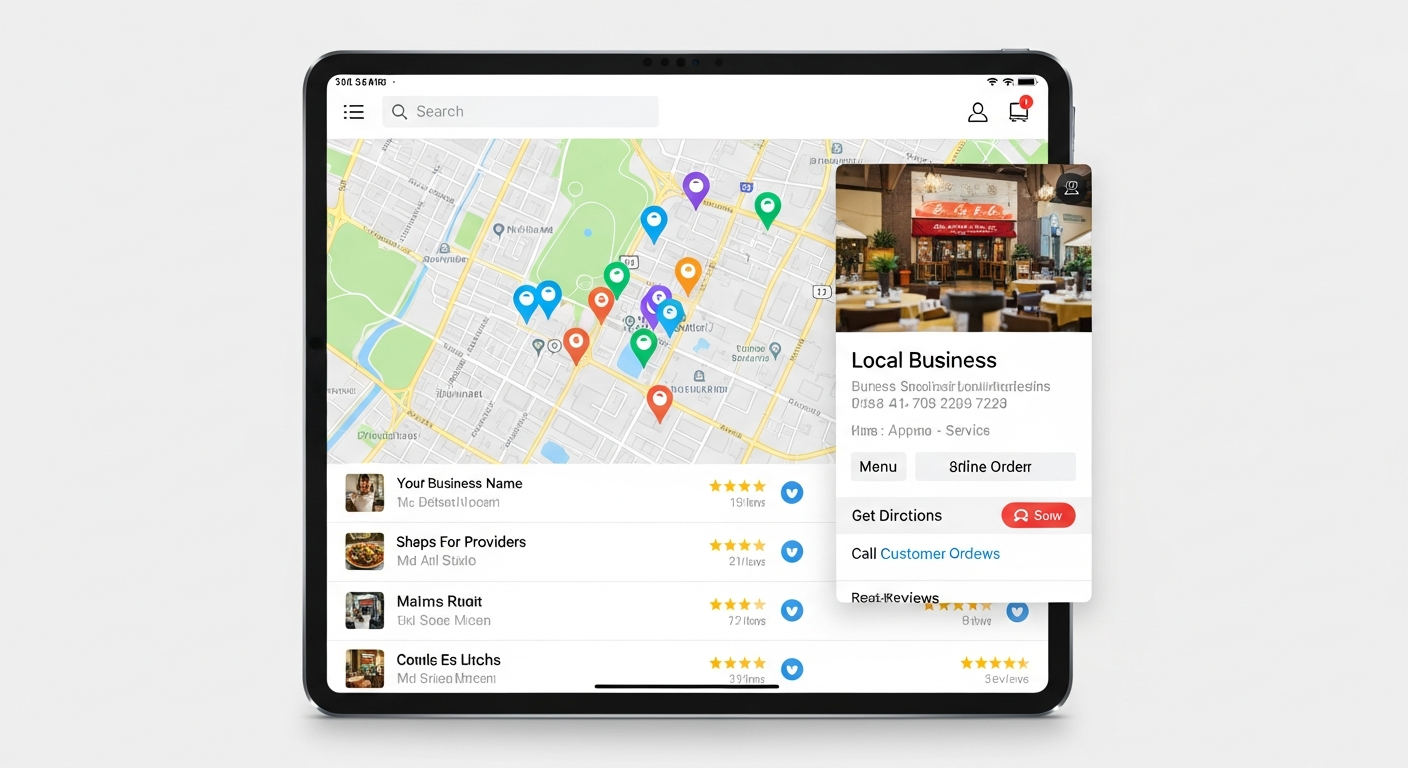
- Map integration and click-to-call directions
- Structured data so Google understands listings
Many free builders can deliver these basics — but there are trade-offs (ads, limited search, basic SEO). This guide helps you choose the right platform for short-term testing and long-term growth.
Best free website builders for local directories (2025)
A practical comparison — what’s free, what’s limited, and which option suits a directory MVP.
| Builder | Free plan limits | Directory-friendly? | When to use |
|---|---|---|---|
| WordPress (Self-hosted with free themes) | Software is free; hosting costs apply. Full plugin ecosystem (Search & listings) | Excellent | When you want full control & scalable search (use free plugins to start) |
| Wix (Free) | Wix ads, wixsite.com subdomain, limited database features | Okay | Quick MVP with visual editor; limited for large directories |
| Google Sites (Free) | No SEO control, basic pages, no advanced search | Limited | Very small, non-commercial directories or internal lists |
| Weebly (Free) | Weebly branding, limited apps, subdomain | Okay | Simple local directories with small listing counts |
| Carrd (Free) | Single-page focus, not built for dynamic listings | Not ideal | Single-location mini-directory or city landing page |
When to pick WordPress
You need custom search, many listings, schema support and plugin-based monetisation. WordPress scales and has many free plugins for directory features.
When to pick Wix or Weebly
You want a visual builder and a fast MVP without installing software. Expect branding and limits on dynamic content unless you upgrade.
When to pick Google Sites or Carrd
Use for very small, internal or proof-of-concept directories. These are cheap and quick but poor for discoverability and growth.
Essential features a directory website needs in 2025
- Fast, faceted search — search by category, suburb, service, price range and sort by distance or rating.
- Map integration — pin listings, click-to-call and directions (Google Maps or open alternatives).
- Structured data (schema.org) — LocalBusiness and Review schema for each listing so Google can display rich snippets.
- Performance — server-side search or indexed data for instant results on mobile.
- Business submission workflow — owners can claim or submit listings easily.
- Monetisation options — featured listings, ads, or premium placement when you grow.
Quick plugin & feature tips (WordPress)
- Use free directory plugins (e.g., Business Directory Plugin, GeoDirectory) to start.
- Offload search to a lightweight indexed solution (ElasticPress or WP-Search with caching) for speed.
- Add JSON-LD for each listing page to improve rich result potential.
Local SEO checklist for directory sites
Directories can rank strongly for local queries when you follow the basics and optimise listing pages.
- Unique title & meta for each listing: include business name, service and suburb.
- Use LocalBusiness schema: include address, phone, openingHours, geo coordinates and sameAs links.
- Structured data for aggregate pages: breadcrumbs, Category schema and SearchAction for on-site search help Google understand site structure.
- Google Business Profile integration: link and surface verified details where possible — synced contact info helps ranking consistency.
- Mobile-first content: ensure listing cards are compact, contact actions prominent and pages load under 3s.
- Internal linking: interlink related businesses, category pages and suburb pages to distribute link equity.
Implementing these on free builders is possible — but can require workarounds. Self-hosted WordPress gives you the most control over schema and meta tags on a budget.
Free builders vs managed subscription: what you trade off
Free builders
- Zero software cost to start (may include platform ads, subdomain)
- Fast visual editing and templates
- Limited dynamic features, schema and search options without upgrades
- Hidden costs: upgrades to remove branding, better search, and custom domains
Managed subscription (professional)
- All-inclusive: hosting, domain, SSL, performance tuning and SEO
- Faster time-to-live and hands-off updates (ideal if you need to scale)
- Better local SEO setup and structured data handled for you
- Predictable monthly cost vs uncertain upgrade fees on free builders
Where Congero fits
If you want a directory that converts and ranks locally without the technical overhead, Congero (Australia’s AI-powered web design agency) offers professional, mobile-first sites, local SEO, domain and hosting in a predictable subscription. You can start quickly and scale — and you still retain ownership of your content and domain.
Short test idea: launch a small MVP on a free builder. If growth is steady, move to a managed plan to unlock better search, faster performance and unlimited updates.
How to launch a local directory using free builders (step-by-step)
1. Define scope & data model
Decide the categories, required fields (phone, address, opening hours, geo), and optional fields (photos, services, price range).
2. Choose your builder
For a no-cost MVP: Wix or Weebly. For full control and schema: WordPress (free software + affordable hosting). Google Sites only for experiments.
3. Build listing templates
Create a single listing page template with H1 (business name), address block, contact actions, map, services list and JSON-LD script for LocalBusiness.
4. Add search & categories
Use collections (Wix) or custom post types (WordPress). Prioritise fast filters and a suburb selector for mobile users.
5. Launch, measure, iterate
Install analytics, track search terms, most-clicked listings and bounce rates. Iterate search UX and listing detail content based on real behaviour.
Want to skip the setup and get a directory that ranks locally?
See How It WorksMonetisation ideas for local directories
- Featured listings — premium placement in search and category pages.
- Local ads — banner or sidebar ads from local partners.
- Lead referrals — charge per lead or contact form submission.
- Memberships — sell enhanced profiles with more photos, video and booking links.
Frequently asked questions
Can I build a directory entirely for free?
Is WordPress free the best choice long-term?
How important is structured data for listings?
When should I move from a free builder to a managed service?
Get a directory that actually attracts local customers
Start with a free builder to test your idea. When you're ready to rank and scale, consider a managed approach for consistent local SEO, performance and unlimited updates.
Want hands-off setup, local SEO and fast launch? Congero builds and optimises directory-style sites with hosting, domain and unlimited updates for a predictable monthly fee.
