
best free small business website builder
How free website builders help small businesses get found, win customers, and grow with SEO
Free website builders are an excellent way for cash-strapped small businesses to launch a professional, mobile-ready website quickly. This guide explains what works, what to expect, and how to use free tools to improve search visibility and drive customer enquiries in 2025.
Launch without upfront costs
Responsive templates for any device
Meta tags, friendly URLs, sitemaps
Go live in hours, not weeks
Why free website builders work for small businesses
Free website builders let small businesses get online with minimal cost and effort. In 2025, most free plans include professionally designed templates, mobile-first layouts, and basic SEO tools — everything a small local business needs to start being found online.
Speed to market
Free builders remove the bottlenecks: no design briefs, no quoting cycles. You can pick a template, add your content, and publish in a few hours — perfect for trades, cafes, and local services that need leads fast.
Low cost, low risk
With zero upfront fees you can test demand, try content strategies, and validate offers before investing in premium services. If growth follows, you can upgrade or switch to paid plans when the time is right.
Mobile-first templates
Most free builders prioritise mobile layouts because mobile traffic dominates. That means your pages look great on phones without extra design work — essential for customers searching on the go.
Simple editing tools
Drag-and-drop editors, pre-built blocks, and text-in-place editing let business owners make changes without developers. That means faster updates to specials, opening hours, pricing, and seasonal services.
How free website builders help your SEO — and what to do first
Good SEO turns visitors into customers. The best free builders give you the core elements — page titles, meta descriptions, clean URLs, and sitemap support — so you can rank for local searches quickly. Follow the checklist below to get the most SEO value from a free site.
SEO setup checklist
- Unique page title and meta description for each page
- Descriptive headings (H1/H2) with target keywords
- Readable, keyword-rich content for services and locations
- Clean URLs and an auto-generated sitemap
- Schema markup for local business and opening hours (if available)
- Fast images (compressed) and lazy-loading enabled
Local SEO quick wins
- Add your suburb/region to titles and service pages
- Display contact details in HTML (not images)
- Include opening hours and service areas
- Collect and show customer reviews (text snippets)
- Link your site from local directories and social profiles
Practical advantages: turning visitors into customers
A free website isn't just about being online — it's about converting traffic into enquiries. Focus on these practical elements to get measurable results.
Clear contact points
Phone, email, and a short contact section on every page make contacting simple and immediate — which increases conversions.
Promote availability
Highlight same-day service, emergency response or weekend hours to capture customers ready to buy now.
Trust-building images
Use real photos of your team and work samples. Even a simple gallery increases trust and click-to-call rates.
Specials & offers
Feature a visible special or first-time customer discount to turn browsers into paying customers.
Customer proof
Short testimonials and before/after photos boost credibility without complicated integrations.
Track what works
Add analytics to see which pages drive calls and which keywords bring customers; then optimise the high-value pages first.
Limitations to watch for (and how to avoid them)
Free plans are powerful, but they come with trade-offs. Know the common limitations and practical workarounds so your site keeps performing as your business grows.
Limited SEO features
Some free plans restrict advanced schema, redirects, or meta controls. Workaround: prioritize core on-page SEO and plan to upgrade once traffic grows.
Platform branding
Free plans often show provider branding in footers. If that matters, upgrade or add a simple custom footer when your budget allows.
Feature limits
E-commerce, multi-location features, or advanced integrations may require paid plans. Start with the essentials and add features when sales justify the cost.
Portability & backups
Not all platforms make content export easy. Keep copies of your pages (text and images) and your domain details so migration is painless if you switch later.
Step-by-step: Launch a high-converting free website in a day
Follow this checklist to build a website that attracts local customers and ranks in search engines.
- Plan your pages: Home, Services, About, Contact, and a location page per service area.
- Write short service descriptions: Focus on outcomes (fast repairs, same-day quotes).
- Add contact info in header/footer: Phone number should be one tap to call on mobile.
- Choose clear CTAs: Book now, Call now, Get a quote — keep it visible.
- Upload real photos: Team shots and recent jobs outperform generic stock images.
- Set up basic SEO: Titles, meta descriptions, H1s, and a sitemap submission.
- Install analytics: Track calls and form submissions to measure ROI.
Quick content tips
- Use short sentences and clear benefit statements (what you fix, how fast).
- Mention suburbs and service areas naturally in page copy.
- Include an FAQ that answers top customer objections (price, turnaround, guarantees).
- Highlight one specific offer on the homepage to drive immediate enquiries.
Getting started: free builder vs managed option
Free website builders are ideal for testing and low-cost launches. As traffic and enquiries grow you have two clear paths:
DIY with a free builder
- Zero upfront fee
- Full control over content and updates
- Good for validating demand and testing offers
- May require paid upgrade for professional features
Move to a managed service when you scale
When enquiries become consistent, consider a managed solution that handles ongoing SEO, backups, and unlimited content updates — freeing you to focus on customers.
- Faster technical fixes
- Advanced SEO and analytics
- Predictable monthly pricing for growth
Recommended path for small businesses
Start with a free builder to validate demand. After you receive consistent leads (usually within weeks), upgrade to a paid plan or a managed provider that focuses on local SEO and conversion optimisation.
No credit card required to explore options. Link takes you to a quick demo sign-up.
Frequently asked questions
Is a free website good enough for getting customers?
Can I rank on Google with a free builder?
What costs should I plan for later?
Should I use a template or customise everything?
When should I switch to a paid or managed service?
Ready to launch your small business site?
Start with a free website builder to validate your offer and start getting customers. When you're ready to scale, consider a managed approach for advanced SEO, unlimited updates, and proactive analytics.
If you prefer a done-for-you option, managed services can save time and improve local search results as your business grows.
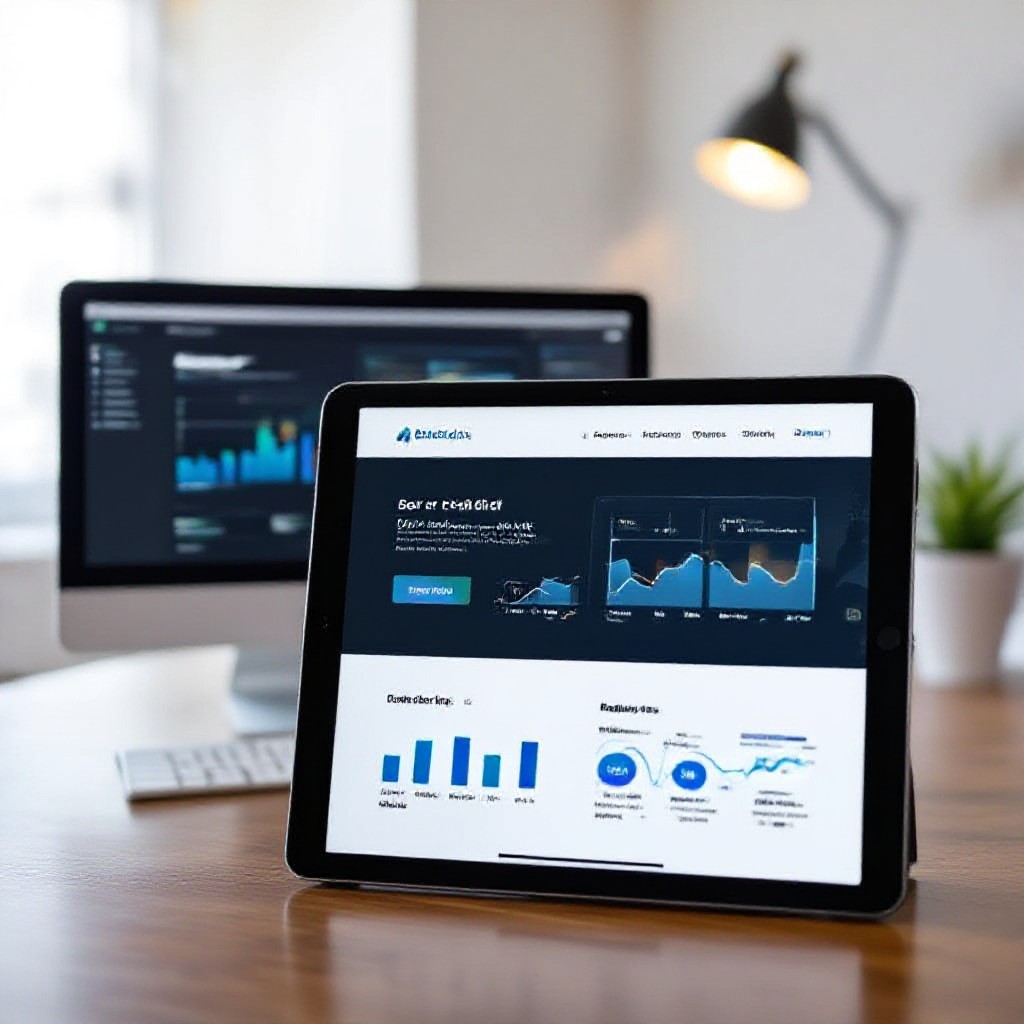
Example: A single service page optimised for local keywords can start ranking in weeks when paired with local citations and consistent NAP (name, address, phone) details.
