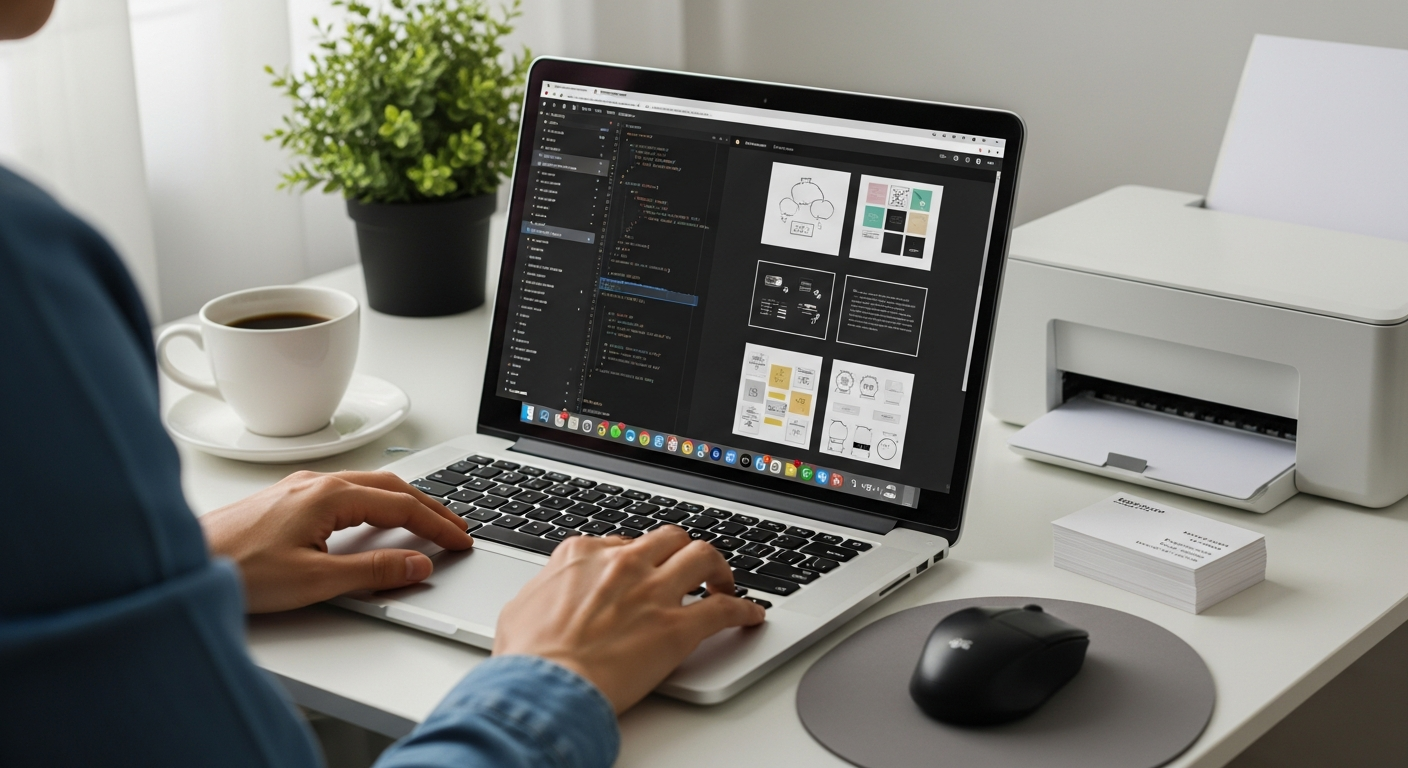
a free website builder
How small businesses can use free website builders to build credibility, improve online presence, and capture SEO opportunities
Free website builders are a pragmatic starting point for many small businesses. This page explains what they do well, where they fall short, and clear steps to get the most value from a free plan without unrealistic expectations.
What is a free website builder?
Free website builders are hosted platforms that let you assemble a site from templates, drag-and-drop blocks, and simple settings. They remove technical barriers — no hosting setup, no FTP, and usually a visual editor that works in the browser. Most builders offer a free tier with limited features and optional paid upgrades.
- Responsive templates
- Drag-and-drop page editor
- Basic SEO settings (title + meta description)
- Free subdomain (yourname.platform.com)
- Built-in hosting and SSL on many platforms
Free plans are ideal for testing ideas, creating a professional placeholder, or launching quickly when budget and time are limited. Below we cover how to use those strengths to build credibility and get search visibility.
How a free website builder helps build credibility
Credibility online starts with clarity: who you are, what you do, and how customers can contact you. Free website builders make it straightforward to present that information clearly and professionally.
Clear, consistent branding
Use a simple logo, consistent colours, and a concise value statement on the homepage. A well-structured homepage reduces friction and increases trust.
Prominent contact details
A visible phone number, email, and service area communicates reliability. Even on a free plan, add a clear "Contact" or "Enquire" section and ensure links open on mobile.
Security & trust signals
Many free builders include HTTPS automatically. Displaying a secure padlock and privacy policy reassures visitors and supports search ranking.
Accurate service pages
Create dedicated pages for core services with clear pricing or starting prices, service areas, and brief process descriptions. Focused pages make your business look organised and competent.
Using a free builder to improve your online presence
A simple, well-structured website helps customers find you and understand your services. Here are practical ways free builders can increase visibility.
Local visibility
List service areas, include a Google Business Profile link, and add addresses if relevant. These actions improve local search relevance.
Mobile-first presence
Visitors often search from phones. Free builders' responsive templates ensure your content is readable on small screens.
Social & directory links
Link your social profiles and add directory citations (industry directories, local listings). They reinforce credibility and help with discovery.
- Publish a clear homepage and a services page.
- Create or claim your Google Business Profile and link it to your site.
- Add consistent contact details and business hours.
- List service areas and target towns you serve.
SEO opportunities when using a free website builder
A free builder won't automatically rank you first, but it does provide the building blocks for search engine optimisation (SEO). Use these tactics to get the most organic traffic from a no-cost plan.
On-page SEO basics
- Page titles: Make titles unique and include one primary keyword (e.g., "Electrician in Suburb — Emergency Repairs").
- Meta descriptions: Concise summaries that encourage clicks (approx. 120–160 chars).
- Headings: Use H1 for page title, H2s for sections — keep structure logical.
- URLs: Keep them short and descriptive (example.com/service-name).
Content that helps
Write clear service descriptions that answer customer questions. Short, helpful pages with practical details often perform better than long, generic pages.
Technical SEO basics
Ensure the site is crawlable, that there is an indexable sitemap (many builders provide this), and that pages load quickly on mobile.
Measuring results
Connect Google Analytics or a lightweight tracking script supported by the builder. Track sessions, top pages, and which pages lead to contact form submissions or clicks on phone numbers.
Goal: Identify the pages that attract visitors and improve the ones that don’t.
Limitations to know about free website builders
Free plans are useful, but they come with trade-offs. Understand these upfront so you can plan when and how to upgrade if needed.
Platform branding & subdomains
Many free plans display the builder's branding and give a subdomain (yourname.platform.com). A custom domain looks more professional and is often a paid upgrade.
Feature restrictions
E-commerce, advanced SEO controls, form integrations, and analytics may be limited or unavailable on free tiers.
Portability
If you later decide to move away from the builder, exporting design and content can be difficult. Plan for the long term if ownership or full portability matters to you.
Upgrade when you need a custom domain, remove platform branding, sell products, or want full control of advanced SEO and analytics.
Quick start checklist for small businesses
Follow these steps to launch a practical, credible site on a free plan:
- Choose a recent, industry-appropriate template. Look for clear headers, a contact block, and mobile-friendly layout.
- Create a concise homepage. Clear headline, one-line summary of services, and a visible contact button (tel: link).
- Add dedicated service pages. One page per main service with short, keyword-focused descriptions.
- Publish contact and business info. Address, service area, hours, and multiple contact methods.
- Set SEO basics. Update page titles and meta descriptions, add alt text to images, and submit the sitemap if supported.
- Claim or link your Google Business Profile. Confirm that the website URL in your listing matches the live site.
- Install analytics if available. Track visits, which pages are working, and where visitors come from.
Simple optimisation tips that work on free plans
Compress images
Large images slow pages. Resize to the approximate display size and use compressed JPEG/WEBP where the builder allows.
Limit third-party widgets
Extra scripts (chat widgets, heavy analytics) can slow load times. Add only what you need initially.
Use concise headings
Short, descriptive headings help users scan pages and help search engines understand content.
Internal linking
Link between related service pages to help visitors explore and to spread relevance for search engines.
Frequently asked questions
Is a free website builder good enough for a small local business?
Can I use my own domain with a free builder?
Will a free builder hurt my SEO?
How do I measure whether the site is working?
Start with what works
A free website builder can give your business a clear, credible online presence quickly. Follow the checklist above, measure results, and upgrade when your needs outgrow the free plan.
Note: If you later need faster turnarounds, unlimited updates, or an all-in-one managed site (domain, hosting, SSL, and local SEO handled), there are subscription services that handle those tasks for a predictable monthly fee.
